



How to Convert Your Lovable Web App into a Native App
Published on:
6 April, 2026

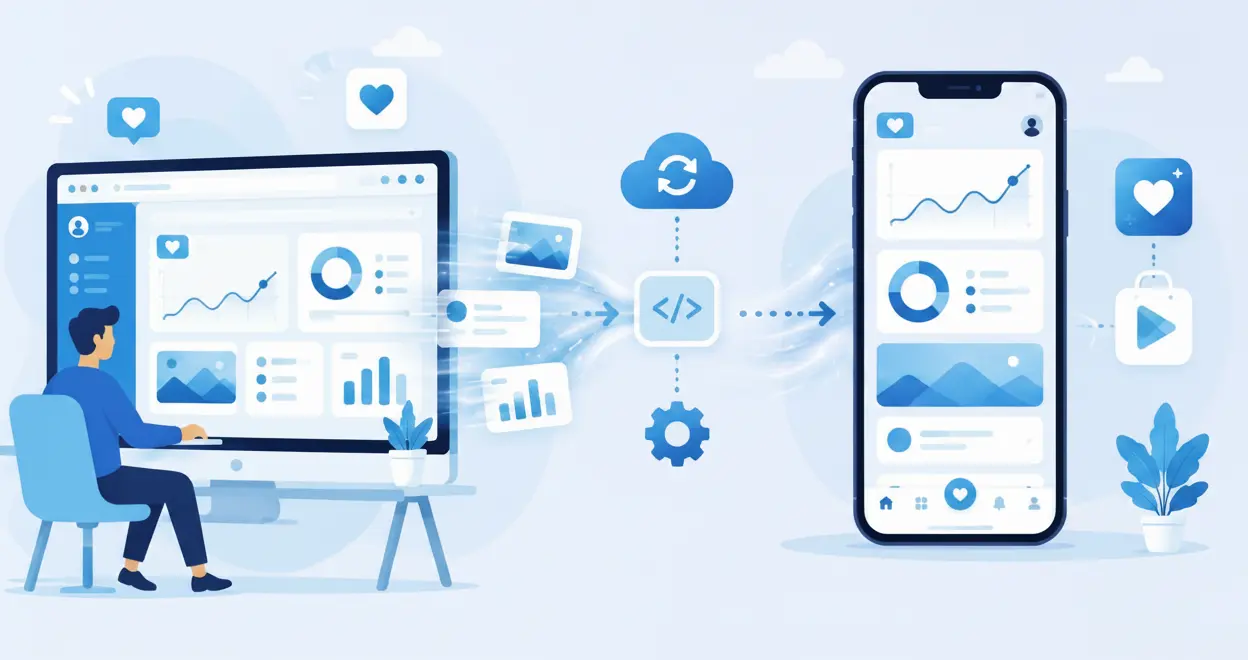
Developing an Android or iOS app from a lovable web app means placing your existing website app into a mobile shell. It allows you to add features such as push notifications, biometric authentication, deep linking support, camera access, and other mobile capabilities.
In this blog, you will understand how to convert your lovable web app into a native app, an easy step-by-step method, and best practices to ensure a smooth and reliable transformation.
How Lovable is a Game-Changer?
Lovable is an AI-powered website builder that lets you create a fully functional web application by just chatting with it. It manages your entire process of making a web app from the beginning to the end, such as frontend, backend, user interface design, and deployment. This flexibility makes it easier and faster to build a native app from a web app.
Additionally, you do not need to redesign the app or anything, as the existing codebase of the lovable app functions the same and simply unlocks mobile-only features.
Is It Worth Converting Your Lovable Web App Into a Native App?
You know, transforming your lovable web app into a native app provides you with multiple advantages, such as:
-
Access to Mobile Features Some major features cannot be supported by the browser, such as push notifications, file storage, camera access, background tasks, and so on.
-
Work Smoothly in Low or No Internet Areas No need to worry about your data if you are in a low or no-internet network area, as it permits you to cache content and save important data.
-
Expand Your Reach Most users prefer installing an app rather than saving a website, so being visible on the app stores increases the app's visibility and reliability.
-
Enhance User Engagement As native apps open instantly and feel more effortless to use, people stay connected regularly and spend more time on your app.
How does WebToNative help convert your lovable website into a native app?
WebToNative works like a bridge between your web app and native app. It transforms your lovable web app into mobile app for Android and iOS platforms. Like Lovable, you don't require coding or any technical knowledge to develop an app with WebToNative. The platform will guide you through the entire process of conversion from customizing your native app to launching it on the Play Store or App Store.
Below are some benefits of using WebToNative for the conversion:
-
Push Notification Push notifications are directly sent to the user’s mobile device in real-time. It encourages users to take an action, such as opening a discount or offer notification by clicking on it.
-
Production-Ready App It builds production-ready apps from your current website. Their 24/7 support assists you during the entire publishing process and shares the do's and don'ts of publishing your app.
-
Extensive Add-Ons It offers a wide range of add-ons to add advanced functionality to your app. It includes Google AdMob, social login, haptic feedback, a barcode scanner, biometric authentication, Firebase notification, Stripe, and many more.
-
No Rebuilding With WebToNative, you don’t have to build apps for different platforms. You only need a website to develop an app for different platforms. It supports Android, iOS, Linux, Windows, and Mac app creation with a single website URL.
Step-By-Step Process to Convert Your Lovable Website into Native App with WebToNative
Before you begin the conversion process, you must have a few basic requirements:
Check and confirm that your lovable app is ready for mobile device support, because
-
Your app must be hosted on a public HTTPS URL
-
Check every feature of your web app across different device sizes
-
Update desktop-only features that could not fit on the mobile devices.
-
Select user actions, such as login, signup, messaging, etc.
Now below are the steps to follow for a successful app conversion.
Let’s Get Started. Navigate to WebToNative.
Step 1: Enter your lovable website URL.
Step 2: Select the platform—Android, iOS, or both.
Step 3: Enter the name of your app. And add the email address to get notified.
Step 4: Click on “View Your Demo” Now to move forward in the process.
Step 5: You will be taken to the checkout page. Now, download the app for Android and iOS.
Step 6: Test your app across different devices for proper functioning.
Step 7: You can edit or add the features in your app after testing.
Step 8: After testing and customizing your app, you can publish it on the Play Store or the App Store.
Why are businesses switching to native apps?
1. Boost User Interaction
A mobile app for your business makes it easier for users to access it anytime from anywhere. Users often return to your app as it is visible on their mobile phones. This leads them to long-term engagement.
2. Turn One-time users into Loyal Customers
A native app runs effortlessly and quickly as compared to a mobile browser. The features like push notifications attract users instantly and bring them back again and again. Over time, it makes the brand image more consistent, reliable, and trustworthy.
3. Keep Your Brand’s Visibility at the Top
When a user finds your app on the Google Play and Apple App Store, it instantly builds your customers’ trust and your brand’s presence. It directly attracts new users to find your lovable app without any extra marketing or forceful installation.
4. Accelerate Customers’ Actions
The mobile app provides a faster and more natural feel. It cuts off the wait for reloading or logging into the page. People can complete their tasks quickly with an easy-to-flow interface, impacting the overall user satisfaction.
5. Stay Connected Anytime, Anywhere
You can reach your customer instantly through push notifications. This way, you do not need to depend on browsers and email alerts to grab their attention. It not only helps in returning the customer but also reconnects them with your Lovable mobile app.
6. Higher Conversion Rates and Less Drop-Off
As everything feels easier and faster to use, the app converts more users. These smoother steps reduce the chances of a drop-off. As an outcome, you will see more signups, orders, and completed actions overall.
7. Stand Out from the Competition
However, people are becoming more digital nowadays, but some competitors are still running web-based apps. Providing a native mobile app will help you stay competitive in the digital market. Additionally, it showcases the users that you believe in quality and convenience.
8. Higher Conversion Rates and Low Drop-Off
Everything feels easier and faster to use. The app converts more users into buyers. These steps reduce the chances of drop-off. As a result, you will see increased signups, orders, and completed actions.
Real Examples of WebToNative Building Lovable Apps
1. Belitta
Belitta is a beauty-at-home booking platform allowing users to schedule hair, makeup, manicures, pedicures, and other professional services to come to their doorstep. Belitta chose WebToNative to publish its iOS app on the Apple App Store, converting bookings into a native mobile app experience and growing its beauty professional network.
2. Together With Kai
Together With Kai is an emotionally aware social platform that starts with a private AI companion for judgment-free reflection, then opens into a kinder community built around honesty with shared watch parties and creative expression tools. Kai’s used WebToNative for launching their Android and iOS app to bring an emotional and safety-first experience.
3. Bible Heart
Bible Heart helps users memorize Bible verses smoothly through poems, songs, and other interactive challenges built on spaced repetition, designed to work for kids, adults, and entire families also. The Bible Heart app was built using WebToNative, turning a verse-learning website into a native app for both Android and iOS platforms. It helps people make daily scripture memorization easy to carry anywhere.
Frequently Asked Questions
Q1. Can my current lovable website become a mobile app?
A. Yes, you can easily transform your current lovable website into mobile app with no-code platforms like WebToNative.
Q2. Do I need any technical skills to publish my lovable mobile app?
A. No, you don’t require any technical skills. You should follow the publishing guidelines carefully for the successful publishing of your mobile app.
Q3. If I make changes in the lovable web app, will they be reflected in the app also?
A. Absolutely, you get the live version of your lovable web app inside the native container. That is why any changes you make on the lovable website will instantly show up in your native Lovable app.
Q4. Can I test the app before launching it on the app stores?
A. Yes, you can check the performance and functionality of your lovable app by downloading it on different devices.
Q5. What if I need a more advanced mobile feature later on?
A. You can upgrade the plan anytime. WebToNative lets you add as many features as you want, like social login, APIs, deep links, biometric authentication, and more. View all the WebToNative Features.
Conclusion
Building a lovable website was just the beginning. The next step is to take your website to mobile app with WebToNative. This is one of the best ways to reach new customers while enabling mobile features. It means you get access to benefits, like fast performance, notification alerts, advanced presence, and much more.
The steps are few, the setup is easy, and the results are unbeatable. Test it on different mobile devices and publish it on app stores to see how your business's digital presence boosts.
Similar Blogs