



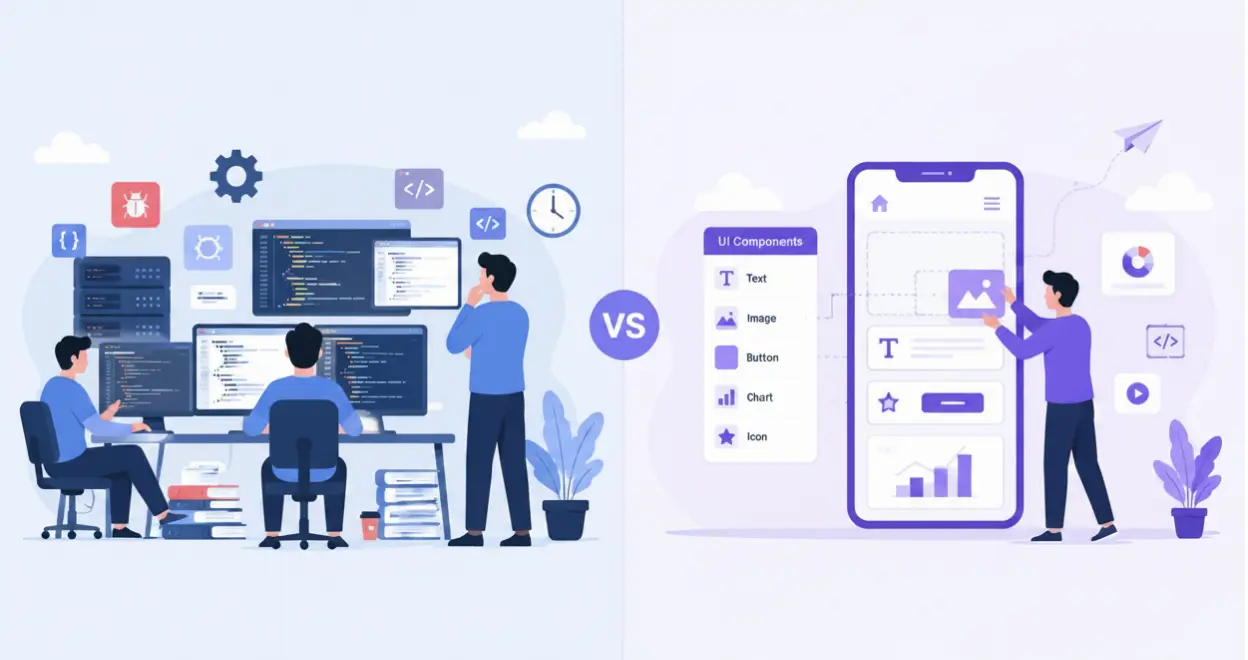
Traditional App Development Vs Low-Code App Development: Which is Better?
Published on:
7 May, 2026

Months of development, expensive developers, and exceeding budgets, this is the story of many businesses struggling to build a mobile app through the traditional app development process. After so much patience, when they finally launch their app, the market has turned around and users' demand changes. Low-code app development reduces these problems at once.
In today’s fast-growing technology, businesses have shifted to a low-code or no-code app development process to keep pace with market trends and fulfill user demands.
According to Gartner,70-75% of businesses will develop mobile apps using low-code or no-code platforms by 2026.
This blog will make you aware of everything you need to know about traditional and low-code app development.
What is traditional app development?
Traditional app development is the process of manually coding the entire app from the beginning. It means developing a mobile app using programming languages such as Java, Python, HTML, CSS, or more. This method of app development takes months of planning, coding, testing, designing, and reviewing to build a highly scalable and customizable mobile app. It requires a fully extensive budget, skilled developers, long-term maintenance, and development environments.
What is low-code app development?
Low-code app development is a visual approach to building mobile apps using pre-built templates, drag-and-drop elements, and minimal coding to add custom functionality. It reduces the time taken for the entire app development process. This is an ideal method for startups or even organizational-level businesses because it is highly customizable, adaptive in workflows, and increases speed & productivity. The biggest advantage of low-code app development is that it is more affordable than traditional app development and non-technical-friendly.
Benefits of Low-code app development
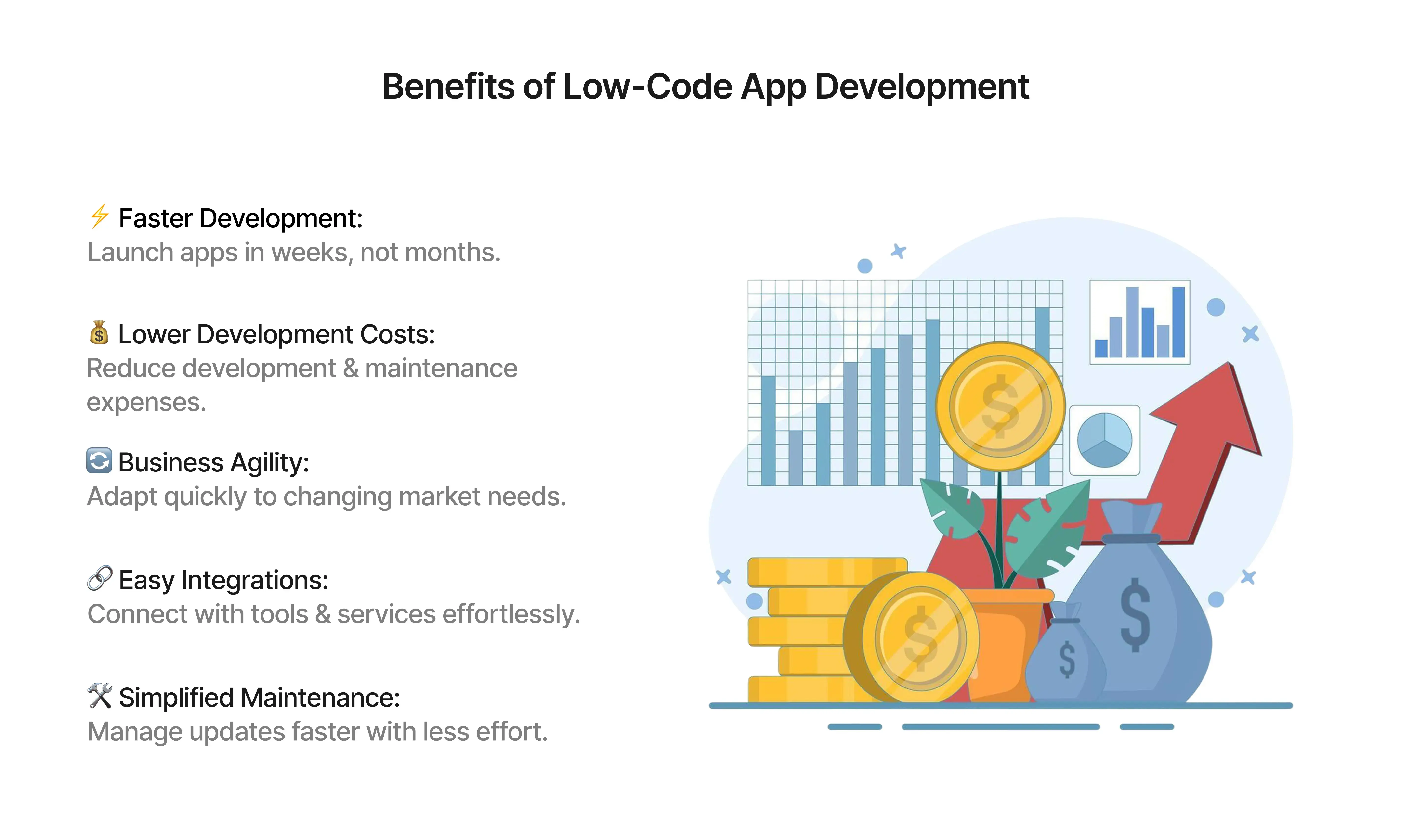
1. Faster App Development
Low-code apps are built within a few weeks, while traditional apps take months to build. Instead of extensive coding, your team uses a ready-made building app with visual tools to fast-track the app development process.
2. Affordable Development Cost
According to Kissflow, businesses save up to 70% on development costs. You require a few developers to maintain and handle the app, which is more affordable than traditional app development.
3. Reduces Friction Between Businesses and Technology
The most important benefit of using low-code app development is reducing friction between business and technology. Traditional apps' functionality and development take time, and new market trends arise. At the same time, apps built with low-code help you meet market trends at the right time.
4. Integration with Apps
Low-code apps come with ready-to-integrate multiple apps. With traditional apps, you spend months or weeks to integrate the functionality of an app.
5. Maintenance without Headache
Low-code app changes are instant and streamlined. While traditional apps are updated, they turn into bigger projects. Teams with low-code apps spend less time on maintenance and more time on things to accelerate user experience.
Traditional App Development vs. Low-Code App Development
| Feature | LOW-CODE APP DEVELOPMENT | TRADITIONAL APP DEVELOPMENT |
|---|---|---|
| Development Period | Within days, using drag-and-drop tools | 6 to 9 months when developing from scratch |
| Coding Skills | Basic knowledge about coding | Hire skilled developers |
| Cost of Development | Lower | Higher |
| Ease-of-Use | User-friendly | Requires extensive coding |
| Customizations | Limited but extendable | Highly customizable with complete control |
| Deployment | Quick and one-click deployment | Time-consuming with different platforms |
| Maintenance | Easier with an automated system | Manual maintenance |
| Integrations | Built-in APIs or purchase add-ons | Custom integrations |
Why Do People Prefer Low-Code App Development?
Now, businesses depend on low-code app development for faster app development, saving both time and money. However, traditional app development takes months to build an app with higher development costs and effort. Low-code platforms offer features such as built-in templates, drag-and-drop elements, and native functionality without coding.
Unlike traditional app development, updates and modifications, testing, and reviewing can take days or even months. This lags the businesses behind in meeting the market trends on time. Low-code development helps speed up the complete process, meeting market trends. It simplifies the modification of the features and updates in real-time with evolving user requirements.
Additionally, traditional app development requires repetitive developer coordination, time, and high manual effort, making the process too long to complete. Low-code app development automates continuous communication and functionality within the expected time.
One-Stop Solution for Low-Code Apps Development—WebToNative
Building a mobile app appears to be expensive and a waste of time. WebToNative can change this completely. It transforms your exciting website into mobile app for Android and iOS with all essential native features. The platform offers a live preview of your app with powerful customizations while fulfilling all requirements and market trends, making it ideal for businesses looking for affordable and faster app development. WebToNative is suitable for every business size. It is highly flexible and adaptable according to your workflow. With 20+ add-ons and powerful functionality, it keeps you ahead of your competitors.
Best Practices for Mobile App Development
Some of the best practices that you should consider while developing through low-code development platforms are the following:
1. Implementing Agile Methodologies
Agile methodology focuses on delivering faster results with flexibility, managing tasks, and providing repetitive feedback. This enables businesses to adapt to new technologies and market trends for overall product enhancement. The flexibility and team collaboration lead to quick and positive results.
2. Focus on User Experience
The most important practice for mobile app development is delivering a smooth user experience. This is the key to a successful mobile app in the market. If the user is engaged with the mobile app, it leads to an increase in retention and conversion rate.
3. Market Trends and Growth
Stay updated about the current market trends that will help you stay ahead of the competition. Study the user’s demands and requirements for long-term growth and adding value to the business. View proper data and insights to keep updated about the future problems or challenges you might face.
4. Prioritize Security
Make sure that the mobile app delivers high authentication and security controls for managing user data safely. The mobile app should display the required information to the user. Remind them to update the app on time to prevent loss of information and data.
5. Intuitive Navigation Interface
The users should find it easy to navigate inside the mobile app. The elements, buttons, images, and information should load properly without overlapping the elements. Your content should be clear and structured for the user to move easily between pages and screens.
How is low-code app development changing the future of app development?
Building an app, writing thousands of lines of code, hiring developers, and growing the budget. Low-code app development is changing this scenario. Low-code platforms are widely adopted across industries to develop mobile apps.
According to Gartner's prediction, low-code platforms will power 80% of critical apps globally. The prediction says it all about how businesses are or will be using low-code platforms in the future.
Low-code platforms allow people to build apps irrespective of industry and the size of the business. It reduces the need for manual effort, repetitive tasks, and dependencies on people building the app.
Low-code platforms are helping businesses, startups, non-technical people, and founders to build an app that works according to them and for them. The future of app development is not juggling between lines of code. It is about building faster, smarter, and growth-driven apps.
FAQs
Q1. Is the traditional app development process more expensive than low-code app development?
A. Yes, it is more expensive than the low-code app development process. In this, you only have to pay once or twice a year for maintenance. In traditional app development, you have to pay every month to maintain the system.
Q2. Are low-code platforms secured?
A. Yes, low-code platforms are reliable and secure. They support strong security measures to protect app data without any breaches.
Q3. What is the role of AI in low-code app development?
A. AI in low-code app development helps build a mobile app by prompting the AI assistants and automating repetitive tasks, improving user experience.
Q4. Can the apps built with WebToNative be published on the Play Store or App Store?
A. Yes, apps built with WebToNative are production-ready, but you only have to test and review the app before launching it.
Q5. Is there any difference between the quality of low-code and traditional app development?
A. Primarily not. Low-code app development focuses on speed and a consistent, smooth user experience. While traditional app development is complex to build and maintain.
Q6. Any change in the website will be automatically done in the app also?
A. Yes, any change made in the website will be automatically reflected in the app in real-time.
Q7. Can AI build a low-code app?
A. Yes, AI can build a low-code app by prompting with natural language. It translates into a mobile app with ease.
Q8. Does Low-code app development impact user experience?
A. Yes, low-code apps deliver faster development, more responsive elements, and intuitive designs, making users engage more with the app.
Conclusion
Businesses today don’t want to spend higher development costs and waste their time & effort. The shift towards low-code app development from traditional app development shows how fast the technology is evolving. The best outperforming app is not built with thousands of lines of code. It reaches users faster, solves problems, and makes users keep coming back.
Thus, making a switch to low-code or no-code platforms is made easier with WebToNative. One-stop solution that will convert your website into a mobile app with complete native functionality, essential features, and multiple add-ons.
Similar Blogs