



7 Essential Features of User-Centric App Design
Published on:
24 October, 2026
Have you ever opened an app, waited for it to load, and then couldn’t find the one thing you came for? Most people close it and never come back. Based on data gathered from Luciq, about 15.4% of users uninstall an app after just one crash.
Now imagine two apps. The first opens quickly, shows a clean screen, and lets you finish your task in three clicks. The second throws notifications at you, asks for a long sign-up form, and hides everything in a confusing menu. The first is a user-centric app. The second is not.
User-centric apps are developed around the people using them, so every task feels effortless and simple to do. User-centric apps are designed to make people’s lives easier by saving time and effort. They simplify daily tasks and create a comfortable and enjoyable experience.
Difference Between User-Centric Apps and Non-User-Centric Apps
Still not sure how to tell them apart? The table shows the difference.
| User-Centric App | Non-User-Centric App |
|---|---|
| Built around what the user needs | Built for business development |
| Quick to load and easy to use | Slow and complex to use |
| One-tap sign-in | Long onboarding process |
| A few important notifications | Unnecessary alerts |
| Clean and simple design | Cluttered and confusing menus |
The good news is that building user-centric apps isn’t hard. Here are 7 top features that make all the difference.
7 Key Features to Design a User-Centric App
A few simple features can make an app much easier and more comfortable to use. Here are the ones that matter most.
1. Quick and Clean Opening Screen
Imagine tapping an app and getting a plain white screen. Is it loading? Did it crash? You can’t tell. The app logo or the animation clears that doubt. The logo pops up and quietly says, “All good, almost ready!” This keeps you patient and stops you from leaving the app.
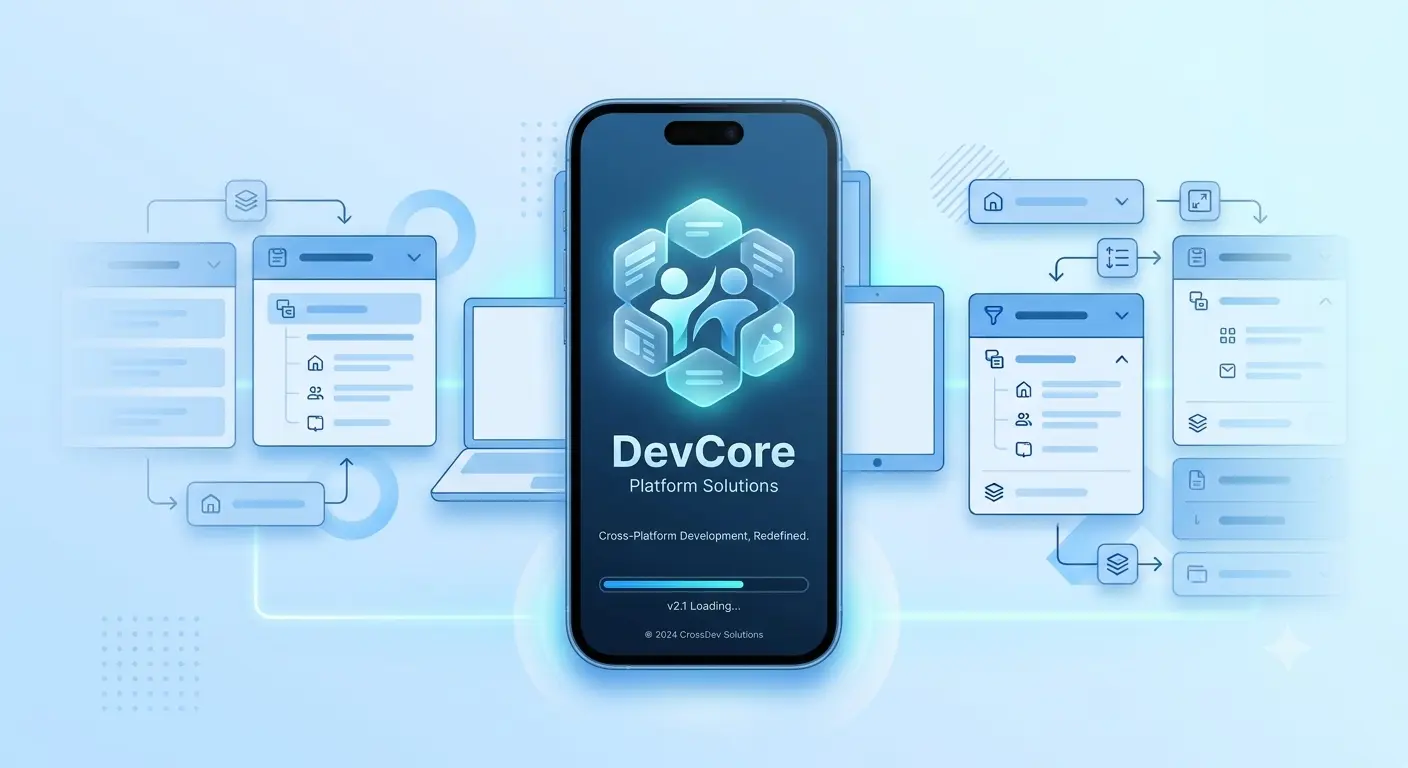
Here comes the solution to the problem: Splash screen. A splash screen is the short moment between tapping the app icon and seeing the home screen. It’s usually just the logo or an animation, shown while the app gets ready.
Beyond looking polished, a great splash screen handles a few crucial jobs:
-
Instant Brand Recognition: Showing your logo and brand colors gives your app a clean, professional look right from the very first second.
-
Reassuring Progress: Adding a tiny animation or loading bar lets users know the app is actively working, not stuck.
-
Sticking to the common guideline: The best splash screens get out of the way fast. Keep it under two seconds so it feels like a seamless gateway rather than a frustrating delay.
2. Intuitive Navigation
You are in a hurry; you open an app to check one thing, and the button you need is nowhere to be found. You tap there, swipe here, and ultimately close the app.
Poor navigation is the quickest way to lose users.
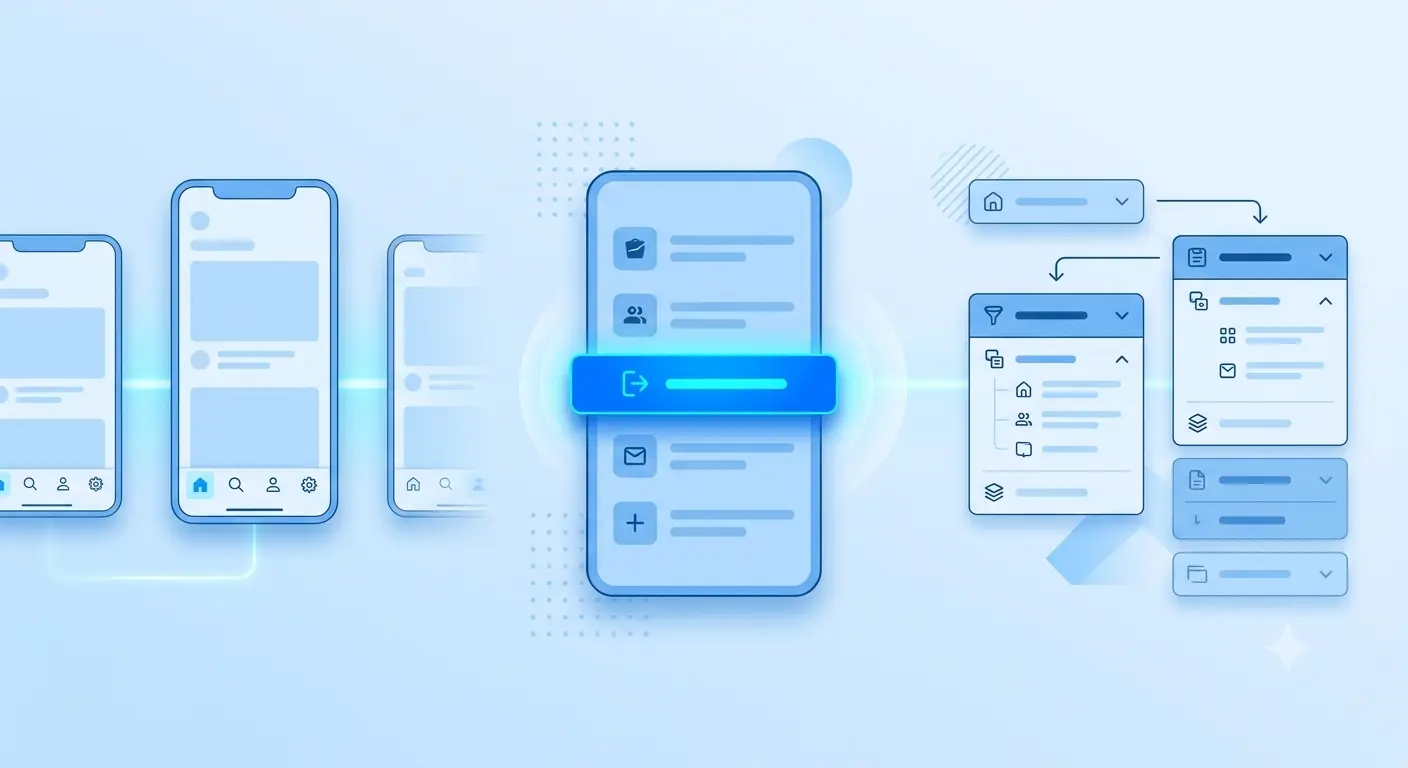
Intuitive navigation means people can move around your app without thinking. It’s a core part of any easy-to-use app and a big part of a good user experience. The word "intuitive" means natural and predictable: something you understand without being taught. So intuitive navigation behaves exactly the way users expect every single time.
Here’s how to tell good navigation from bad:
| Elements | Hard to navigate | Easy to navigate |
|---|---|---|
| Menu | Hidden or changes on every screen | Same place, same layout everywhere |
| Main Tabs | Too many and buried in multiple submenus | 3 to 5 tabs within the thumb's reach |
| Colors | Low contrast and hard to see in bright light | Comforting colors and simply visible |
| Content | Everything is congested on one screen | Grouped with dropdown or expandable sections |
When the path of your app is totally predictable, users can just walk through it without second-guessing their every touch. Everything feels effortless and relaxed, which keeps people hooked and far from quitting the app.
3. Responsive Design
Your app needs to look great and be easy to use on every device, big or small. A responsive design moves things around naturally so buttons stay easy to tap and important tools never get lost, no matter how the person holds their phone or switches between devices.
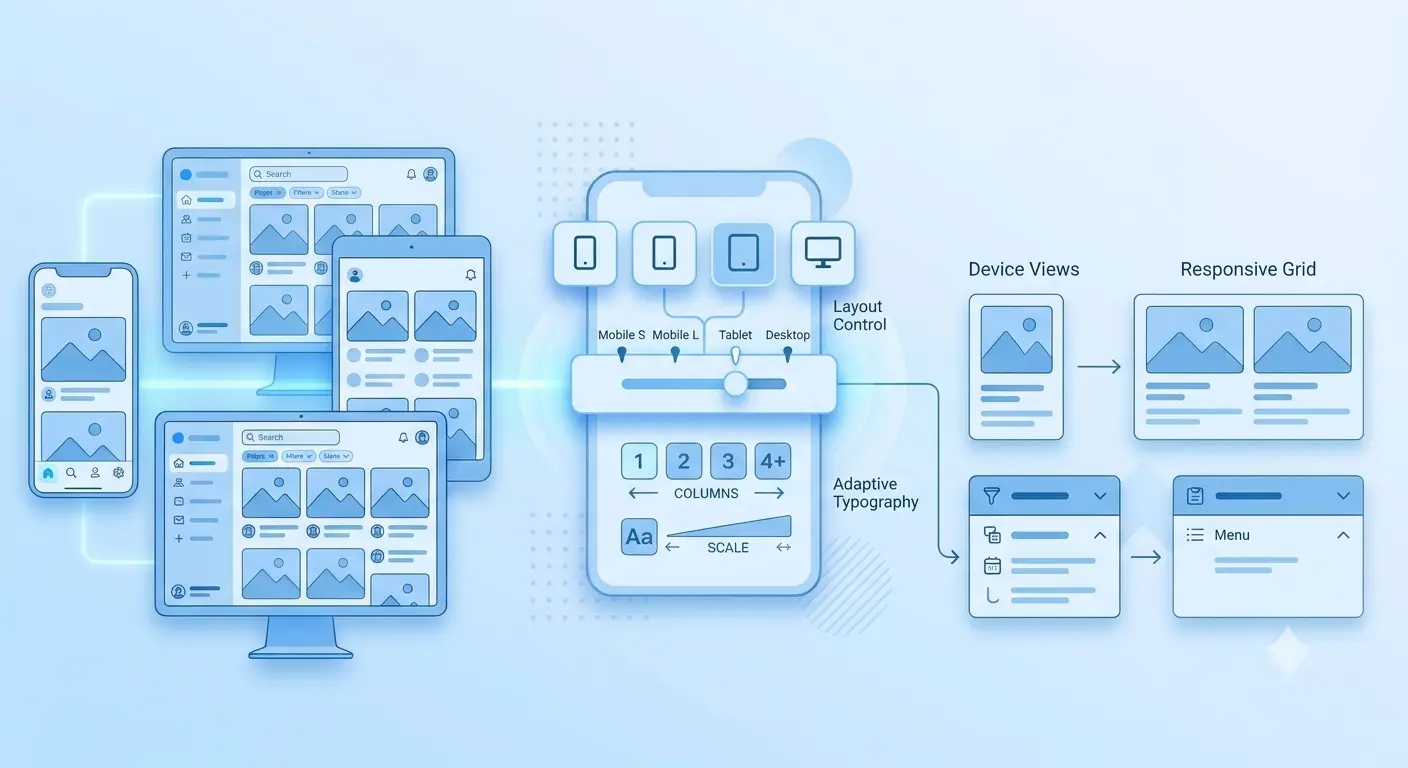
For instance, think of a shopping app: on a wide desktop screen, you might see a multi-column layout showing the product catalog, filtering options, and the shopping cart all at once. But when you switch to a small smartphone, that same app automatically shifts into a clean, single-column view, putting the search bar right at your thumb's reach and tucking the filters into a neat, slide-out menu.
When the design fits seamlessly on the screen, users get what they want without getting frustrated by tiny text, awkward zooming, or hidden buttons. Designs must be visually appealing and offer a soothing user experience. For example, using smooth page transitions, clear color contrasts, and clean spacing keeps the screen from feeling cluttered. This combination keeps the entire interaction smooth, reliable, and completely stress-free.
4. Single-Click Sign-Ups
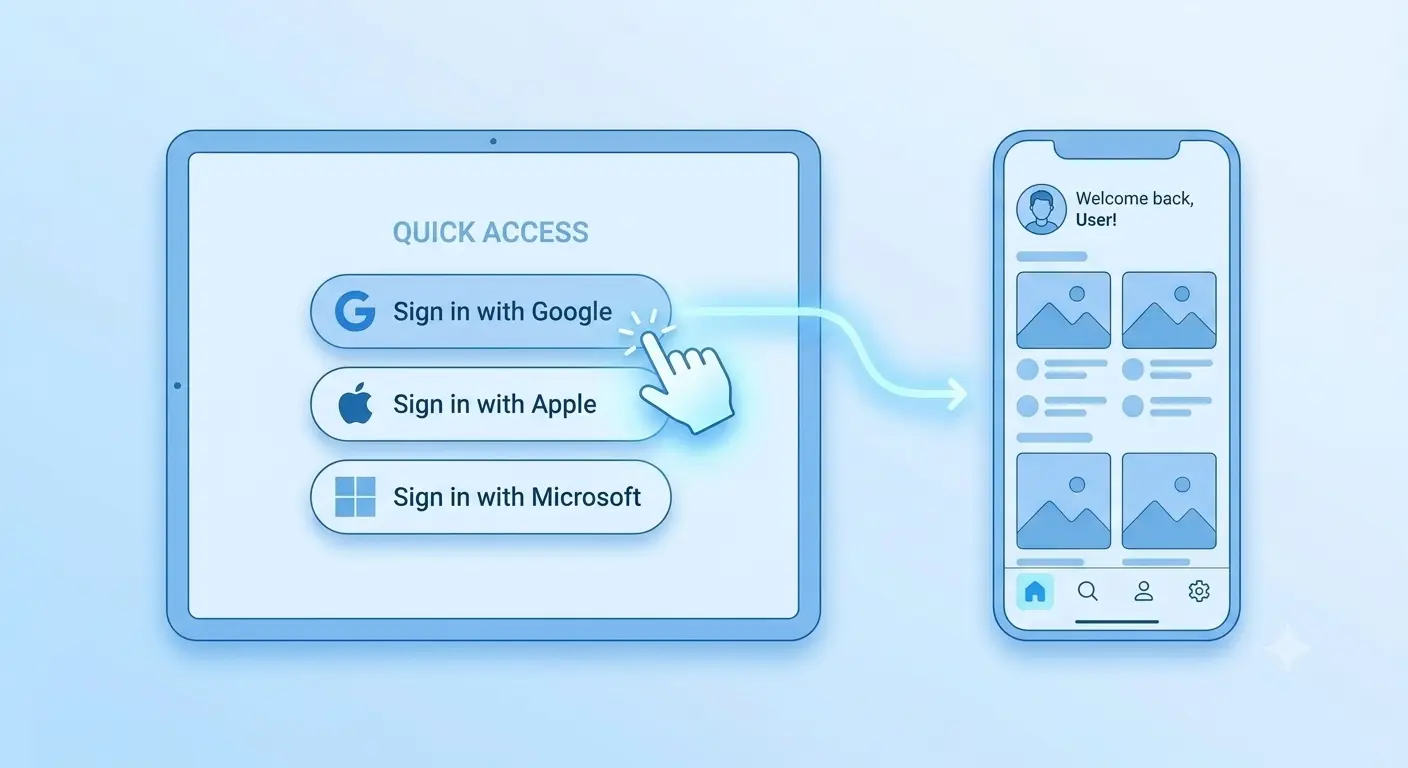
Ever downloaded an app, excited to try it, and then given up right at the tedious sign-up page? Something that happened to all of us. That’s why one-tap sign-in feels like such a huge relief. No remembering long, complicated passwords, and no jumping back and forth to your inbox just to verify an email address. You simply tap your Google, Apple, or phone number option, and you’re instantly inside the app.
Even better, many apps now let you sign in seamlessly with just your fingerprint or face scan, using something called a Passkey. The numbers clearly show why this shift matters so much: according to the FIDO Alliance’s 2026 Passkey Index, passkey sign-ins succeed 93% of the time versus just 78% for traditional multi-factor sign-ins. That saves users a noticeable amount of time, about 27 seconds on average per login, making the entire experience smooth, effortless, and far less frustrating.
5. Push Notifications
“Hey, user! Craving pizza? 20% off on your favorite order." We all receive these kinds of notifications regularly, especially when we are hungry. Are these messages sent manually? Absolutely not; most of them are automated. These are managed by a feature called push notifications.
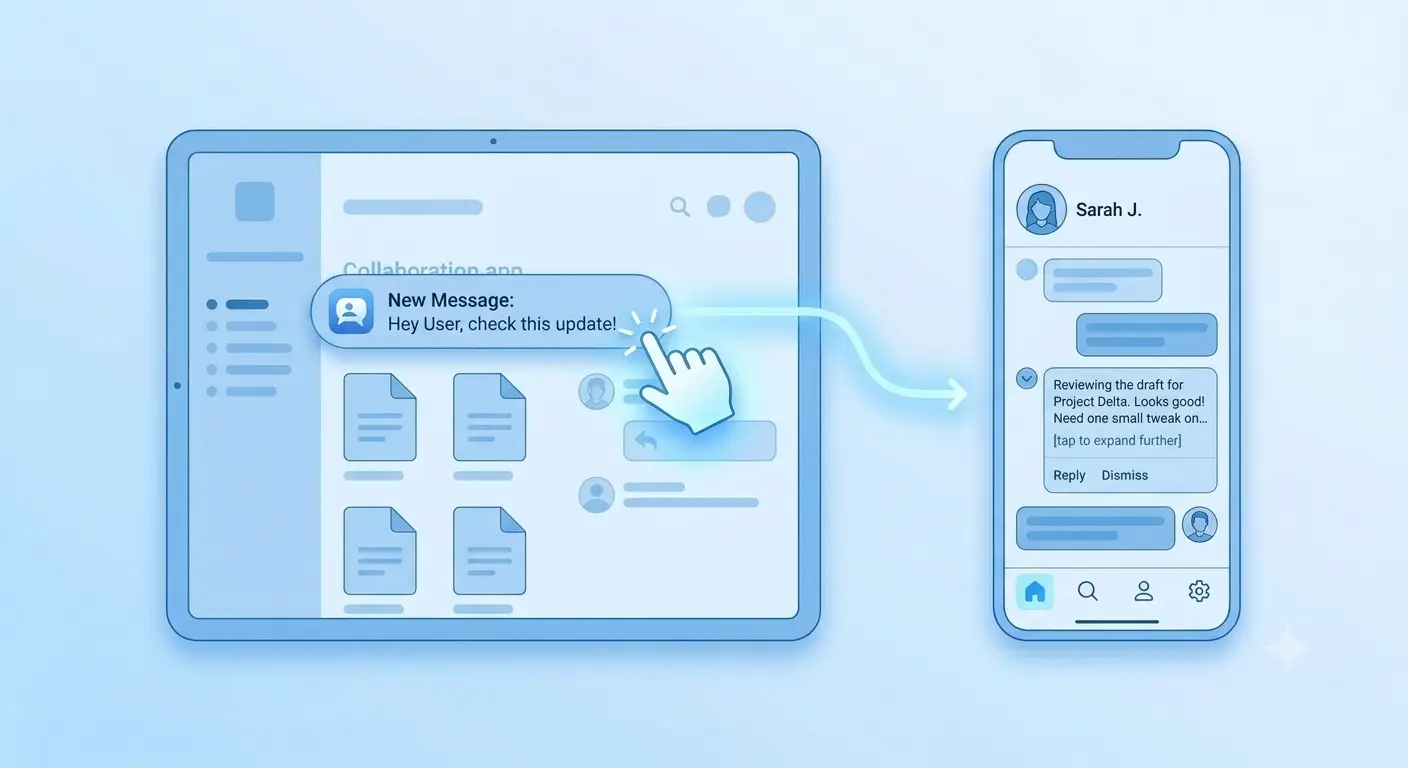
Push notifications help to deliver a personalized message to a large number of people at the same time, even when the user is not on the app. This helps the user to remember the app and triggers them to take an action.
Some e-commerce applications use this feature to help retain their customers for a longer duration of time.
Push notifications help the user to get notified about important updates without the need to open the app or stay on the app continuously.
6. Personalized Experience
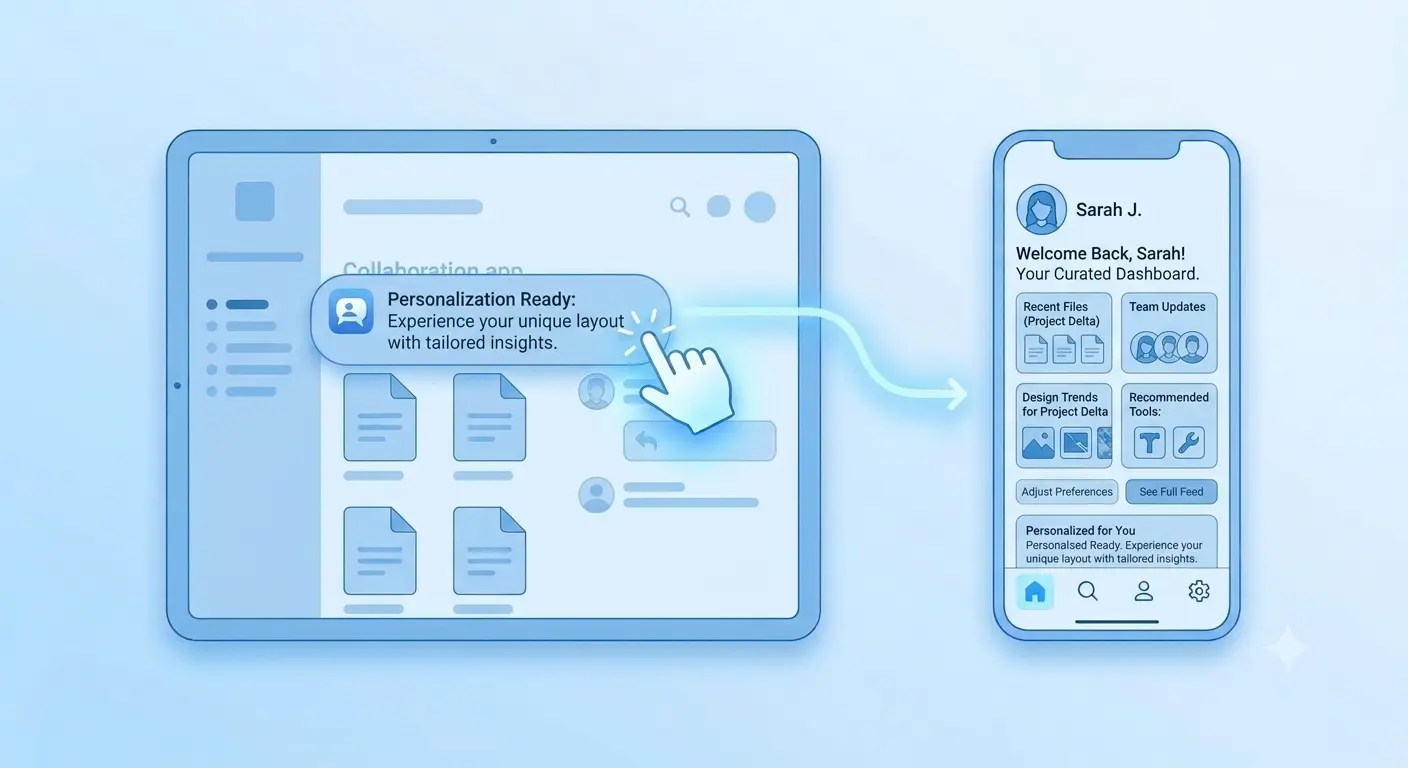
Whenever you log in to an app, it often greets you by your name and says hello according to the time of day, like “Good morning” or “Good evening." It’s a small gesture, but it makes the app feel like it knows you.
The saved preferences or wishlist options help the app understand the type of products you like. Based on that, it suggests similar products in the future, so you don’t have to search through everything again.
For instance, if you viewed sneakers on an e-commerce app, it would suggest similar sneakers in different colors and trends. And when there’s a discount on sneakers, it will notify you about it, so you never miss a deal on something you actually wanted.
This creates a personalized experience for the user while using an app. Instead of scrolling through endless options, users see what matters to them, and that saves time and keeps them coming back.
7. Offline Access
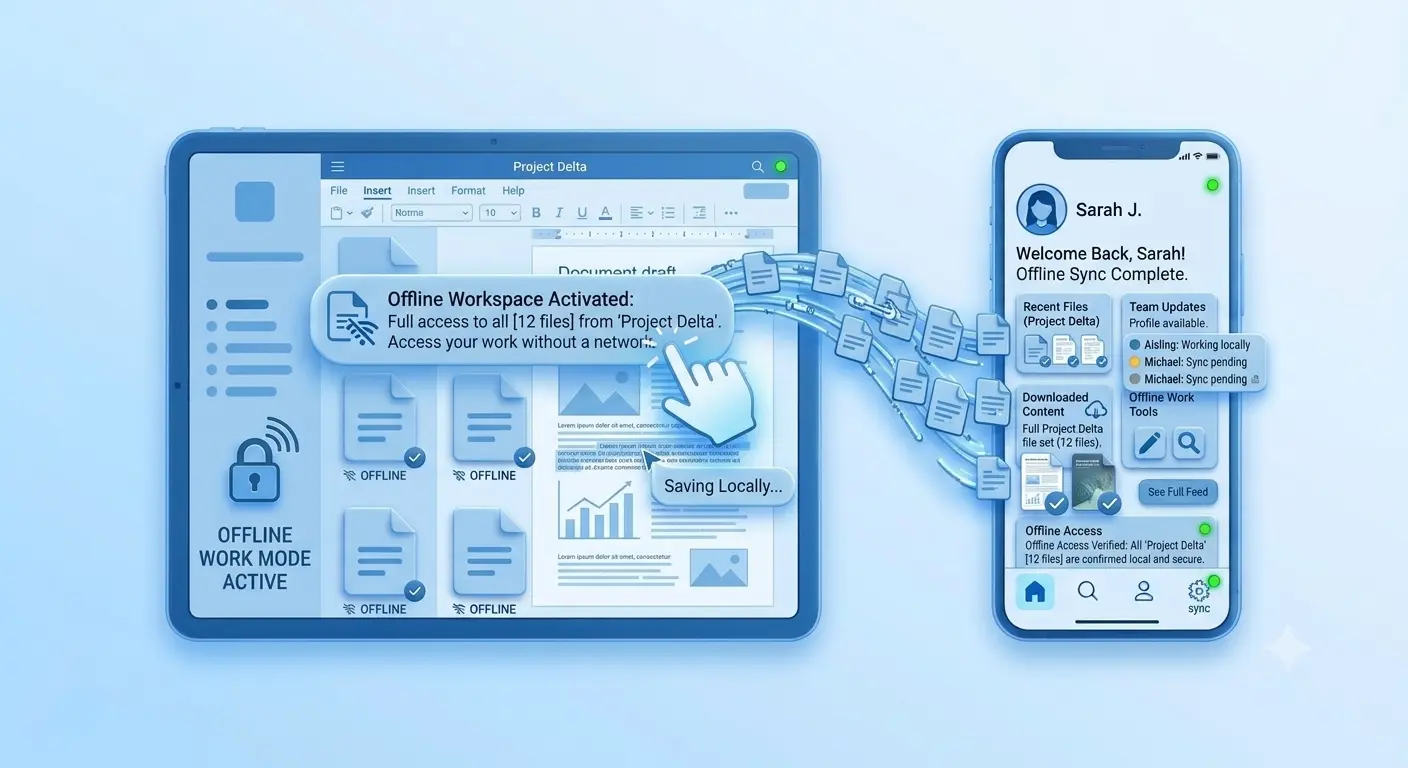
Offline access simply means you can still view your content when there’s no internet.
We’ve all faced this situation: you’re in a basement or an elevator, your phone loses signal, and suddenly, the app you need refuses to open. It’s frustrating, and sometimes, you just give up and close it.
Now think about your daily metro ride. The tunnels cut your signal for half the trip, yet your playlist keeps playing, and that morning’s news is still there to read. Nothing breaks, and you barely notice the signal is gone.
Travel works the same way. Download a city map before your trip, and even without internet in a new place, you can still find your hotel and a good cup of coffee.
Behind the scenes, the app saves your recent or downloaded content on your phone. When the internet drops, it shows that instead of leaving you staring at nothing. When the signal returns, it quietly catches up. It’s a small thing, but it makes an app feel like a friend you can count on. People remember the apps that worked when everything else didn’t.
What You Gain by Putting the User First Is
1. Better user satisfaction:
When an app is easy-to-use, people actually enjoy it instead of fighting with it. They find what they need quickly, finish their tasks without stress, and leave feeling good about the experience. Think about the apps you love: they never make you wait, guess, or feel lost. That comfort is what makes users happy. When users enjoy using an app, they’re more likely to return to it again and again.
2. More publicity:
People tend to share things that make their lives easier and find them easy and interesting to use. We often share the reviews of the brands with our friends and family. This word of mouth costs you nothing and is often more trusted. The more the app is user-centric, the more it gains popularity.
3. Positive reviews and better reach:
Happy users leave good reviews, and good reviews help new users decide whether to download the app or not. Higher ratings make it easier to find your app on the App Store or the Play Store. Think about how often you check ratings before installing something. When your app works well and respects users’ time, the reviews usually follow, and so does the reach.
4. More retention of the users:
Getting users to download an app is only half the job; keeping them is harder. According to UXCam’s 2026 report, only about 4% of users are still active by day 30 of installing an app. Apps that are easy, fast, and helpful give people a reason to return. When users find value quickly and never feel lost, they build a habit, and habits are what keep them around.
5. Strong trust in the brand:
Trust is built in small moments. An app that loads quickly, never surprises the user, keeps things easy to understand, and saves time makes people think, “This brand actually cares about me.”
Look at brands that have lasted for generations, like Coca-Cola. Grandparents, parents, and children have all grown up with the same familiar name because it delivered the same good experience every time. Apps can earn that kind of loyalty too, one smooth experience at a time.
6. Fewer uninstallations:
Most people don’t delete an app out of dislike; they delete it out of frustration. A crash at the wrong moment, a screen that takes forever to load, or a menu that makes you hunt for one button can be enough. Think about the last time you removed an app. Chances are it wasn’t one big problem but a few small frustrating moments that kept adding up.
A user-friendly app opens fast, works smoothly, and makes everything easy to find. When an app saves people time instead of creating confusion, they have no reason to look for an alternative; they just keep using it.
7. Higher engagement:
When an app is super easy to use, you just naturally open it all the time without even thinking. You don't get stuck or annoyed; you just scroll through, try out cool stuff, and end up hanging out on it way longer.
It’s the simple things that make a huge difference: a home screen that isn't confusing and quick alerts that are genuinely helpful instead of just spam. Soon, opening the app just becomes a habit.
Final Checklist for Your User-Centric App
-
Target Audience: Understand your user’s everyday struggles. Once you know what they really need, you can design something they really want.
-
Performance and Frictionless Usage: Prioritizing speed, clean and clear design, intuitive navigation, and seamless performance helps to create a good and valuable application.
-
Smart Notifications: Send fewer messages and keep each of them useful. Let users choose what they want to hear, so notifications feel helpful rather than annoying.
-
Consistent Design: Keep the buttons, colors, and layout familiar across every screen so users can navigate the app comfortably without getting confused or having to learn something new at every step. Once the user gets comfortable with the design, they see the application as home.
-
In-App Feedback: Give users direct ways to share feedback and get ongoing support. Building that personal connection makes them stay and can help your app grow faster.
Frequently Asked Questions
Ques 1. What is a user-centric app?
Ans: User-centric apps are built around what the user actually needs, rather than just what serves the business. They cut out all the extra fluff and unnecessary steps that usually make tasks feel confusing or frustrating. Instead, every single feature is designed to solve a real problem and make the user's experience as smooth as possible. When an app truly focuses on making life easier for the person using it, people enjoy using it more and stick around for the long run.
Ques 2. What makes an app user-centric?
Ans: User-centric apps prioritize the user’s everyday needs through intuitive navigation, responsive design, and offline access. Users shouldn't have to deal with any complex learning curves or deep dives into technicalities just to access basic features. When an app removes all those unnecessary hurdles, using it feels effortless right from the start. In short, a truly user-centric app is always simple to use and ready to work smoothly whenever and wherever you need it.
Ques 3. How does the single-click sign-in option work?
Ans: Single-click sign-in allows users to log into an app instantly using their existing Google, Apple, or Microsoft accounts. It makes signing up quick and easy, so users don’t have to struggle with creating or remembering complicated passwords just to get started. No more switching between apps to copy an email code, and no more “Forgot password?” taps. You just tap once, and you’re in. It saves time on every login.
Ques 4. How do push notifications help the user?
Ans: Push notifications help deliver instant updates directly to your screen, even when the app is completely closed. This ensures users never miss out on important information, keeping them informed about status changes, critical alerts, and time-sensitive tasks.
By reaching people right when it matters most, push notifications keep the app in view without forcing anyone to keep checking it manually. It’s a simple, reliable way to stay connected, deliver real value, and bring users right back into the app.
Ques 5. How do I know that my app is easy to use?
Ans: If a new user opens your app and can navigate easily without needing a walkthrough, onboarding guide, or extra assistance, that’s when you know your app is truly easy to use. Within just five seconds on the screen, someone should know where to tap and how to search for what they need. Every tap should feel natural and confident, eliminating any hesitation or guesswork. A clean and simple layout builds immediate trust and makes the entire user experience effortless.
Conclusion
Designing a user-centric app is about more than just creating an attractive interface. It's about understanding what users need and making their day-to-day tasks easier. From intuitive navigation to responsive designs and from personalized experience to easy accessibility, every feature plays a crucial role in enhancing the user experience.
The main focus is to keep the user’s needs first. Take their feedback and keep improving the app for better user satisfaction and positive reviews. Overall, user-centric apps benefit the visitors by giving them personalized and easy-to-use features without complicating the basic functions required by the user.
Similar Blogs