


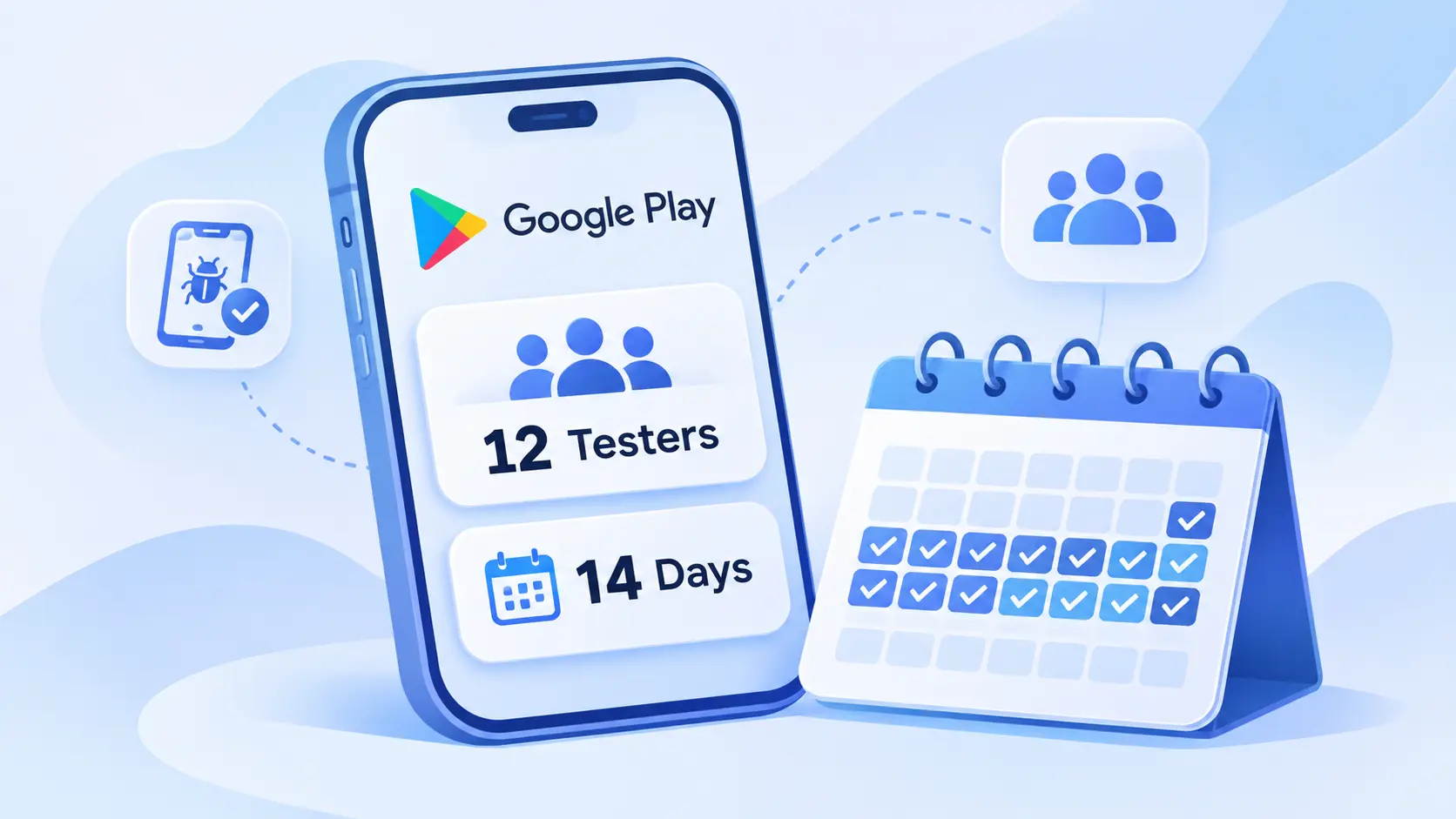
New Google Play Account Testing Requirements — 12 Testers for 14 Days
Published on:
16 November, 2026

TL;DR:
There is a Testing Rule for New Developers on Google Play. If you have registered a personal account after November 13, 2023, then you have to perform a closed test with a minimum of 12 testers first. Each tester must remain opted in for 14 consecutive days. You can apply for production access only after that from your Play Console's Dashboard. This testing page does not test older personal and organization accounts, though organization accounts have their own identity checks. Not certain which side you're on? Open the Play Console Dashboard and look for a testing task.
Before applying for production access. Check this:
-
Your account must be a personal account created after 13 November 2023.
-
Your app’s setup must be completed. So you can begin closed testing.
-
Each of the 12 testers must be opted in for the closed testing for 14 consecutive days without any breaks.
-
You have your own notes on what testers reported and how you gathered it.
-
The identity, contact, and device checks on your Google Play Console home page are completed.
Testing Rule Applies to Which Accounts?
Google's testing requirements page refers to a group called personal developer accounts after Nov. 13, 2023. Find your branch.
1. Does the account belong to an organization? If no, there will be no mention of organization accounts on the testing page. Your entry checks are the documentation of your organization, along with a D-U-N-S number.
2. Is it a personal account, and was it created on or before November 13, 2023? If so, then the testing page does not have the rule applied to you. Please look at your Play Console Dashboard and see if there is any task there.
3. If it is a personal account registered after November 13, 2023, then both the closed test and the production access application are applicable. Read the testing table below.
Some apps have to rely on an organization account, whoever builds them. Google lists financial products and services, health apps (such as medical and human subjects research apps), apps approved to use the VPNService class, and government apps (Google, Choose a developer account type). The same page states that any entity signing up for an account should opt for organization.
What are the New Testing Requirements for Google Play Accounts?
Personal accounts created after 13 November 2023 must run a closed test with a minimum of 12 testers who have opted in for a continuous 14 days before releasing their app on the Google Play Store. After successful completion, you have to apply for production access from the console dashboard.
| Requirement | What Google States |
|---|---|
| Closed Test before Production | Required |
| Minimum Opted-In Testers | 12 |
| Days Each Tester Stays Opted-In | 14 Continuous Days |
| Internal Testing | Optional |
| Production Access Application | Required (From the Dashboard) |
Personal accounts created on or before November 13, 2023, or organizational accounts are not covered by these testing rules.
Account Verification Checks
| Check | Applies To |
|---|---|
| Official Government Identity Documentation | Personal and Organizational accounts |
| Official Organization Document | Organizational accounts |
| D-U-N-S Number | Organizational accounts |
| Contact Email and Phone (Verified by One-Time Password) | Personal and Organizational accounts |
| Access to a Real Android Device | New Personal accounts |
Opt-in is Mattes; Engagement Counts Too
Google does not say that testers must open the app every day. What counts is 12 testers continuously opting in for 14 days. Still, engagement matters at the next step. The application for production access asks whether testers used all the app’s features and app usage matched expected production behavior. Less tester engagement is one of the reasons Google might ask to continue testing or reject the app.
Closed Testing
Closed testing allows you to select testers and share your app with the testers before publishing. You can begin once your app setup is complete.
1. Inside Google Play Console, go to Testing, then Closed Testing. You will see a track on the closed testing page.
2. Click on Manage Track or Create Track if you require a new one. The track’s page opens.
3. On the Testers tab, add your testers as an email list or Google Group. You need 12 or more Google Account email addresses. Next, save the list.
4. Publish a release to the track and share the opt-in link with your selected testers. After opening the link, testers can opt in now.
5. Keep at least 12 testers opted in for 14 days in a row. If a tester does not opt in for more than 14 days, then it will not be counted. If the tester rejoins later after leaving, then again 14 days of unbroken testing are required.
Guidelines for Closed Testing
Closed testing is proof that your mobile app works perfectly with different users. The better you manage your testers while tracking their feedback, the easier your production access application is. Below are a few points to keep in mind from the beginning.
- Gather Testers' Feedback from Day One
The production access application asks for an overview of the tester's feedback. You must keep the feedback records from the beginning.
- Remind Testers to Stay Opted-In
Strictly state that testers must remain opted in for a minimum of 14 days of the closed testing. If they leave before 14 days, the opt-in won’t be counted, and they have to start from the beginning.
- Ask Them to Try Every Feature
Encourage testers to try as many features as they can. This ensures that most of the features are functioning as they're supposed to be, helps identify errors or bugs, and shows what other features you can add.
- Track Feedback on the Testing Feedback Page
Feedback sent through Google Play shows up on the Testing Feedback page inside Google Play Console. Only you can view the feedback; this is not available publicly.
- Maintain a Date-Specific Note of Every Change
Whenever you update or change anything inside the app on the basis of feedback, write down that specific change with the date mentioned. This makes it easier to see what all the new updates or changes are being pushed and when.
- Prepare Yourself for Application Questions
At the time of application, you will be asked what you have changed after the closed testing and how you have come to the point that your app is ready for public release. Your notes will help you answer more precisely and appropriately.
What Else Does a New Account Have to Verify?
Apart from the testing, Google also verifies who you are. Below are a few things you must complete.
1. Identity
A personal account requires an official government-issued identity document. An organization account requires a D-U-N-S number, official organization document, and government identity document. Read Google’s guide to Verify Your Developer Identity Information.
2. D-U-N-S Number
You cannot create an organization account without this number. You have to apply for the D-U-N-S number from Dun and Bradstreet. It is absolutely free. You can read about and apply for the D-U-N-S number from Get a D-U-N-S Number.
3. Contact Details
Your working email address, developer’s email address, and phone number must be verified with a one-time password. You can manage all these from your Developer account inside the About section.
4. Real Device
Once your closed testing is completed, open the dashboard in the Google Play Console and apply for production access. Google will ask a few questions about your complete testing experience, feedback given by the testers, and updates or changes made as per feedback. You have to answer these types of questions in your own words.
Once your Google Play Console’s home page shows no pending verifications, you are good to go.
How Do You Apply for Production Access?
After successful completion of the Closed Testing, open the Google Play Console dashboard and look for Apply for Production. Google will be cross-questioning about your app’s testing, production readiness, and information about your app. Answer them precisely.
Be careful that you answer what you have actually tested and experienced. Do not copy answers from any forums, other articles, or templates. If nothing changed after the testing, say this clearly.
About Your Closed Testing
-
How easy it was to recruit testers. Say how you found them and how much time it took.
-
Whether testers used all available features and usage matched expected production behavior. Mention which features they tried and how their experience with the app was.
-
An overview of the feedback and how you have gathered it. Share all the necessary feedback you have received and where it came from, like email, chat, or form.
About Your App or Game
-
Target audience. Tell who the app is built for, like students, business owners, freelancers, or more.
-
Value the app gives to users. Thoroughly explain what problem or challenges your app is solving.
-
Expected installs in the first year. State the honest estimate of the app installs.
About Your Production Readiness
- Changes or updates you made after the closed testing.
Make a list of what you have changed or updated inside the app. In case there are no changes, clearly write that there are no changes made.
- How you decided the app was ready for publishing.
Explain what your app’s USPs are and what made you confident, such as feedback you have resolved and regular testing.
Review usually takes seven days or less, but it might also take a little longer. If Google asks you to keep testing, common reasons are fewer than 12 opted-in testers or low tester engagement. For more detailed information, read our Guide to Apply for Production Access in Google Play Console.
What Does Production Access Allow, and What Is Still Reviewed?
Production access allows you to use the Production page to distribute your app on Google Play, and open testing becomes available. It does not publish the app by itself.
Every app release still goes through Google’s review process. Changes are not sent for review by default. A few apps might take 7 days or longer depending on the app. Your app goes live only after your production release passes Google’s reviews. If Google finds an issue, you will need to fix it and submit it again. For complete release steps, read our Guide to Publishing an App on the Google Play Store.
A Suggested 14-Day Plan for Your Closed Test
This is the only suggestion and not a Google rule. Google asks for 12 testers for 14 straight days. A tester’s day count only applies while they are opted in. So, it helps to start with a small buffer.
1. Buffer Before Day One
Recruit a minimum of 12 testers or more, collect their working email addresses, and add them to your testers list. Publish the closed release and share the opt-in link with them. It might take several hours after the first publication. So, move forward once the link opens.
2. Day 1
Confirm that every tester has opted in. And send a list of features to try and help them to report or identify bugs and errors.
3. Day 2 to 7
Ask your testers to use the app in different situations. They should try it on different devices, locations, networks, or time zones. You must collect each tester's feedback every day.
4. Day 8 to 13
Fix and release the updated version of your app to the closed test. Notify the testers to download the new updated version and test it again, reminding them to stay opted in.
5. Day 14 or Later
Confirm that at least 12 testers have stayed opted-in for 14 days without any breaks, and then write your application from your notes.
Frequently Asked Questions
Q1. Does uploading a new closed testing build reset the 14 days?
A. Google does not state that a new release resets or pauses the 14 days. The rule is built around testers staying opted in. So the only thing that matters is that testers must opt in during the entire closed testing period. You can continue running the closed testing while fixing bugs & errors and share the new updated app version with your testers. Remind your testers to opt in without any breaks. Keep reminding your testers to stay opted in for a rigorous 14 days.
Q2. Do internal testing days count toward the 14 days?
A. No, the 14-day requirement is only for the closed testing phase. However, internal testing is optional and has no requirements of its own. Internal testing is a useful first step, as you can quickly share your app with 100 testers and catch basic issues before closed testing starts. Remember, this will not replace the closed testing phase. Also note that a tester joining your internal testing must be opted out to join the closed testing phase. So plan your testers' list carefully.
Q3. What happens if a tester uninstalls the app?
A. Google counts opt-ins for a straight 14 days, and uninstalling the app is not mentioned in the requirements. So the safest approach is to ask your testers to stay opted in for the full period, keeping the app installed while the entire test runs. If a tester opts out, add a new tester as soon as possible. To safeguard yourself from this, you must take more than 14 testers so that if a tester opts out, your closed testing phase won't get affected.
Q4. Why does the opt-in link not work for my testers?
A. Timing is often the reason. After you publish a release to test for the first time, it can take several hours before the opt-in link becomes available. You must wait before you share it again. The link appears only when your app status is published. So check that your release has gone live on the track. If you have added testers through a Google group, only members of that group can join the test. Or through an email list, ensure each tester opens the link with the same Google Account email that you added.
Q5. Where can I see how many testers have opted in?
A. You open the dashboard in Google Play Console, where you can apply for production access once you complete the closed testing requirements. Google’s testing guides do not mention a counter that shows how many testers have opted in. So, the best way to stay on track is to keep your own record. Write down each tester’s email address, the date they opted in and see if they are still part of the test. Check the list regularly for 14 consecutive days, with at least 12 testers having opted in without intervals.
Conclusion
Google Play’s testing rule might feel like an additional step, but it is more effective once you know what to do. If you have created your personal account after 13 November 2023, run a closed test with at least 12 testers who must have opted in for 14 uninterrupted days. Gather feedback, track changes or updates, complete your profile, and do other device checks. Then you apply for production access from your dashboard and answer the questions appropriately based on your completed closed testing phase. Plan your entire timeline and begin early to avoid delays. As your app successfully passes the review, it goes live on the Google Play Store.
Similar Blogs