



Convert Your Emergent Website into Mobile App: A Comprehensive Guide 2026
Published on:
24 July, 2026

No-code mobile app builders have changed how quickly a website can be transformed into a real mobile app. Earlier, mobile app development used to take weeks. Now it can be done within minutes or days without writing long lines of code. This shift matters to most emergent users with web applications.
Emergent has made it simpler to build a fully functional website just by describing what you want to build. The platform generates the frontend, backend, database structure, and deployment setup. Founders, individuals, and non-technical users are launching real web applications in hours instead of days.
But once the emergent website is live on web browsers, many people hit the same situation. As users' preferences evolve, website owners tend to launch mobile apps for Android and iOS rather than depending on the website alone. They require one-tap access to your platform, push notifications, and a more personalized experience, all of which are harder to deliver from a website.
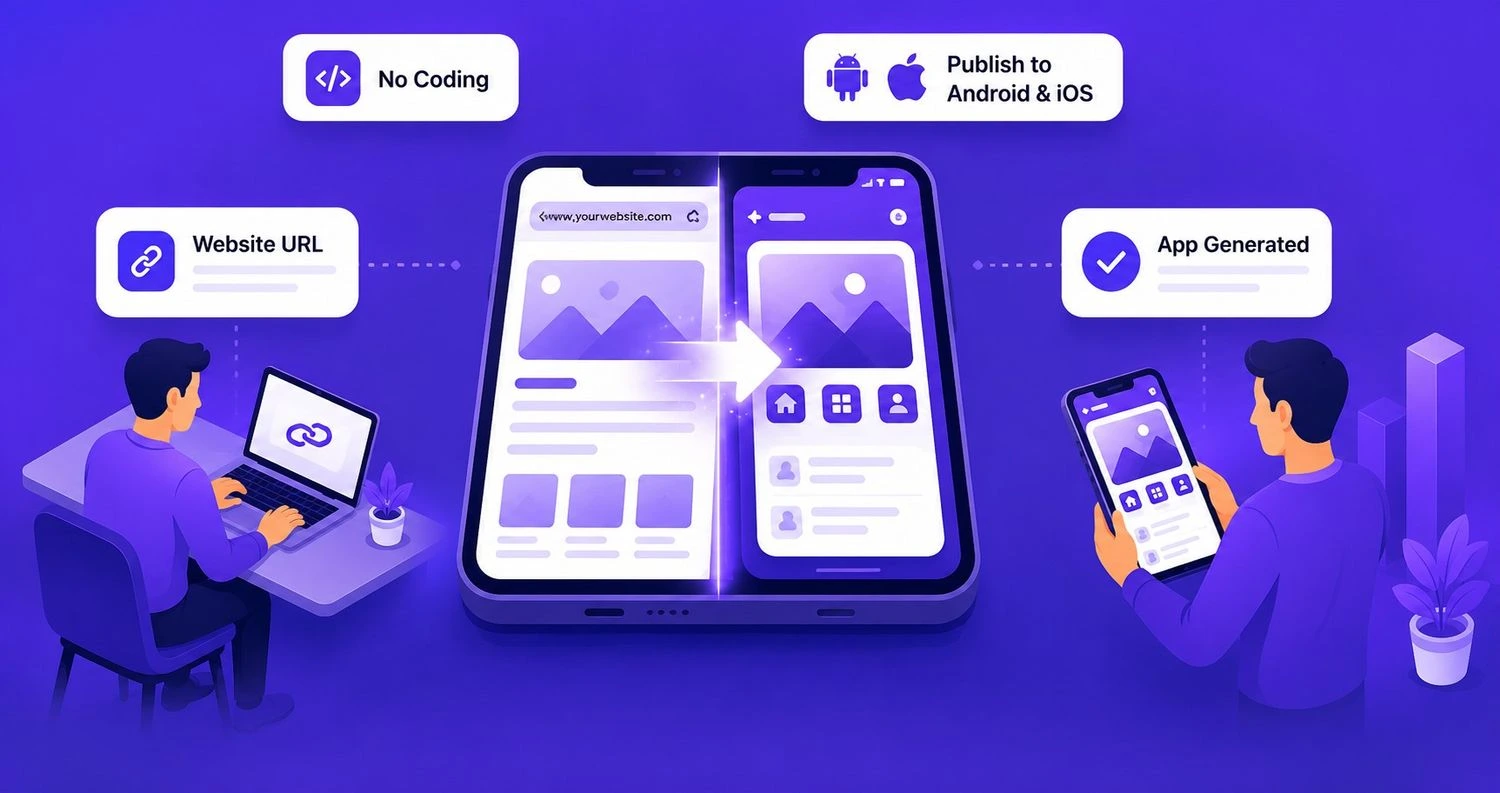
This is exactly where a no-code mobile app builder steps in. Instead of rebuilding your mobile app from scratch, you can transform your existing Emergent website into a mobile app for Android and iOS.
This guide will walk you through what Emergent actually is, what it builds, why you'd turn your Emergent website into an app, and how you can complete this conversion.
What is Emergent?
Emergent is an AI-powered platform that turns natural English descriptions into a working website application. You simply have to describe what you want to build. Emergent’s AI agents handle the entire website design, coding, and deployment for you. It works as a chat-like interface, where you type your idea and watch the web app in real time.
What Does Emergent Actually Build?
Emergent creates an actual full-stack application with a frontend, backend, and database. The platform uses React Native for the interface, MongoDB for data storage, and Node JS or FastAPI for the backend. The code generated is completely owned by you. You can download the entire code and publish it to GitHub or host it wherever you want.
People are using Emergent to build all kinds of websites. It includes SaaS tools, e-commerce stores, booking systems, portfolios, internal business dashboards, and CRMs. Founders use it to test an idea, while teams use it to replace expensive custom software they were previously paying for every month. The web apps built on Emergent are meant to be real apps that actually scale.
Why Convert Your Emergent Web App into a Mobile App?
Building a web application on Emergent is a major milestone, but a website by itself is insufficient. Nowadays, most users don't start by searching for a website. They open the Apple App Store or Google Play Store, search for what they need, and download straight to their mobile phone. If your Emergent website is not there, you are simply missing the mobile audience.
A mobile app also changes how people experience your business. A website lives inside a browser tab, competing with several other open tabs and easy to forget about. A mobile app stays on the home screen right next to the apps people already use every day. That visibility alone brings people back more often than websites.
The points below can be a few reasons founders and people might decide to make this move:
1. Smoother and Native Experience
Gestures, transitions, and navigations feel faster and more natural within an app than a mobile browser.
2. Push Notifications
A website cannot bring back a user. An app can send a reminder, an update, or an offer directly to the user’s mobile device, which keeps people engaged in a way a browser link never will.
3. Offline Functionality
Mobile apps store certain data and screens even when the internet connection is low or not there, something a browser struggles to provide.
4. App Store Visibility
Listing your mobile app on the Google Play Store and Apple App Store makes your mobile app visible to people who are actively searching for a solution that your app offers.
5. Trust and Credibility
Many users associate with an official app compared to just a website. The mobile app should mirror your business website to make it recognizable to users.
The best part is that all this does not require starting from scratch. You don’t need to rebuild your Emergent web app from scratch or hire a mobile development team.
How Does WebToNative Help Convert Your Emergent Website into an App?
WebToNative is a no-code and low-code mobile app builder that wraps your Emergent website into a fully working mobile app for Android and iOS without writing thousands of code lines. The platform builds a native shell around the website that behaves like a proper mobile app rather than a web browser window.
Once your mobile app is built, you get access to native features that a website doesn't have. This includes a splash screen with a brand icon, custom notification sound, and push notifications, making your app appear more polished with gestures and navigation. Inside the WebToNative dashboard, you can control and customize how your app will interact and function without any developers or technical help.
As a person who has built a working website from Emergent. Their website’s logic, design, and functionality remain the same in the middle and after conversion. WebToNative provides the same native experience and is available to make the app live on app stores.
The entire conversion process is focused on being easier and faster. Many people go from having a web app to a working native app within a short period of time without depending upon the development team.
Emergent Web Apps Vs. WebToNative Apps – A Detailed Comparison
| FEATURE | EMERGENT WEB APPS | WebToNative APPS |
|---|---|---|
| Access | Opens in the browser | Installs directly from Google Play Store or Apple App Store |
| Push Notifications | Not available | Fully supported |
| Home Screen Visibility | No website icon, just a bookmark | Custom app icon on the user’s home screen |
| Offline Functionality | Completely dependent on the internet connection | Maintains specific screens and data offline |
| Discoverability | Findable only in web browsers through search or links | Findable through Google Play Store or Apple App Store |
| Setup Effort | Already built on Emergent | Just through the website URL wrapped in native shell |
| Brand Trustworthiness | Appears as a website only | Appears to be an authenticated and real mobile app |
| User Retention | Easy to forget after closing the tab | Visible on the home screen, which is harder to forget |
| Monetization | Accessible to website-based payments | Allows in-app purchases and multiple payment gateways |
| Loading Speed | Reloads every time the browser opens and on slow internet connections | Opens instantly like an app |
| User Experience | Feels like a website | Feels like a real mobile experience with smoother navigation |
Before You Begin: Things to Keep in Mind
Below are a few things to make the conversion smoother and quicker.
1. Website Readiness
Ensure your Emergent website is completely functional and live on its own domain. As WebToNative wraps your website, anything incomplete or broken on the website will also be reflected in the mobile app. The website link should be publicly accessible and secured with HTTPS.
2. Branding Assets
Make sure you have already made your app’s name, splash screen, and app icon. All these will be required while customizing your app in the WebToNative dashboard.
3. Google Play Console Account
As your mobile app will also be published on the Google Play Store, you must have a registered Google Play Console account for a smoother publishing process.
As your mobile app will also be published on the Apple App Store, you must have a registered Apple Developer account for a streamlined publishing process.
5. Access to Native Features
Decide which features you want in the app, such as push notifications, in-app purchases, deep linking, app syncing with the website, and more.
Convert Your Emergent Project into a Mobile App — The Complete Process with WebToNative
Once your emergent website is live and working properly, converting it to a mobile app with WebToNative is simpler. You do not require any coding or technical knowledge to start the conversion process.
Below are the steps to successfully convert your website into a mobile app with WebToNative.
Step 1: Enter Your Emergent Website URL
If your Emergent website is using a temporary or unpublished link, publish the link first, as the mobile app requires a stable URL to work with.
-
Go to WebToNative. And sign up or log in.
-
Paste your existing Emergent website URL.
Step 2: Select Your Platforms
-
Select the platform for which you want to build the app.
-
You have to select whether Android, iOS, or Android & iOS.
Step 3: Add Your App Name and Details
-
Enter your app name to make users identify your app on the home screen.
-
Enter other details also, like an email address, to get notifications about your app.
Step 4: Customize the Native Features
-
You have to enable essential native features such as push notifications, geolocation support, biometric authentication, camera access, and more, depending on your Emergent app requirements.
-
Add only those features that actually add value to your app, as unnecessary features can slow down the speed of your app.
Step 5: Preview and Test Your App
-
Instead of directly launching your app, you must download the app’s build and check everything like proper content display, the app’s navigation, elements, icons, and payment flows.
-
Test that everything is working properly as expected and feels real.
Step 6: Publish Your App
-
After thorough testing of your app, the next step is to make it visible on the app stores.
-
Download your APK and IPA packages for the Google Play Store and Apple App Store, respectively.
-
Submit both packages to their respective platforms for review and publishing.
How Does Your Emergent Mobile App Work After the Conversion?
Once your Emergent web app is converted, WebToNative does not store or copy the version of the website inside the app. However, the app loads your Emergent website in a native shell in real-time. This means your website is always connected to the mobile app every time.
As your website is synchronized with the mobile app in real time, any changes made to your website are reflected in the mobile app instantly. Whether you fixed a bug, updated a design, or added a new feature. You don't have to rebuild the app or resubmit to the app stores every time you make changes. The users will see the updated version the next time they open your app.
The native features you have used work independently. Deep linking, push notifications, and other functionalities operate at the app level only. So, they function smoothly even after accessing the core content from the website.
Your Emergent mobile app keeps evolving exactly the way your web app does, providing your users with additional benefits for a complete native experience.
Frequently Asked Questions
Q1. Can I convert my Emergent website into a mobile app for free?
A. Yes, WebToNative offers a 14-day free demo of your mobile app to test and view how your app behaves and feels after the conversion. After the demo expires, you have to buy a paid plan to move forward with the platform. Explore WebToNative Paid Plans.
Q2. How long does it take to convert my Emergent website?
A. Many Emergent users can complete the setup and get a mobile app in a few minutes at the same time. Depending on the website complexity and native features added, it might take a few hours also.
Q3. Will my Emergent website update automatically inside the mobile app?
A. Yes. WebToNative synchronizes your website with your mobile app in real time. So, any change you made to the website will be reflected inside the app automatically and instantly.
Q4. Can I add push notifications to my Emergent mobile app?
A. Yes. WebToNative allows you to add push notifications to your Emergent mobile app directly from the dashboard. The platform offers OneSignal and Firebase notification integrations for your app.
Q5. Do I need to know coding or any technical skills to convert my Emergent website?
A. WebToNative is a no-code and low-code mobile app builder. So, you don’t need to know coding or any technical skills to convert your Emergent website.
Q6. Do I need a developer to publish my Emergent mobile app on the App Stores?
A. No. You need a Google Console and Apple Developer account to publish your Emergent mobile app on the Google Play Store or Apple App Store.
Final Thoughts
As your website is built through Emergent, most of the work is already done. You have a real, live, and functional web application with a complete backend, frontend, and database. The only thing that is missing is a mobile app experience that most users demand in today’s digital world. This gap restricts businesses with genuine potential, reach, and audiences.
Converting your Emergent website into a mobile app, keeping everything you already built and just extending it to a native experience. With WebToNative, this is made possible as it converts the website into an actual working mobile app for Android and iOS without coding in a few minutes. The platform has a wide range of native features with additional functionalities and publishing assistance, making everything smoother from setting up features to publishing.
If your Emergent project is ready and you want it in front of a wide audience, turning it into a mobile app is the next step with less effort than most people expect.
Similar Blogs