



CSS Overrides
CSS is a style layer of a website, including colors, fonts, sizes, and more. With this, you can customize your app experience just the way you want, like hiding certain buttons, changing the layout, adjusting spacing, etc. This adaptability ensures consistent usability with your app, enhancing the user’s experience.
For example, if your website has a big header banner, but in your app, it takes up too much space. This way, you do not need to adjust anything in your actual website, and everything is hidden with CSS.
Steps to Integrate CSS Overrides
Website Overrides
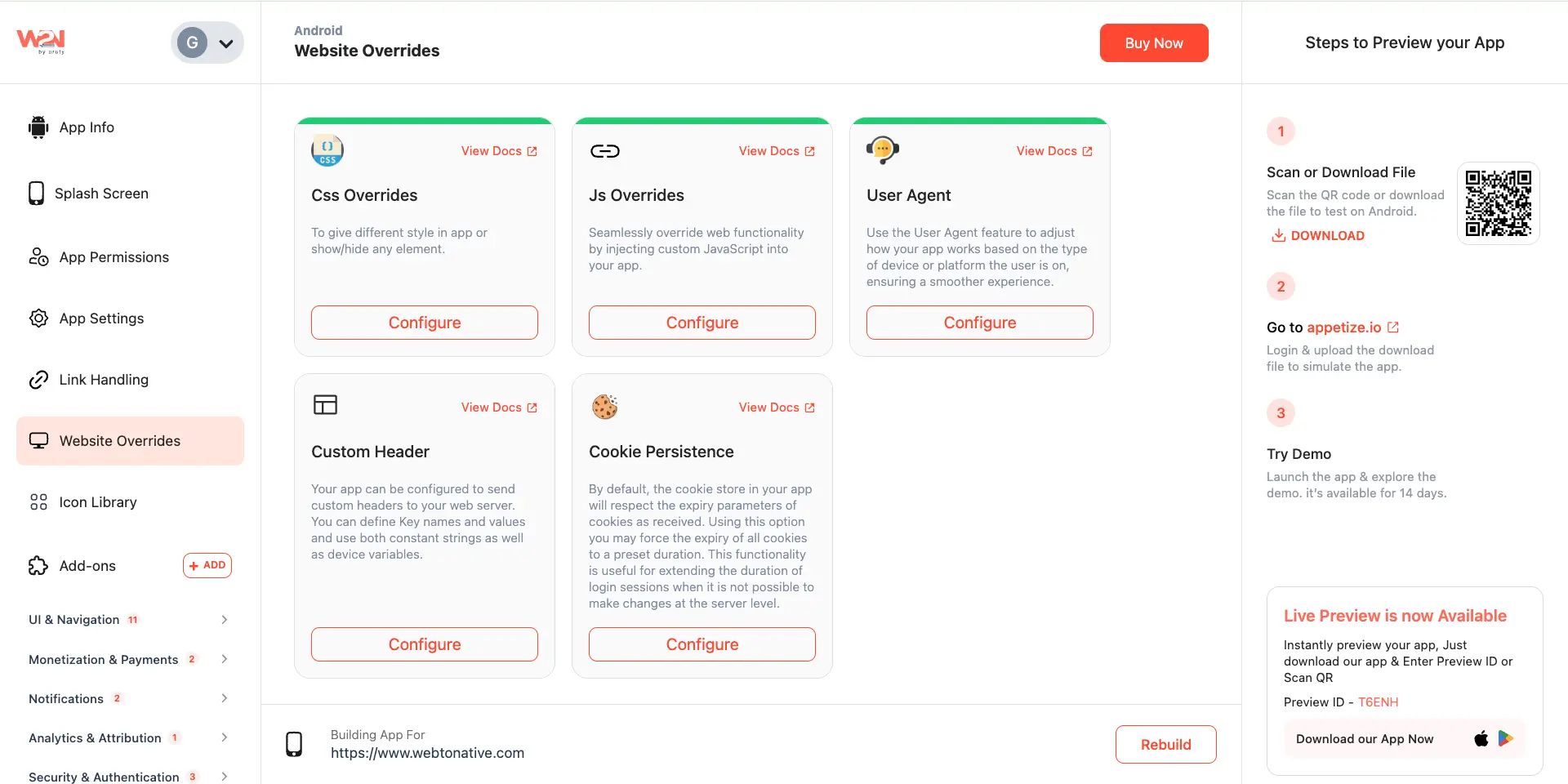
Navigate to the Website Overrides section from the left sidebar.
Css Overrides
As you click on Configure, a pop-up appears to Add Custom CSS Rules.

Enter Css Rules
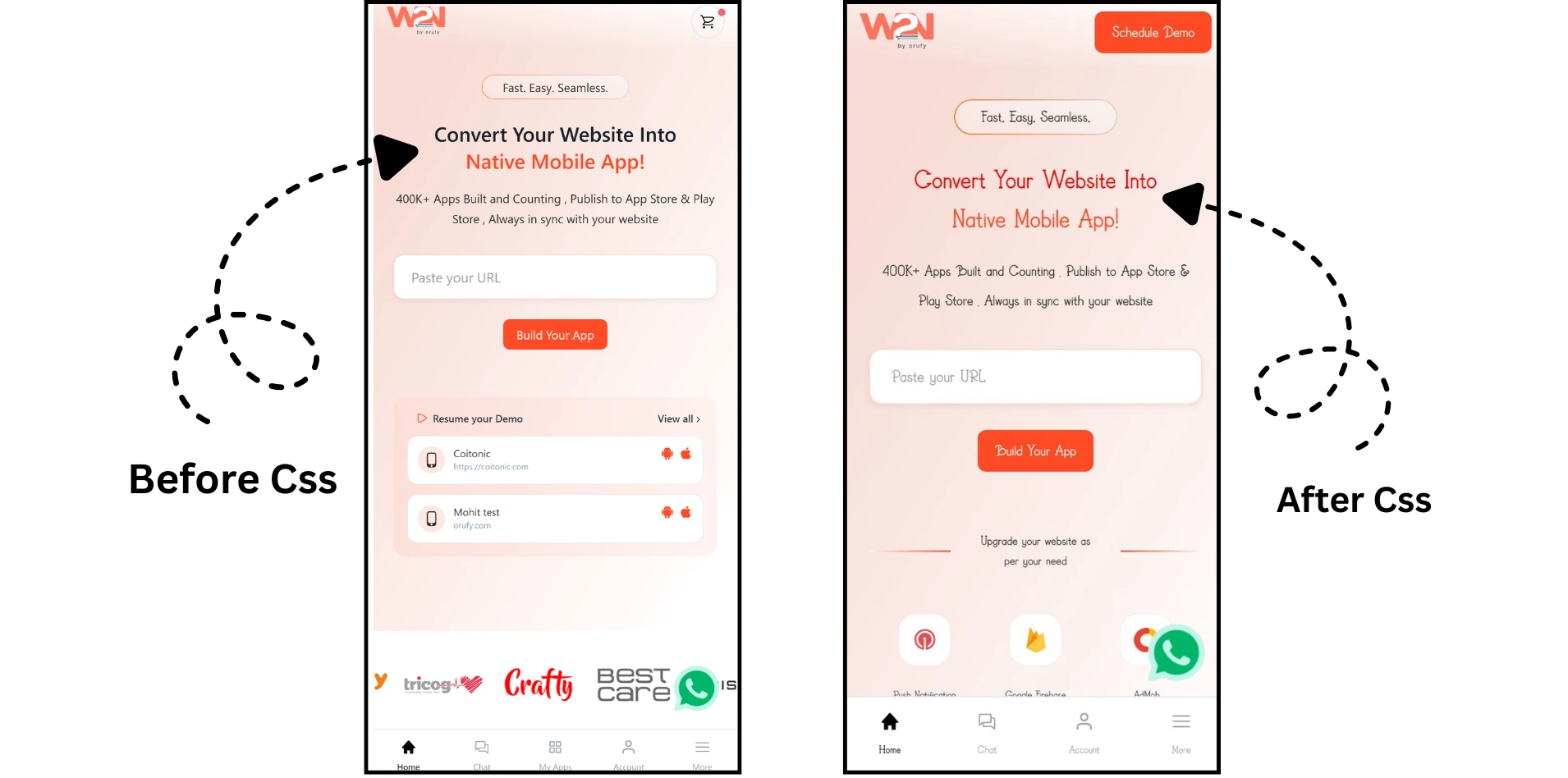
For example, you want change the color of your main heading at the home screen of your website. Applying the css rules, your site adapt this setting without touching the entire code. As an outcome, your heading color will be changed.
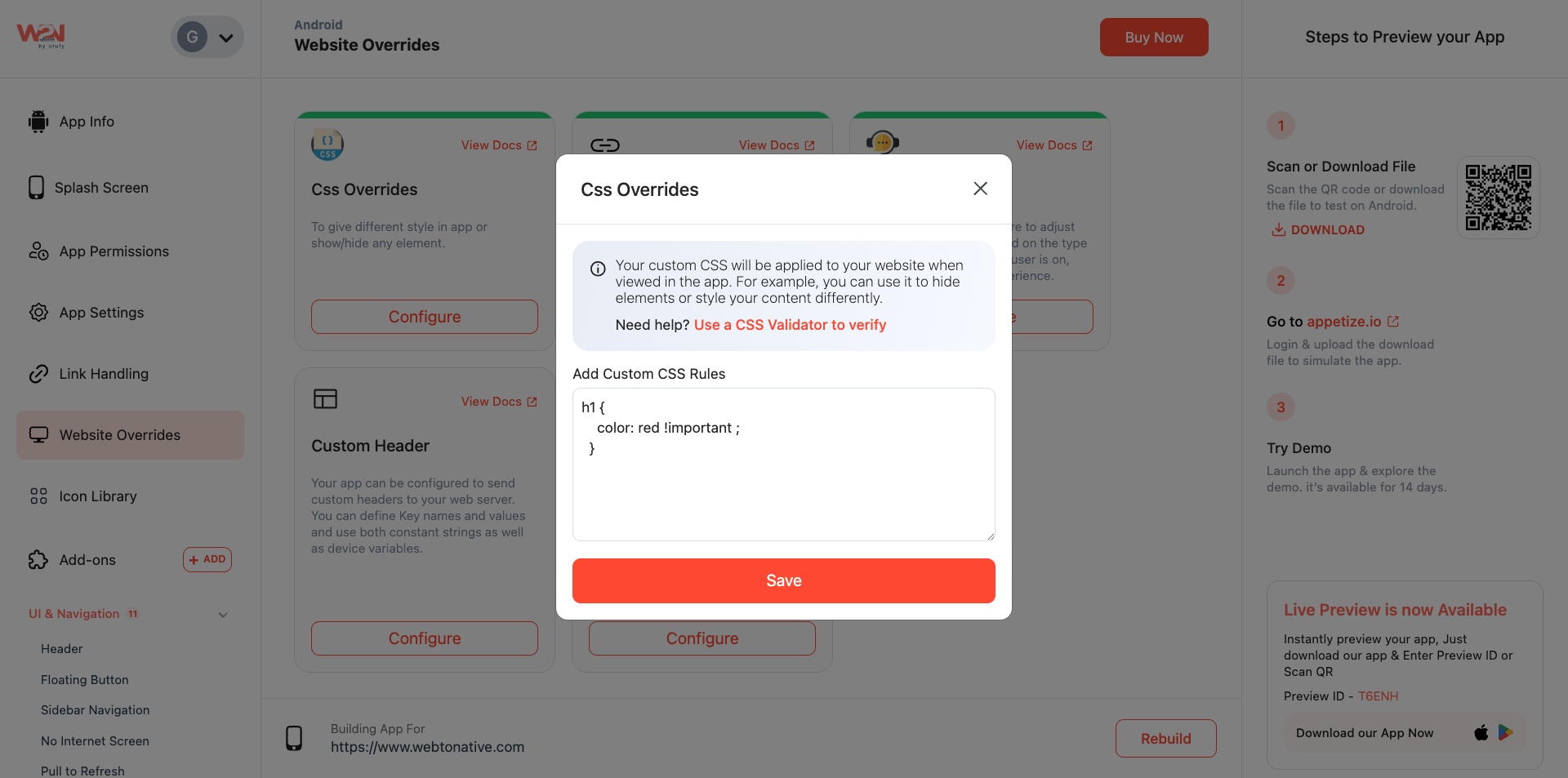
The above CSS rule change the color of the heading on your home page in the app. Click on the “Save” button to save your changes. Press the “Rebuild” button to reflect your changes in the website.
Save & Rebuild
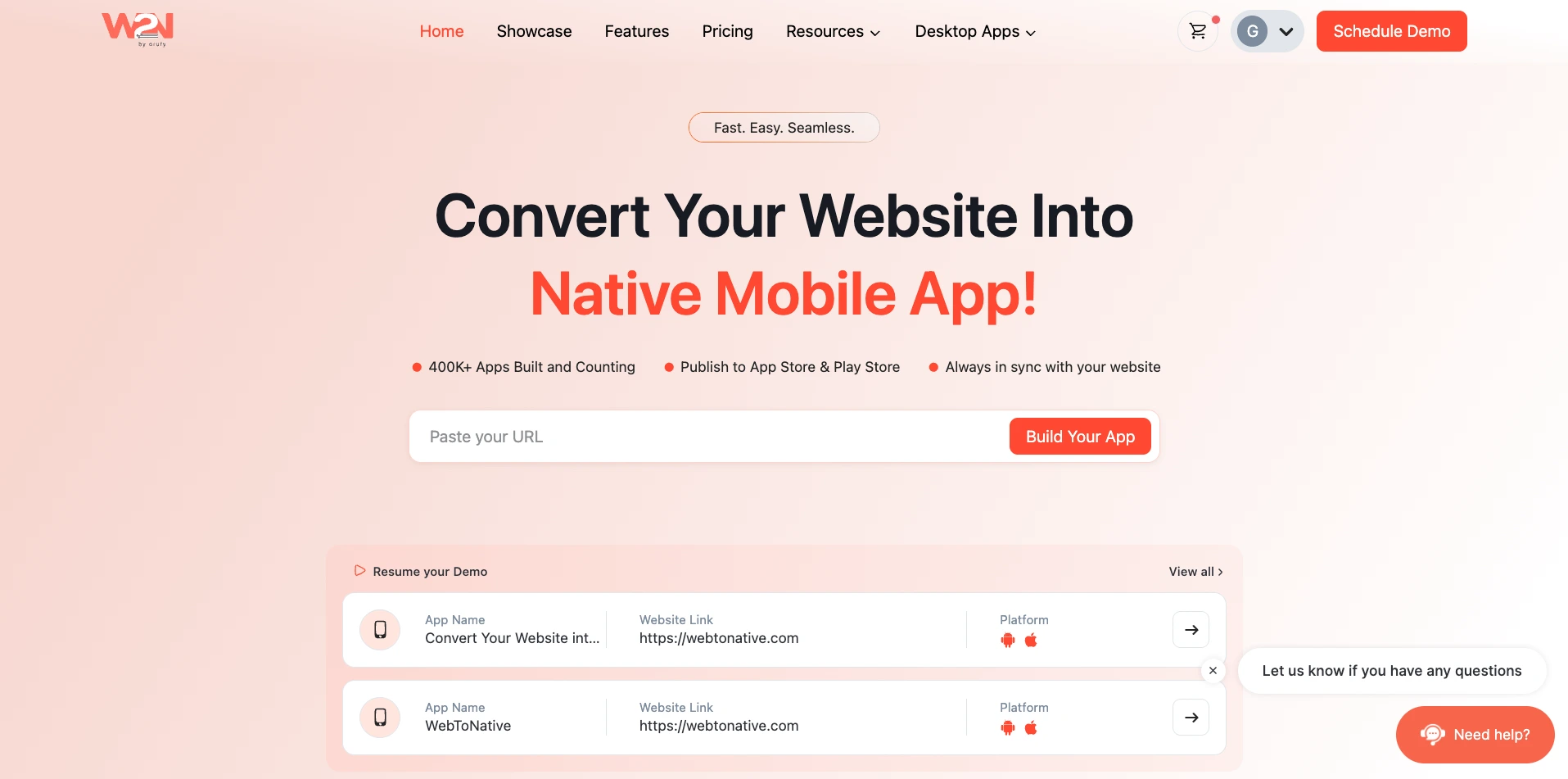
Click on Save button to update changes and tap to Rebuild to view effect in the app.
Implementation Tips:
Useful information that users should know, even when skimming content. Make sure your JavaScript and CSS work correctly after the page loads, especially on dynamic or single-page sites. Use the Custom JavaScript feature for advanced functionality.
Benefits of Custom Css

Unique Branding
Tailor your app's appearance to match your brand identity effectively.

Enhanced User Experience
Offer a user-friendly and attractive interface.

Flexibility and Adaptability
Customize styles and behaviors to meet evolving user needs and preferences.