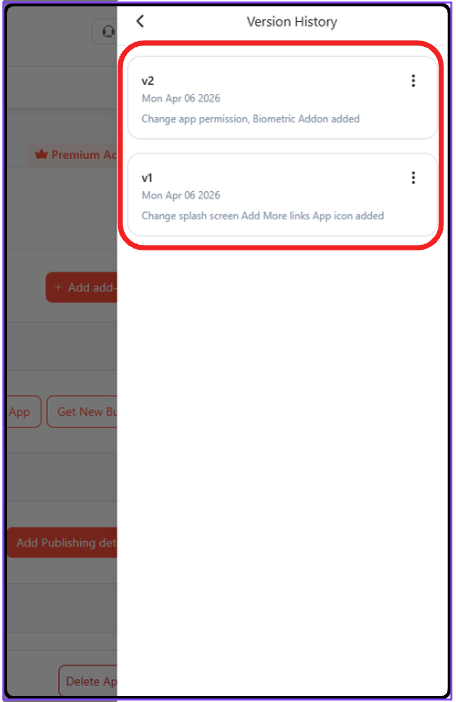
Version History
Version history is an in-app feature that takes a record of your updates and improvements you do in your app. Each update captures changes, such as bug fixes, layout design, performance boosts, etc. You update saves automatically, which you can see and track versions anytime and effortlessly.
Steps to Check Version History
Step 1: In your WebToNative Dashboard, you can change anything to update.
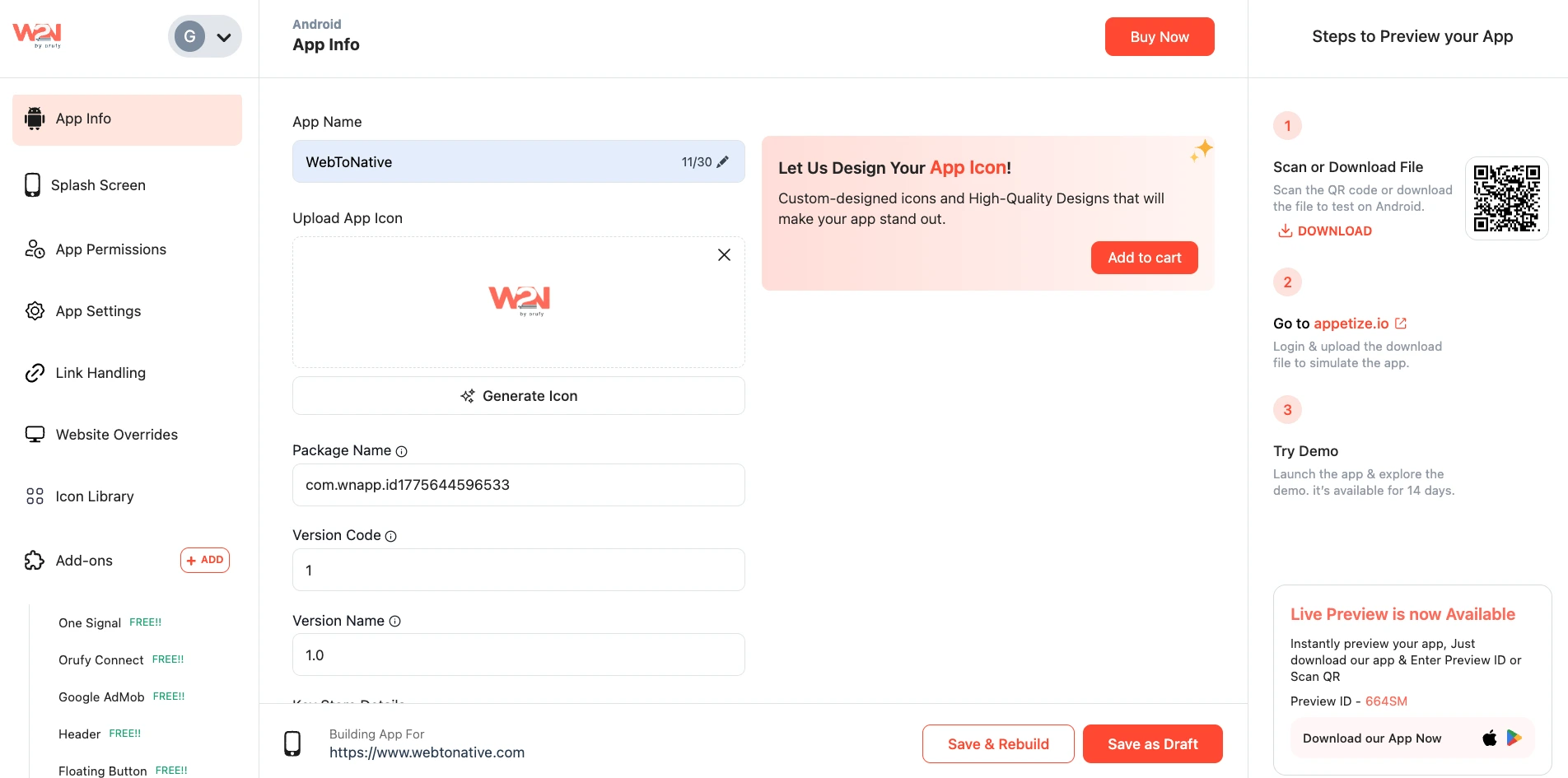
Step 2: For example, you have changed certain settings in your app.
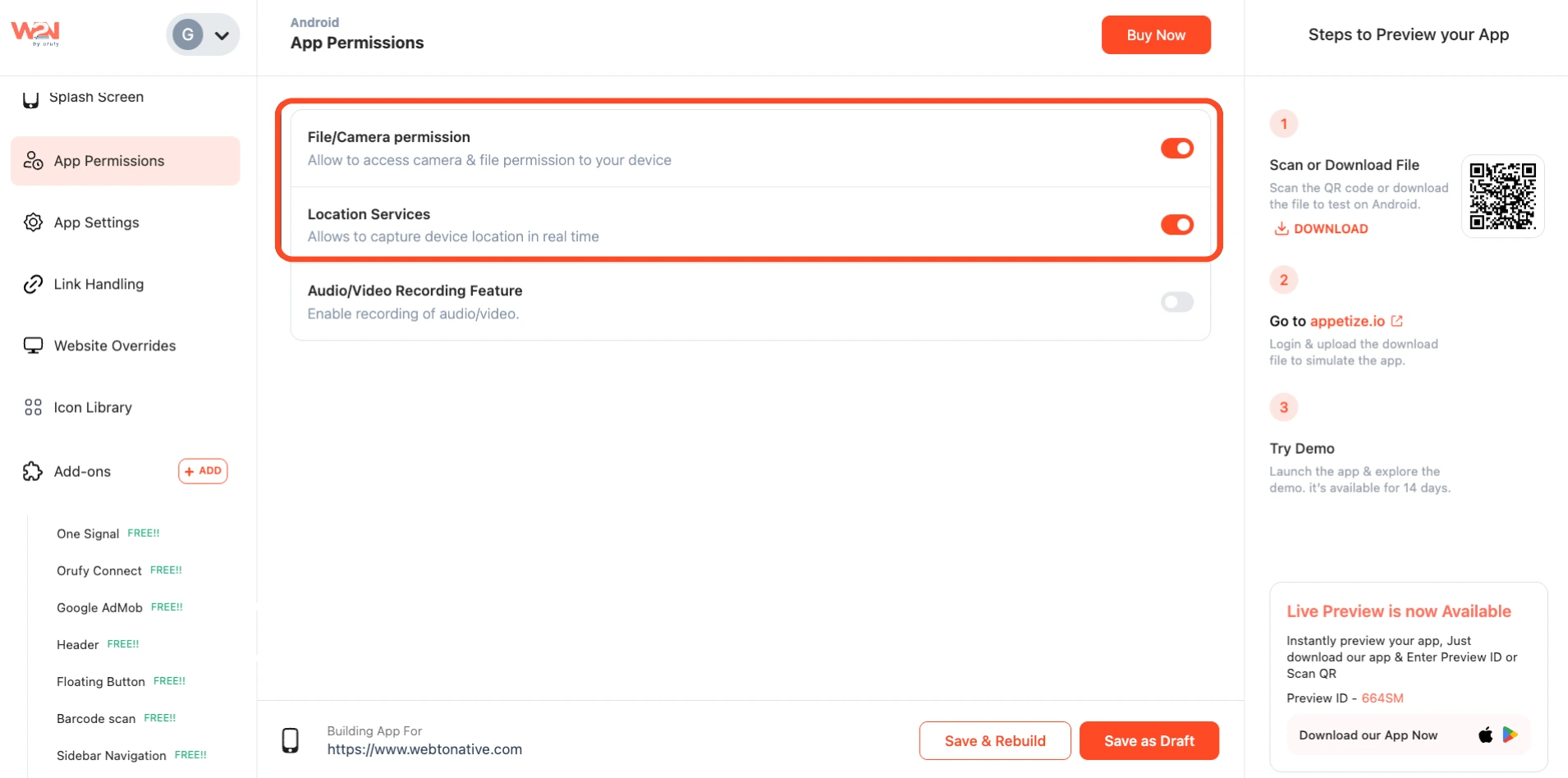
**Step 3: After Save & Rebuild or Save as Draft, you can see the version history.
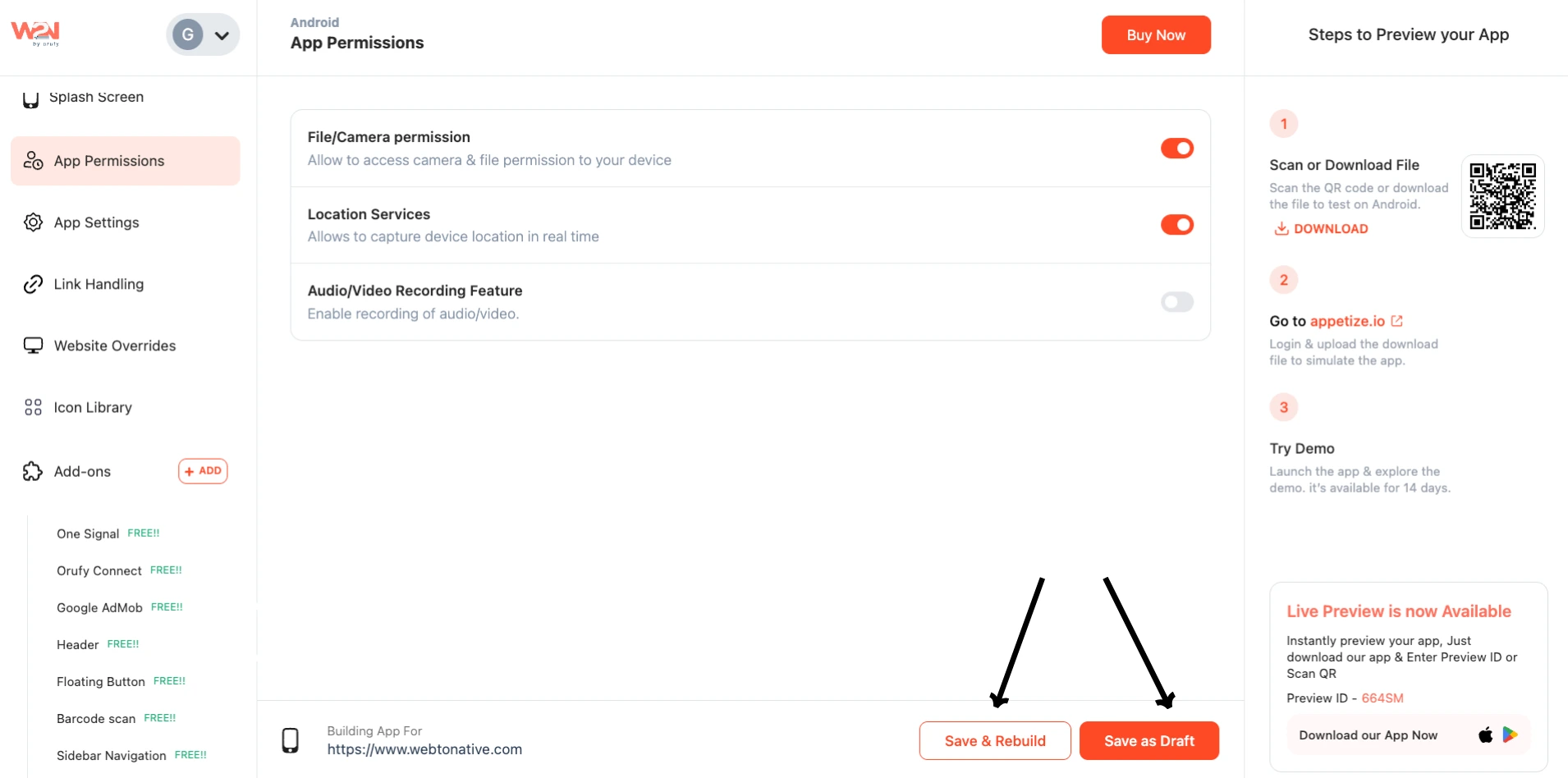
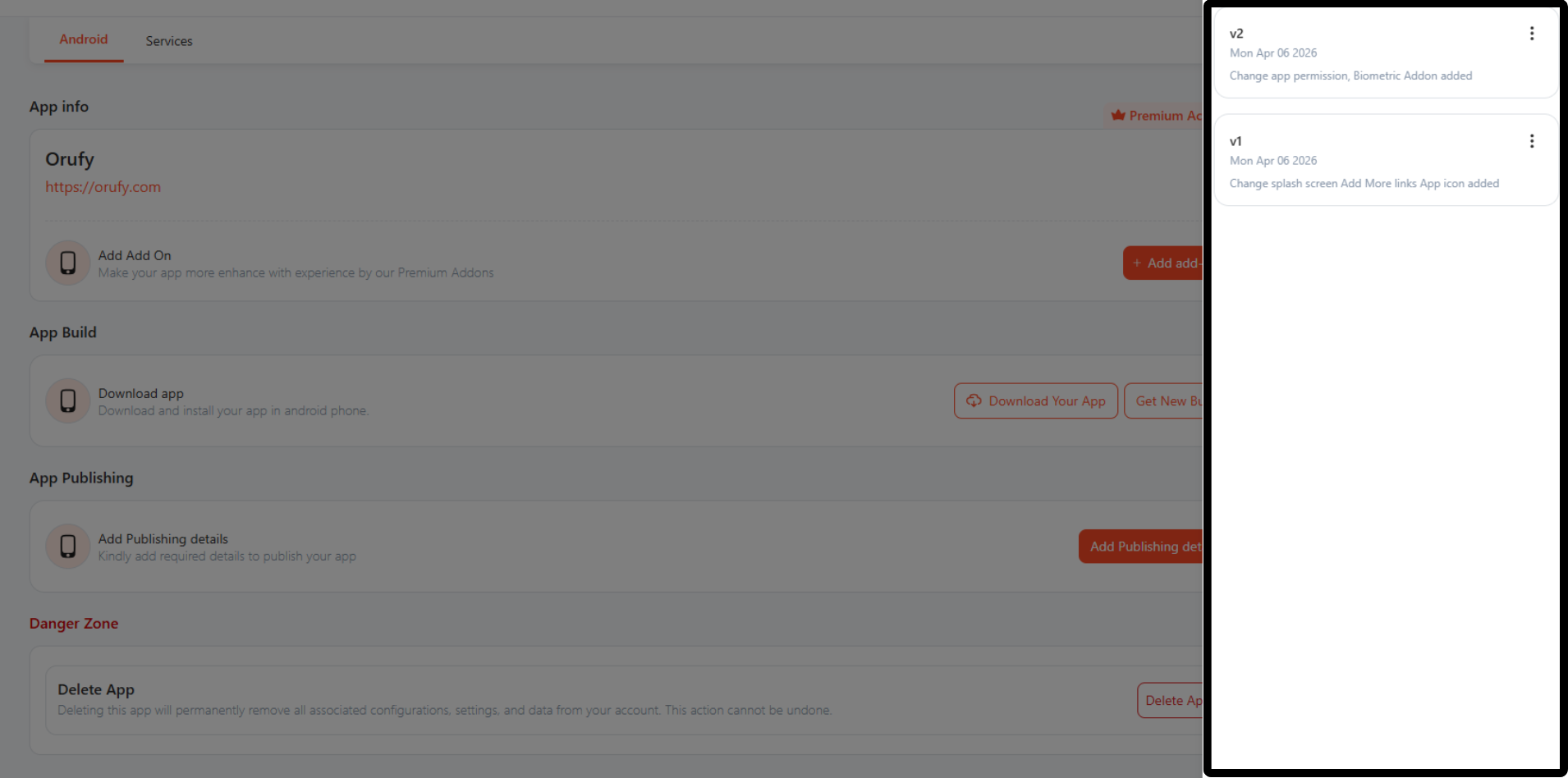
Step 4: You can remember the settings by writing what you have changed in your app