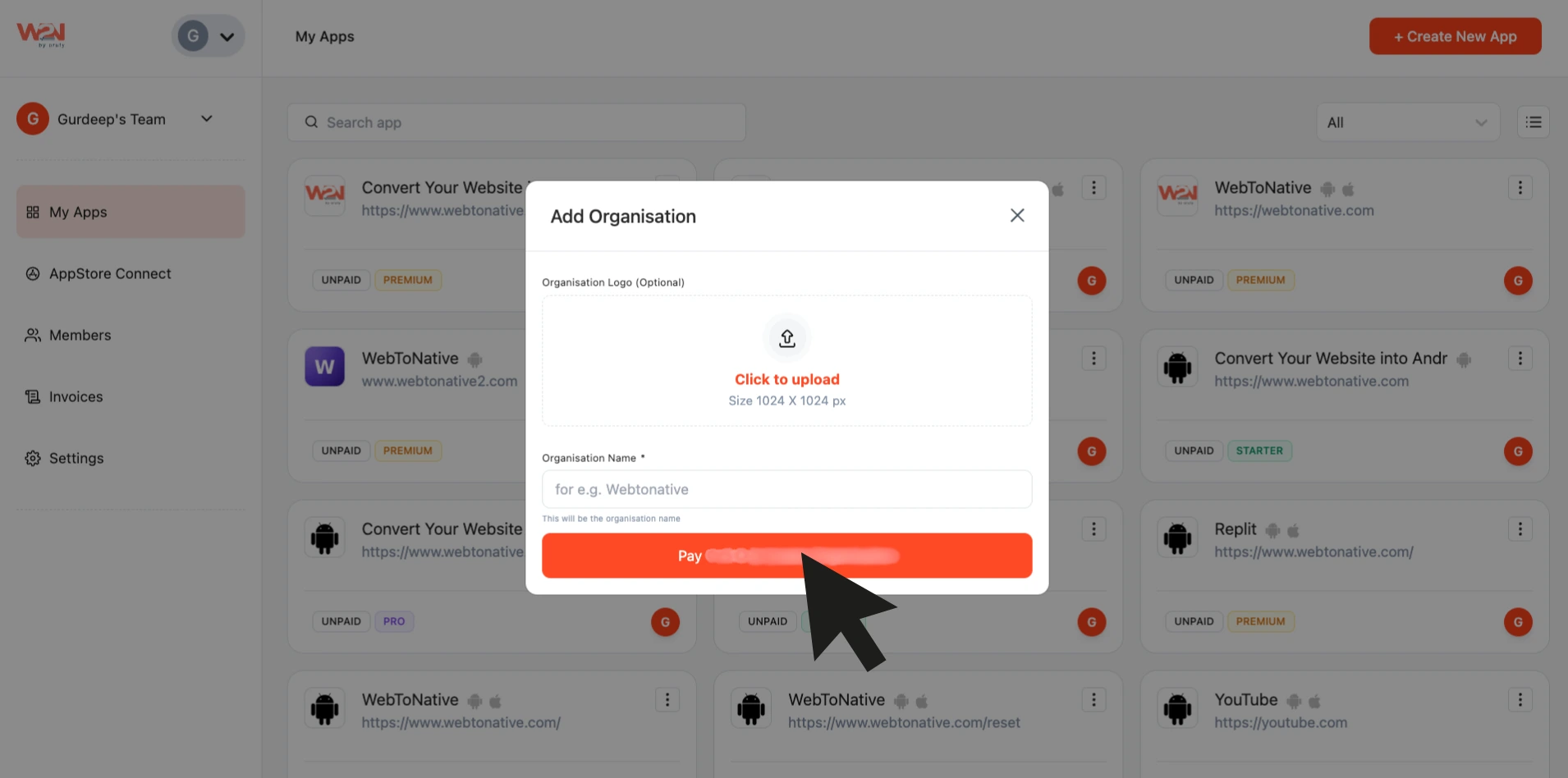
Organisation
An organisation feature in WebToNative allows you to group and manage your app in one place. This way, everything stays organized when you have multiple apps. Additionally, once you have completed the payment, you can start managing your app more efficiently.
Steps to Use the Organisation
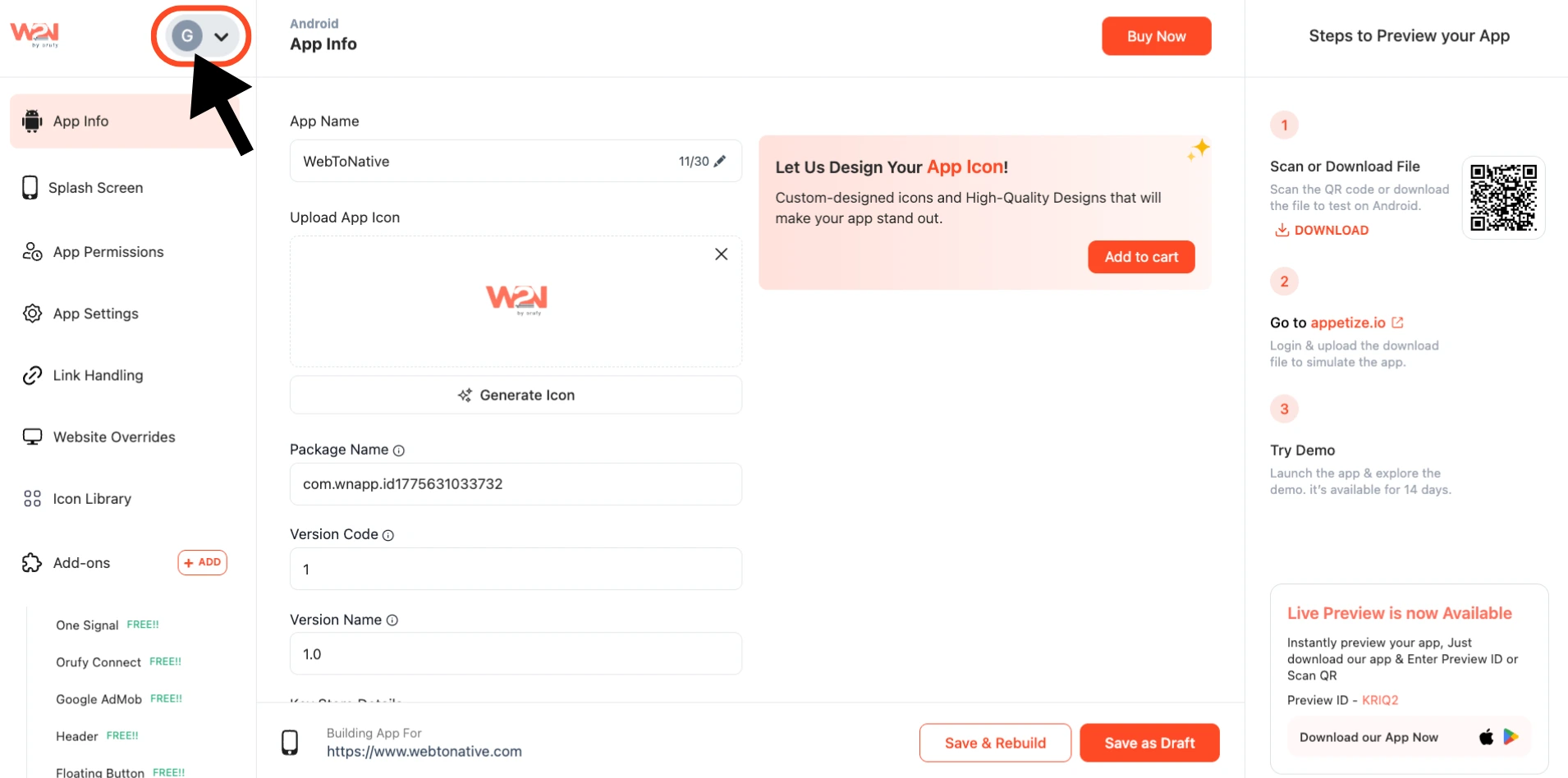
Step 1: In your WebToNative Dashboard, click on the profile icon
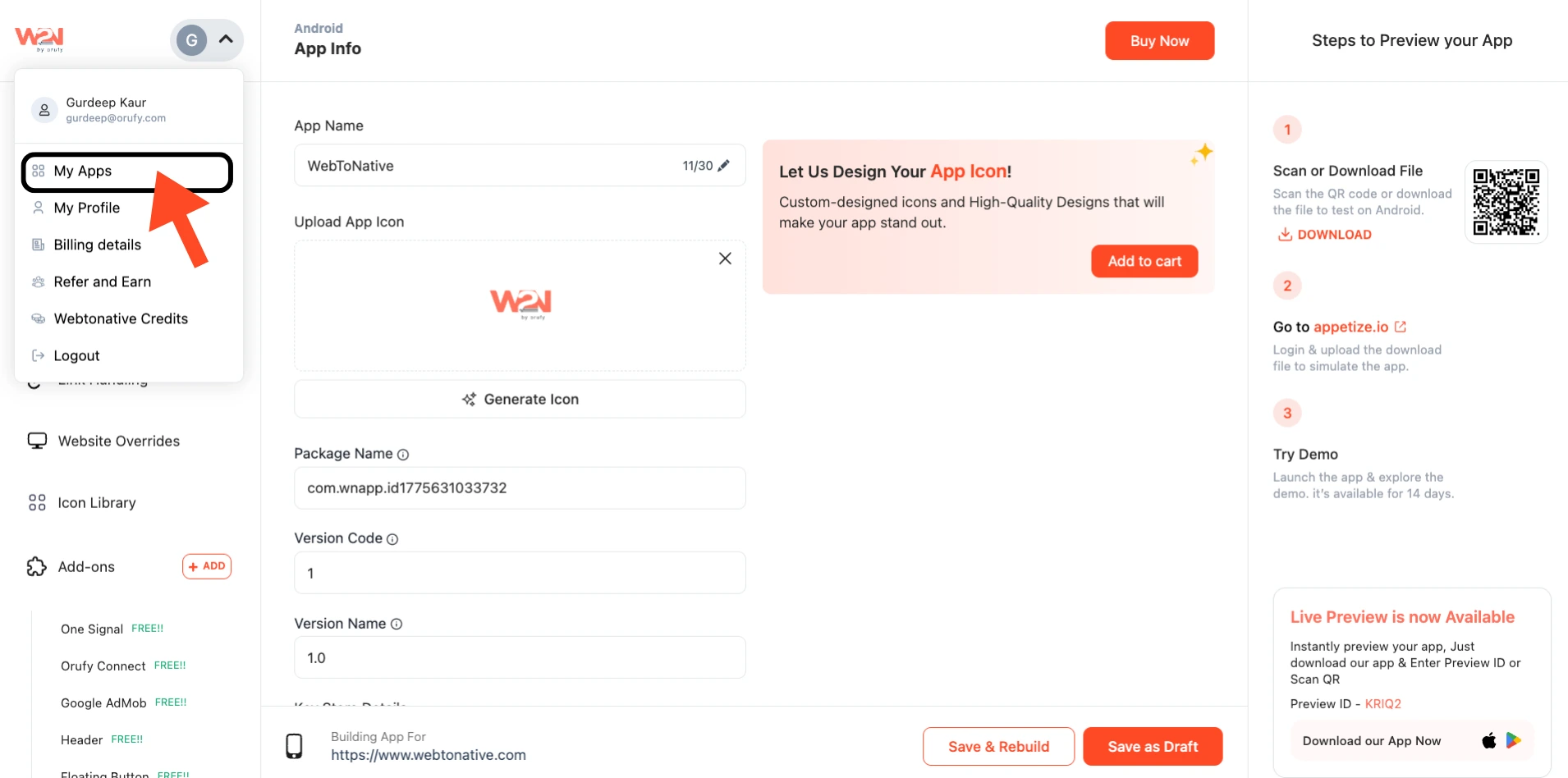
Step 2: Click on My Apps
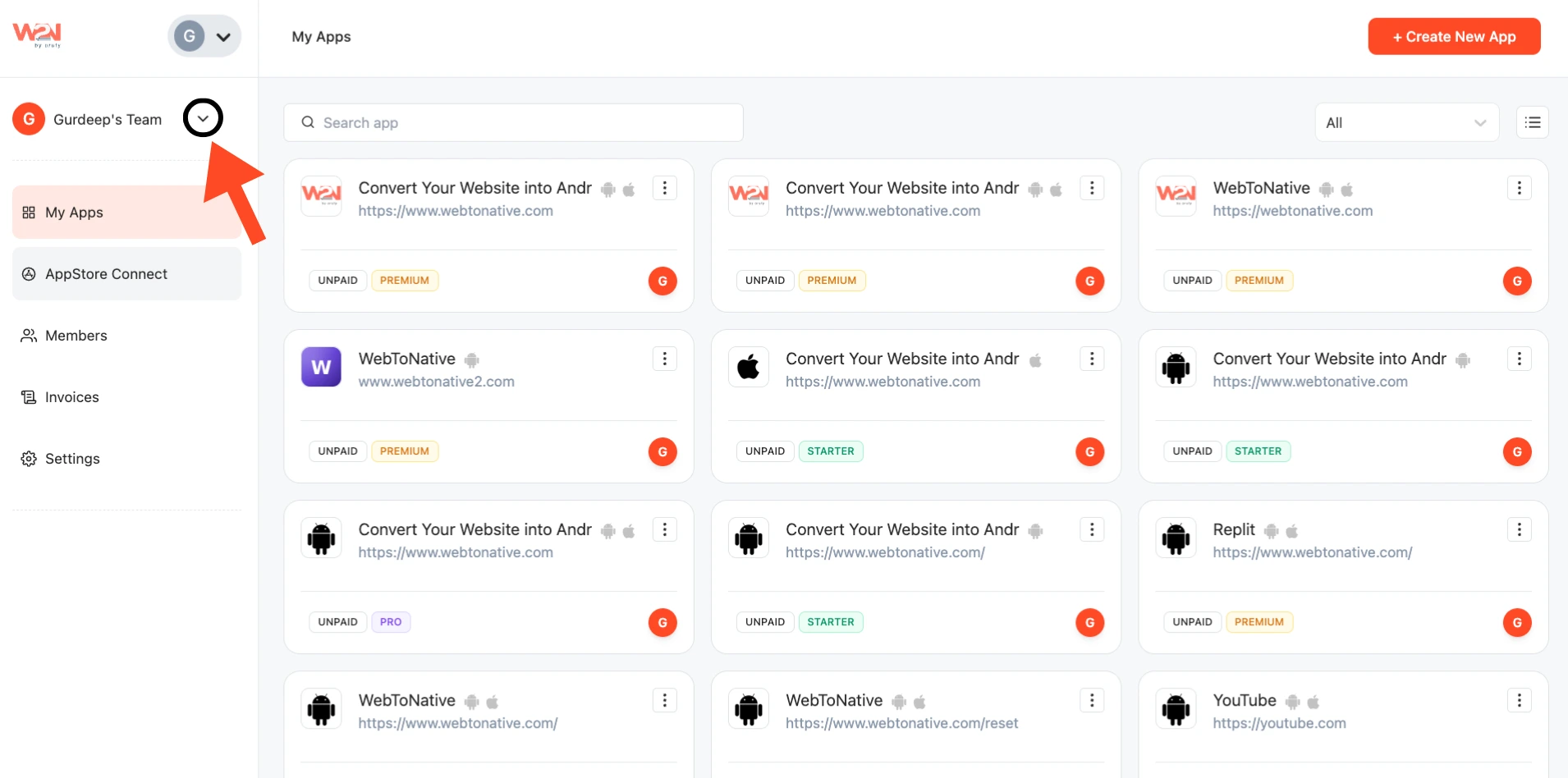
Step 3: Tap on the dropdown arrow
Step 4: Press + Add Organisation
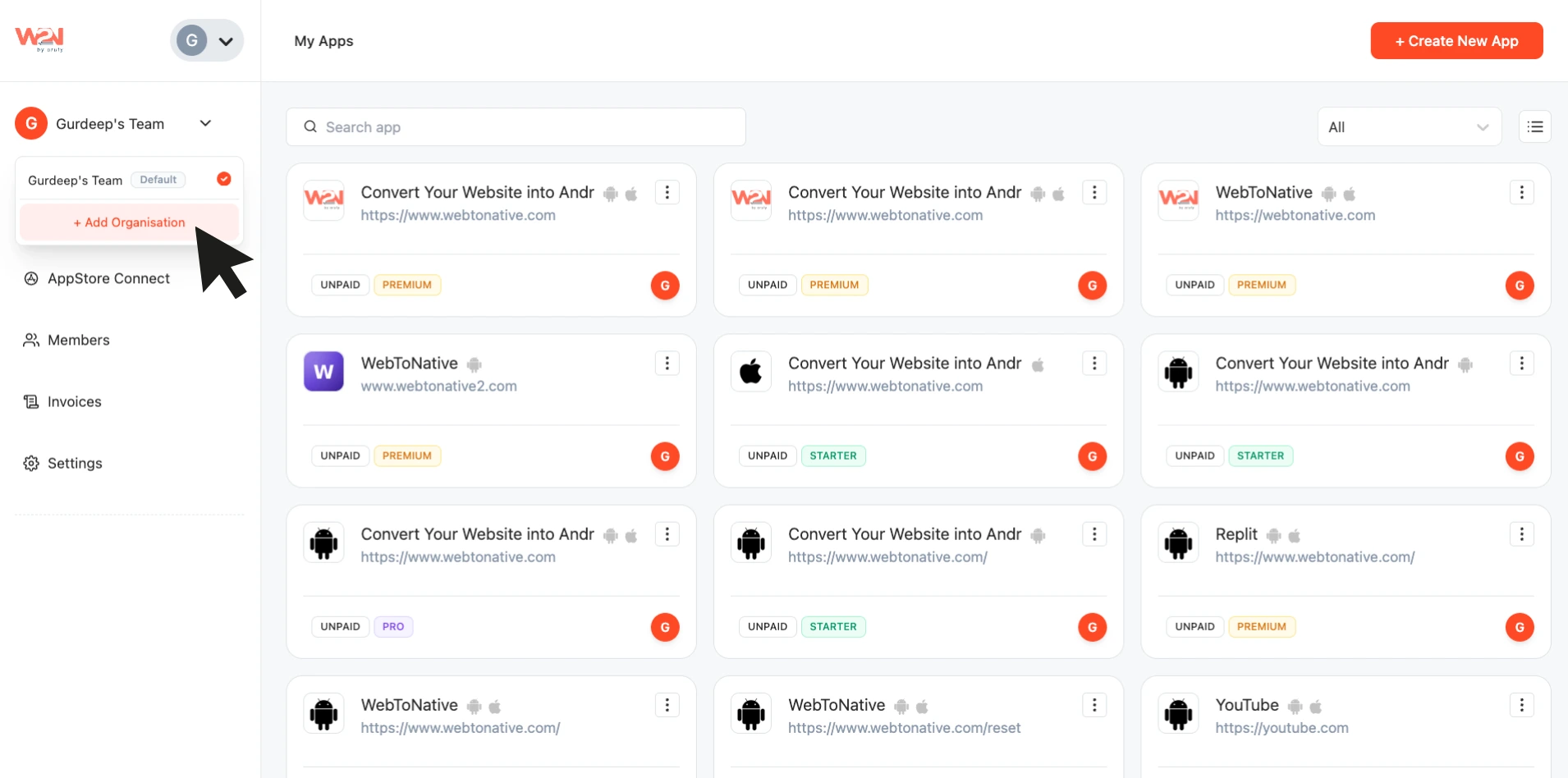
Step 5: Upload your image and enter your organization name
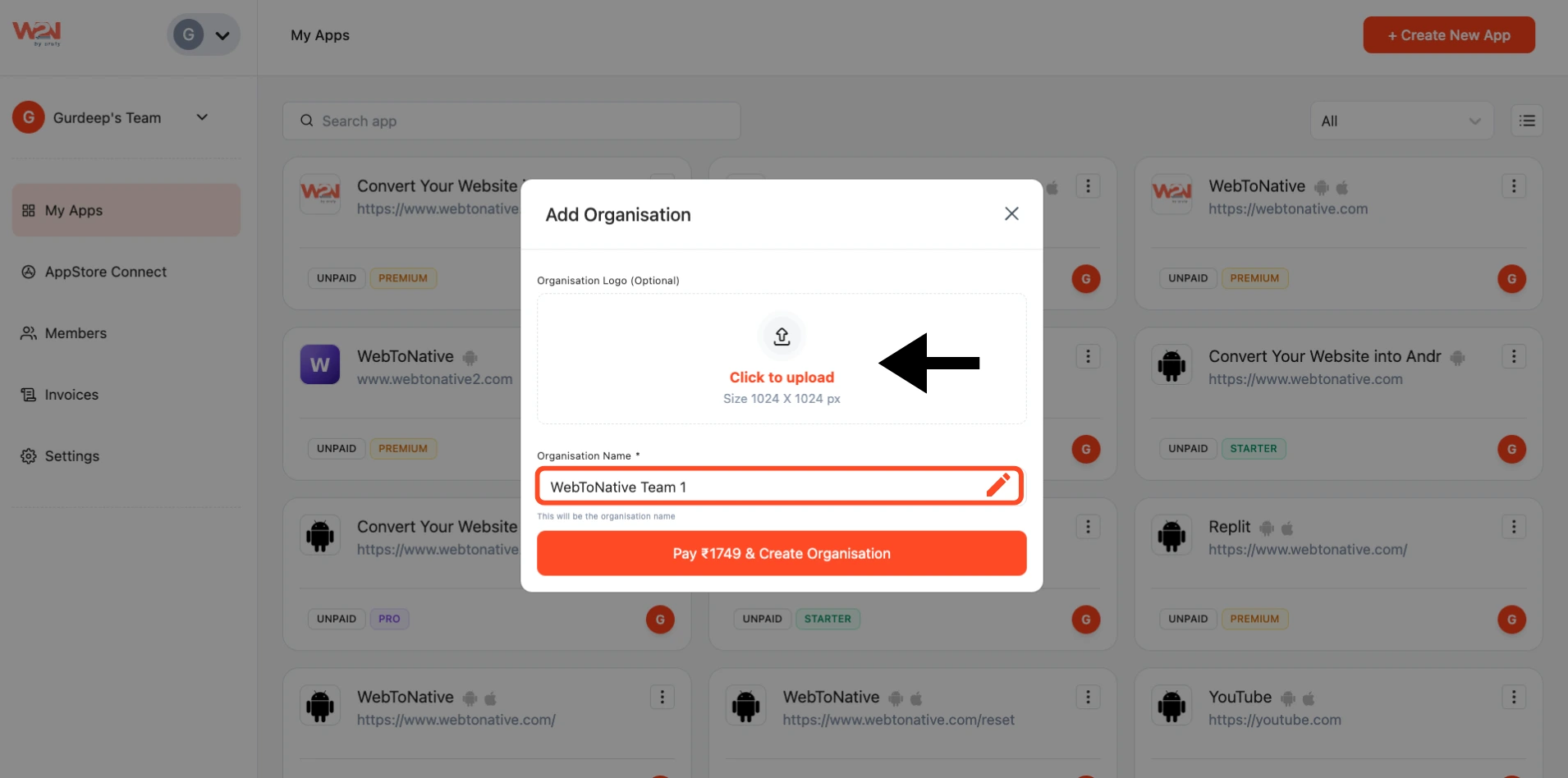
Step 6: Pay the amount and use it