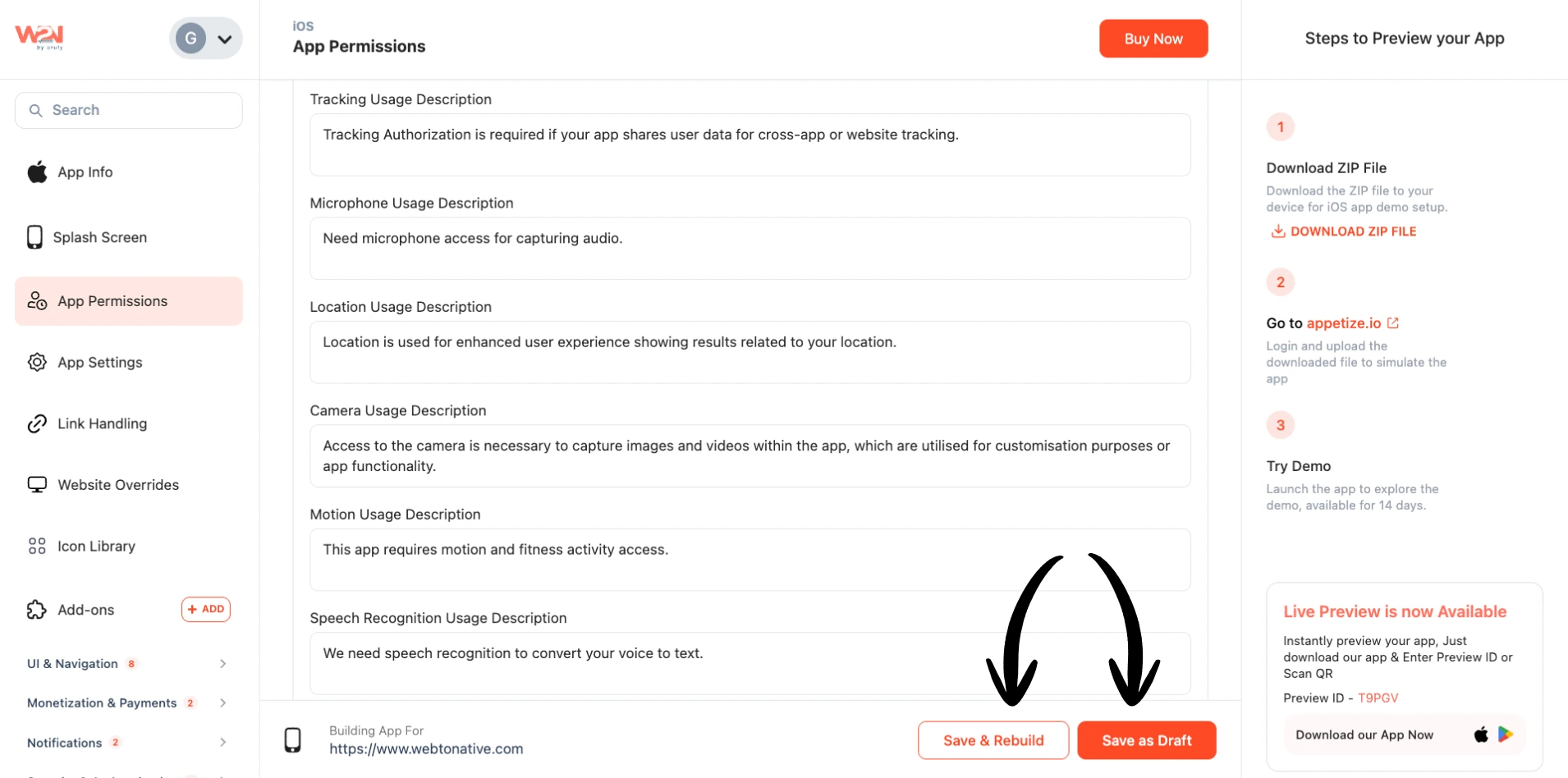
App Permission - iOS
Enable the Request Tracking Authorization
Once you turn on the toggle of Request Tracking Authorization, the second permission “Permission Descriptions” will automatically be enabled.
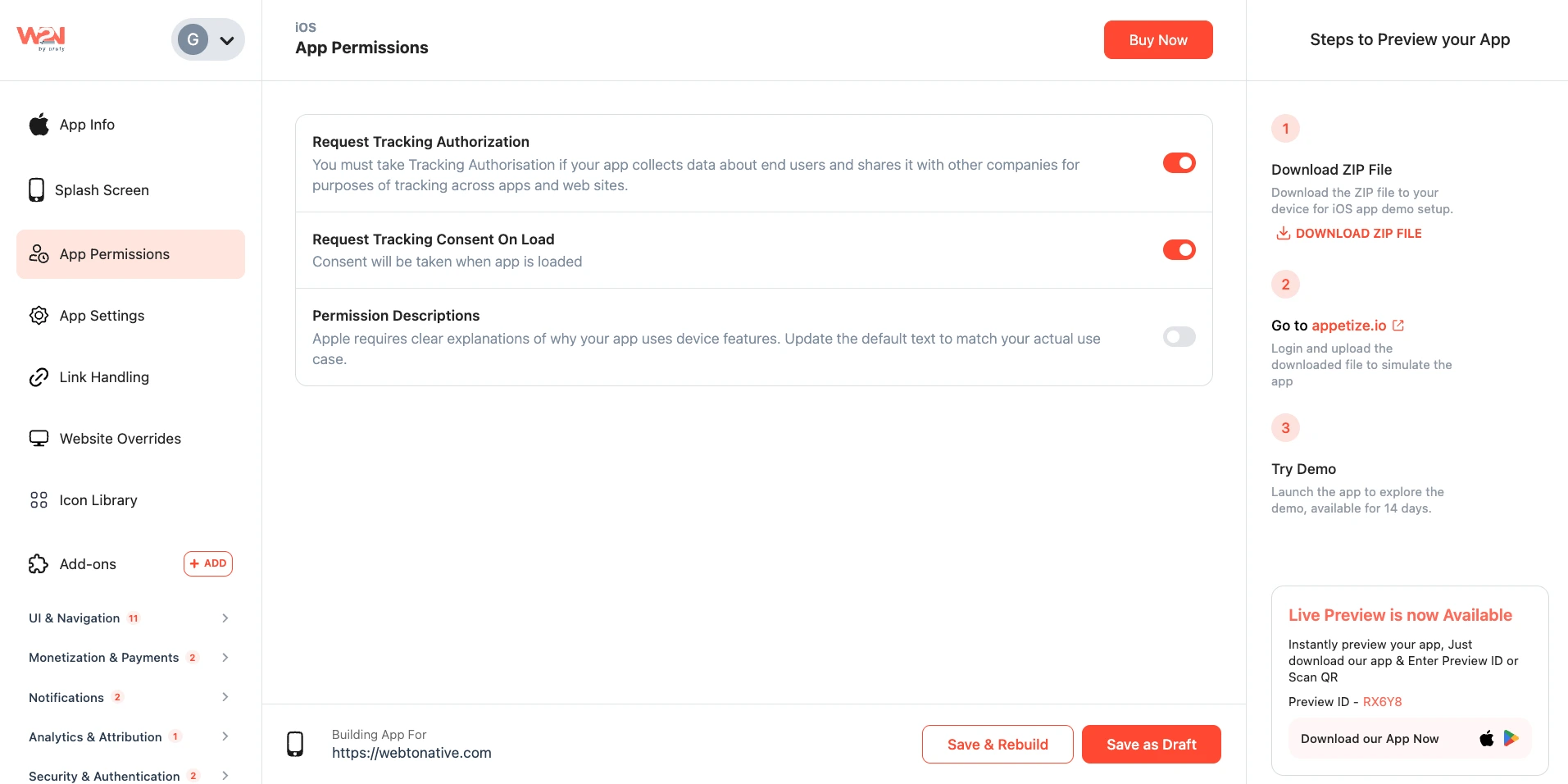
Permission Descriptions
Enabling the Permission Descriptions requires a clear explanation of why your app asks for these device permissions. You have several permissions to allow, like tracking, microphone, location, camera, and speech.
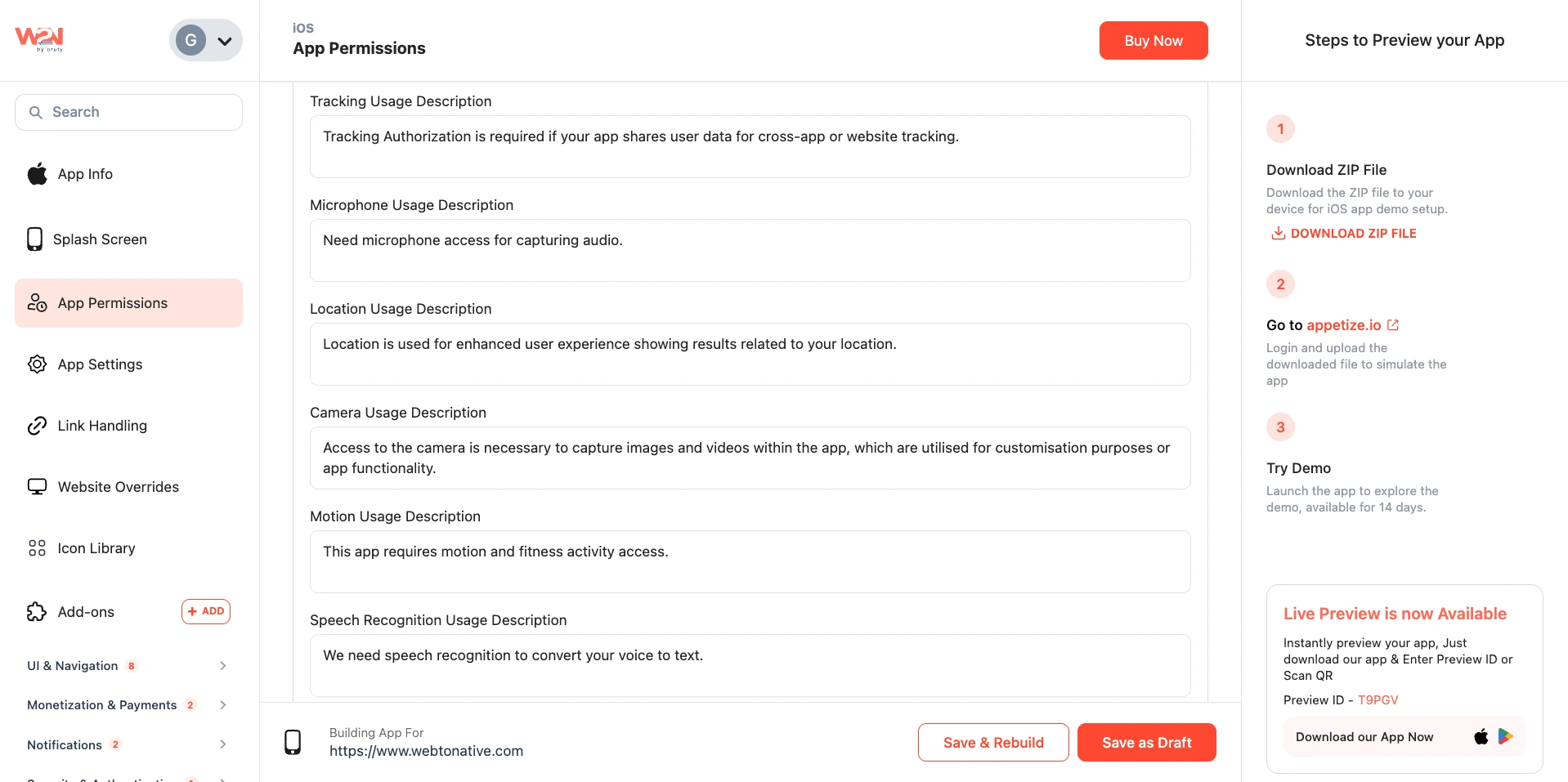
Fill the Description Field
You can write the description of the permission on your own. For example, you want to enable microphone permission for your calling app, and you write your description.
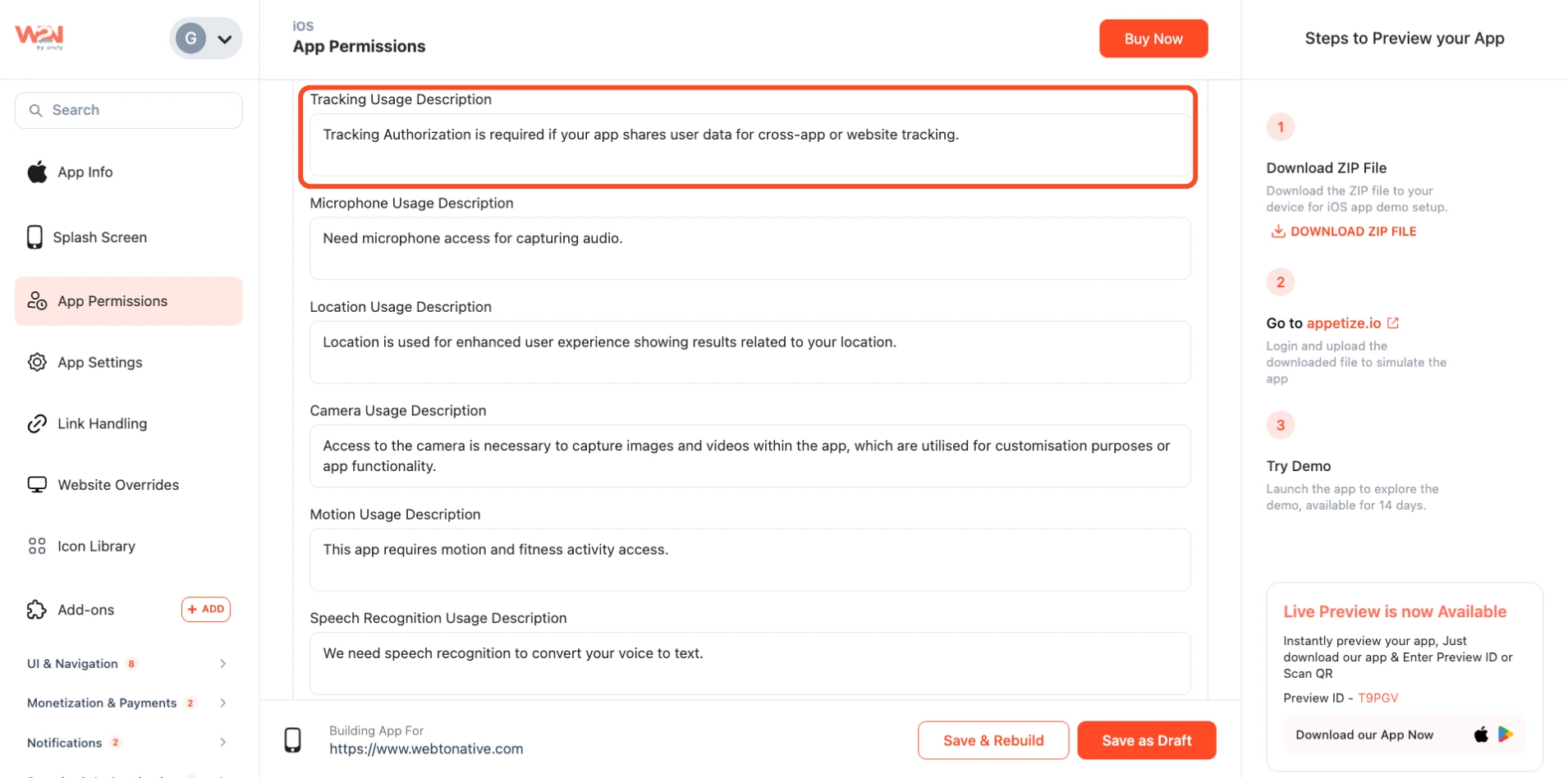
Premium Customization
If you have a premium plan, you can generate an app permissions description with AI.
iOS App Permissions — Sample Descriptions

Tracking Usage Description
This app requests permission to track your activity across other apps and websites to show you relevant content and improve your experience. You can choose not to allow tracking at any time from your device settings.

Microphone Usage Description
This app needs access to your microphone to allow you to record audio, use voice search, or communicate within the app. Your audio is only captured when you actively use these features.

Location Usage Description
This app uses your location to show you nearby results, personalise content, and provide services relevant to where you are. Your location is only accessed while using the app.

Camera Usage Description
This app needs access to your camera so you can take photos, scan QR codes, or upload images directly within the app. Your camera is only activated when you choose to use it.

Contact Usage Description
This app requests access to your contacts to help you connect with people you know, share content easily, or auto-fill details. Your contact information is never shared without your permission.

Motion Usage Description
This app uses motion and fitness data to track your activity, count steps, or enhance features related to physical movement. This data is used only within the app to improve your experience.

Speech Recognition Usage Description
This app uses speech recognition to convert your voice into text, making it easier to search, fill forms, or interact with the app hands-free. Voice data is processed securely and not stored.
Paste or Describe
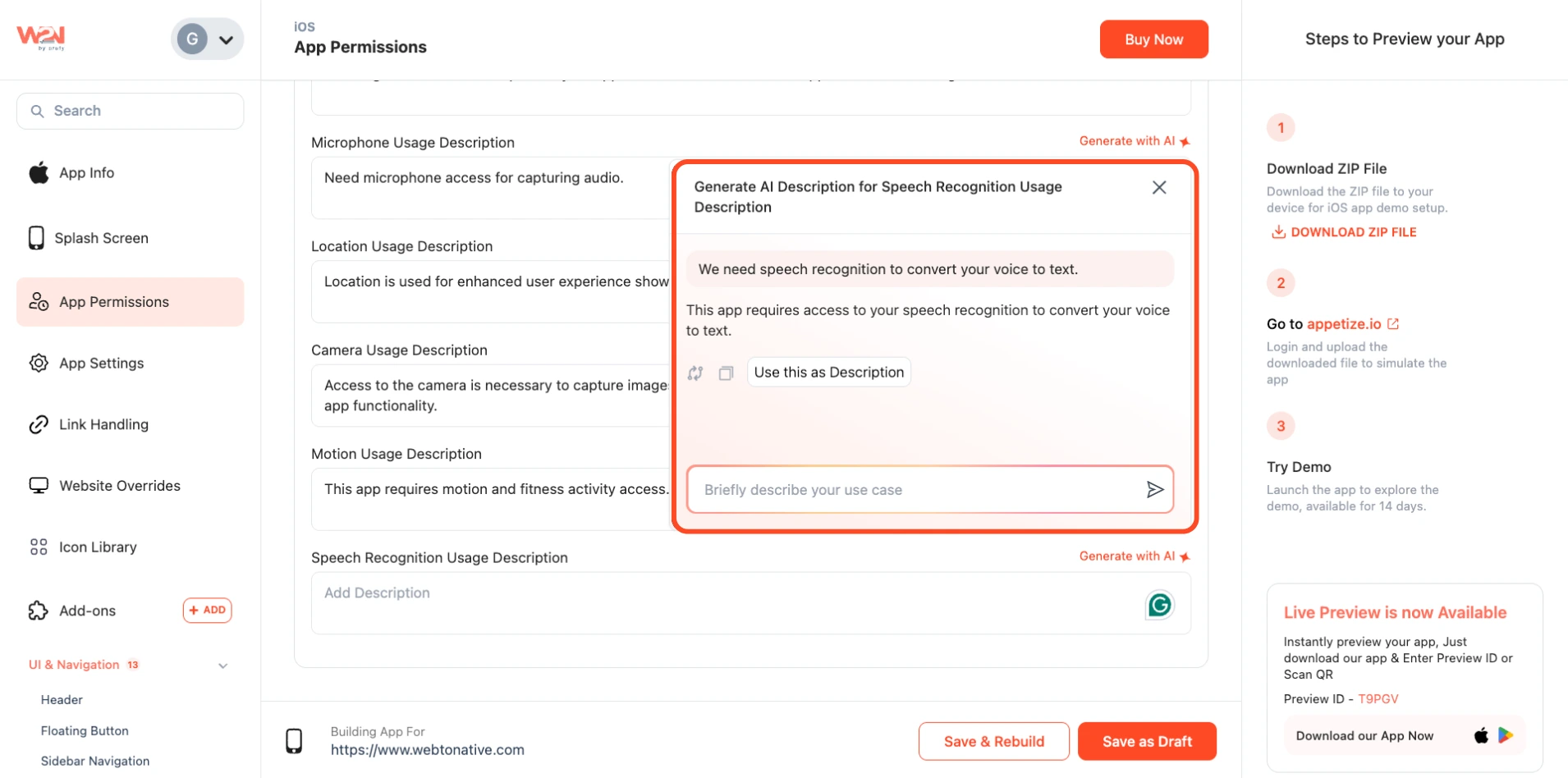
Provide a clear description of why your app needs this permission using Generate with AI.
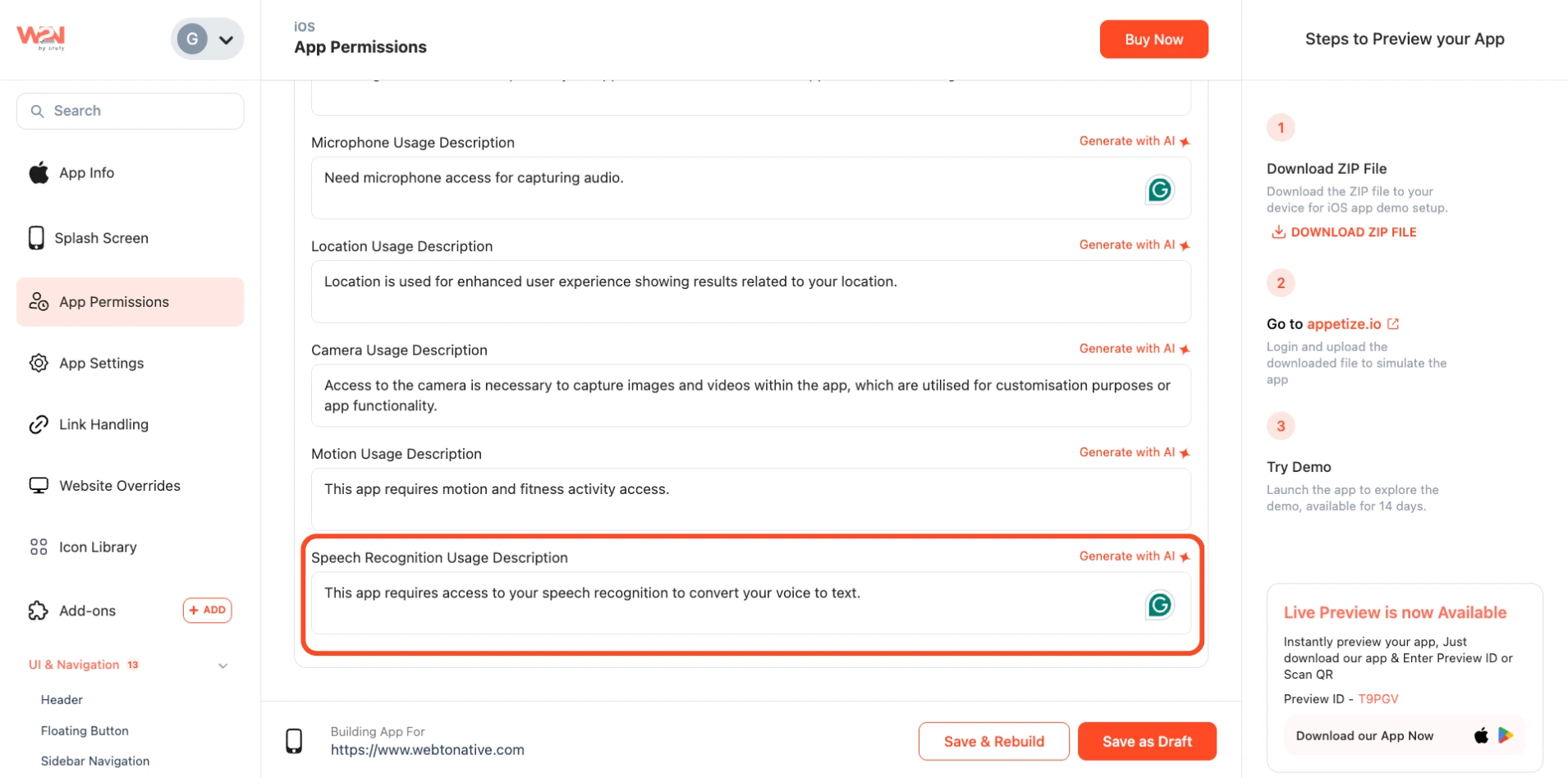
Use this as Description
Click on Use this as Description, which will take the description’s place automatically.
App Store Service APIs
This app permission connects your iOS app to Apple's Declared Age Range API. Once turned on, your app can request a user's age range directly from their Apple account, along with whether parental permission is needed for that user. This is required for apps showing 18+ content in different regions.
No personal data or ID is collected here. Your app only gets an age range or category, never the exact birthdate.
Why Does It Matter?
Helps your app meet regional age verification laws
Confirms parental consent for minors before accessing unauthorized content
Provides a reliable age signal without collecting personal data
For more in-depth knowledge, Visit Age Safety Documentation (opens in a new tab).
Save as Draft or Save & Rebuild
Save your settings as a draft or directly rebuild and download the app again to see the changes in the app.