Multi-Purpose Modal
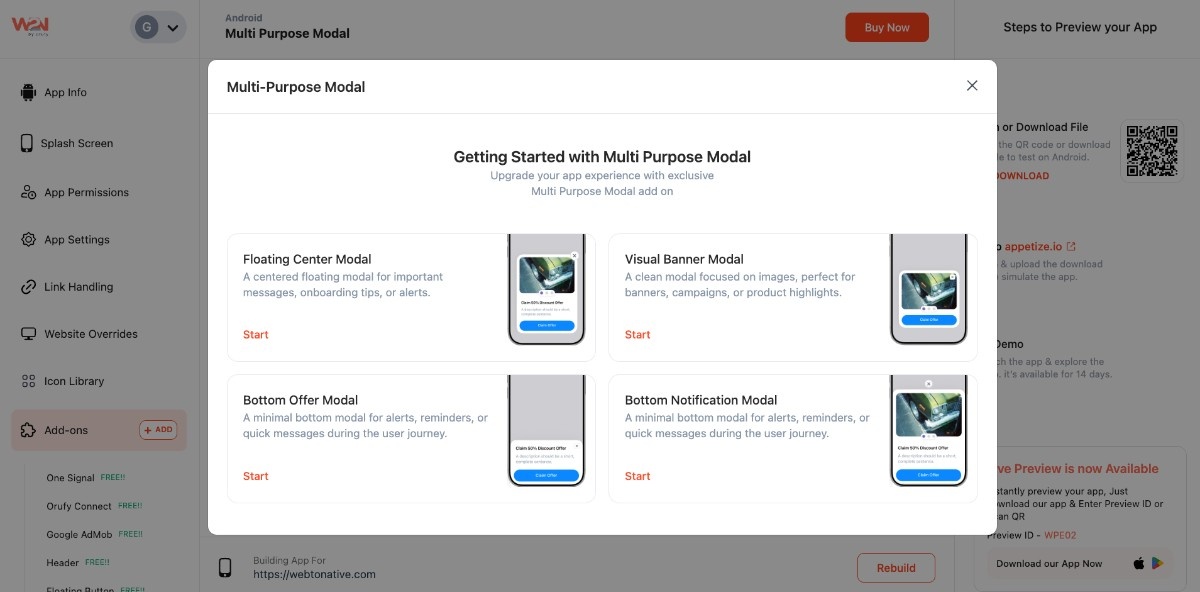
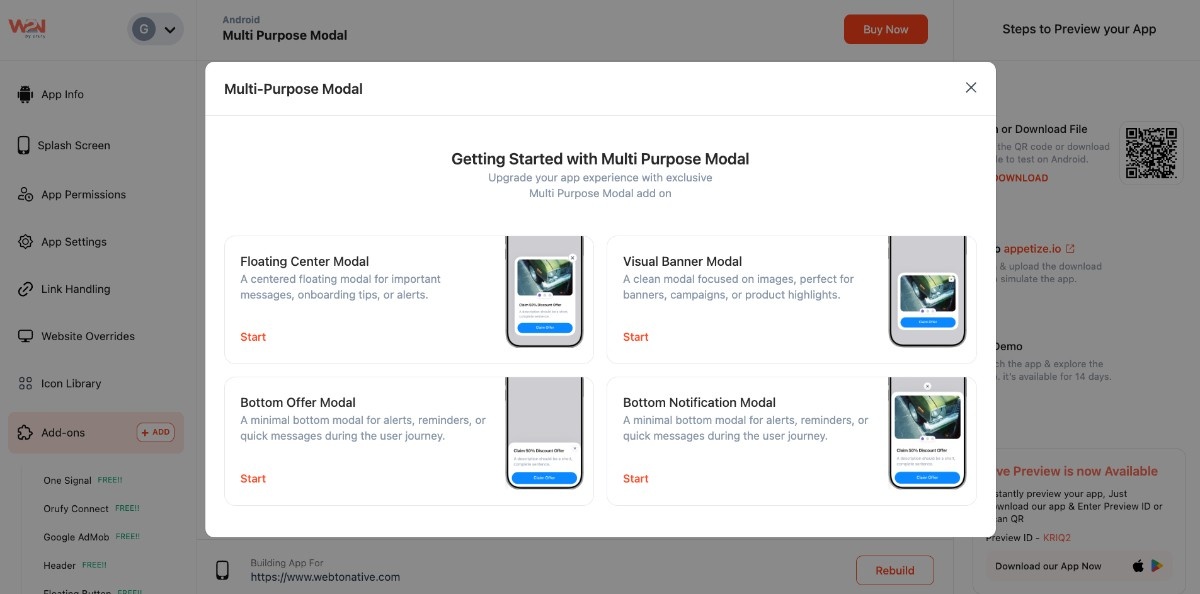
Now, you can improve your app performance with the Multi-Purpose Modal. This helps you communicate with users in different situations. These modal will make your app more engaging, interactive, and ultimately easy to use. There are four main modals:
-
Bottom Notification Modal - A small message comes directly from the app to inform your users.
-
Floating Center Modal - Appears in the form of a pop-up, used for key information or alerts
-
Visual Banner Modal - Used to promote offers, images, or campaigns in a visual display
-
Bottom Offer Modal - An offer box, appearing from the bottom without disrupting the user flow
Note: The Option is only available for Premium members
Steps to Integrate Multi-Purpose Modal Into Your App
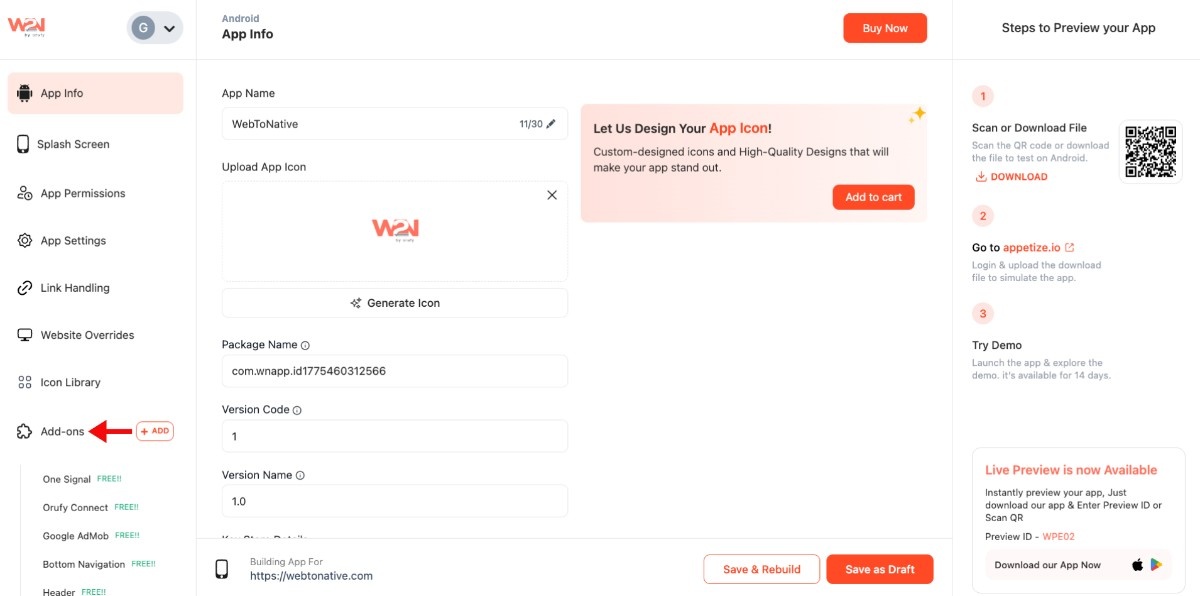
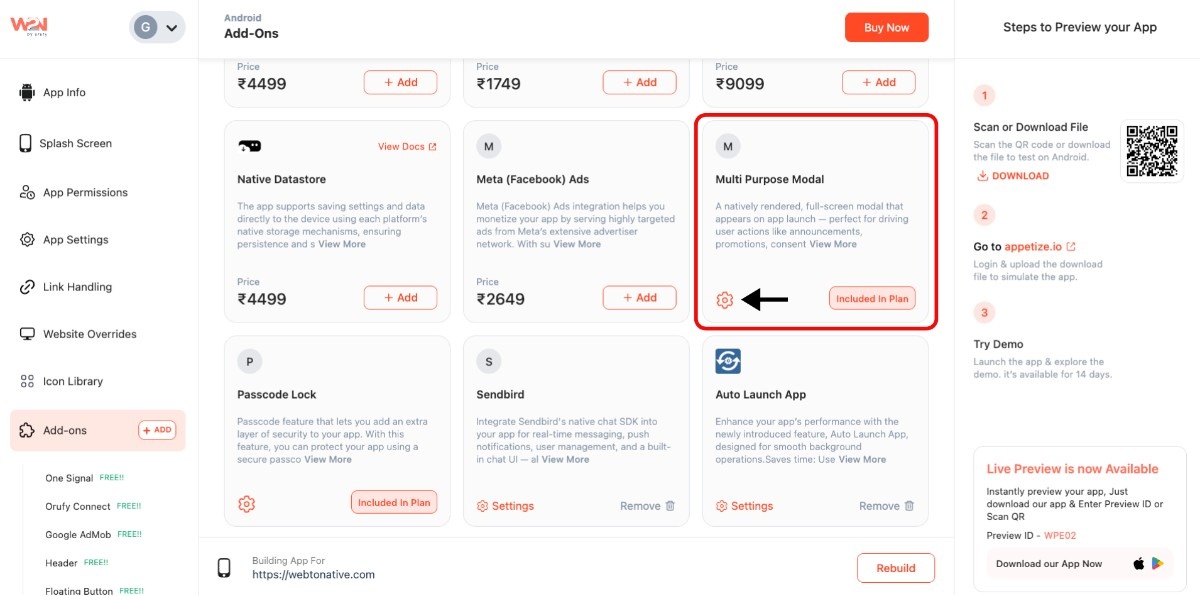
Step 1: Open your WebToNative dashboard and click on “Add-ons” from the left sidebar
Step 2: In the “Add-ons” section, look for “Multi-Purpose Modal”
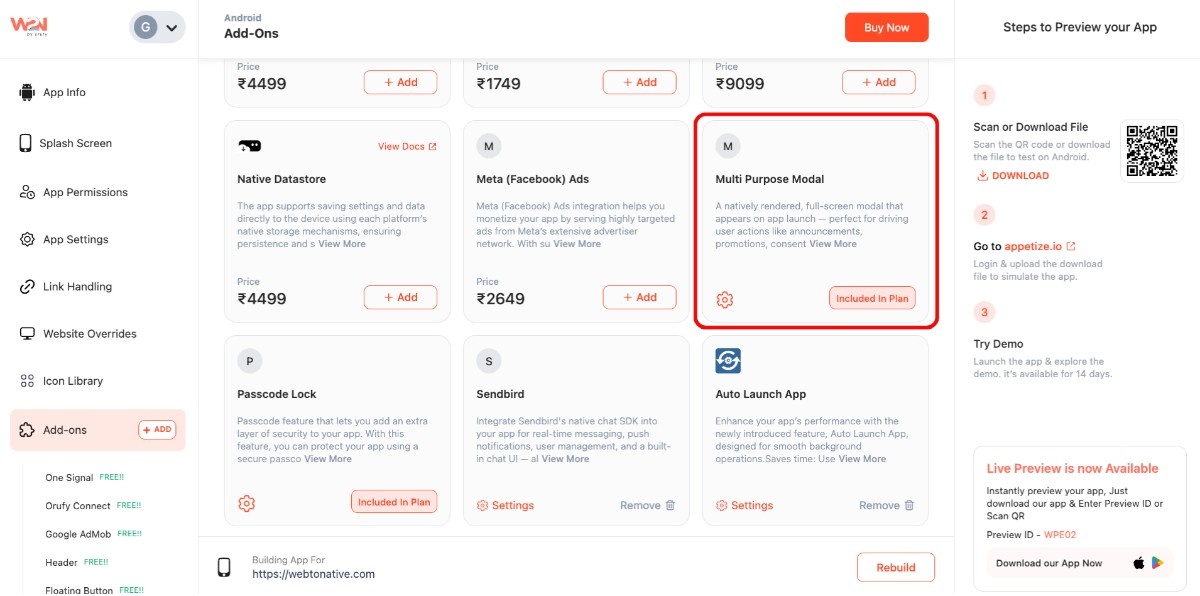
Step 3: Tap on the “Settings” icon right below the add-on
Step 4: Click on “+ Add Multi Purpose Modal”
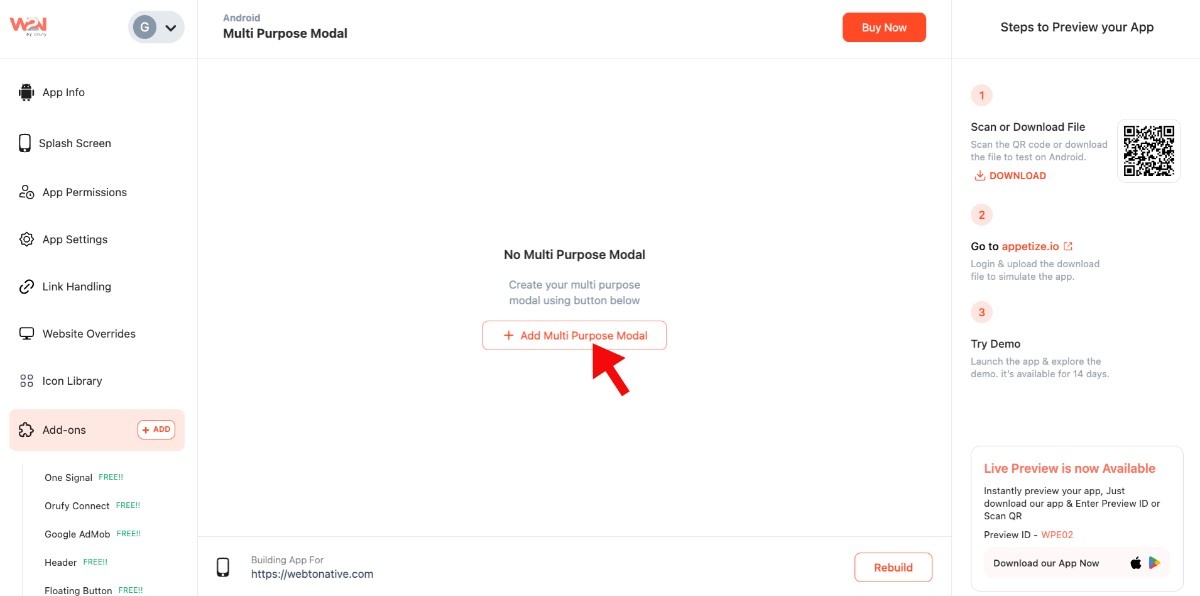
- You will see different modals, which you can add to your app based on your preference