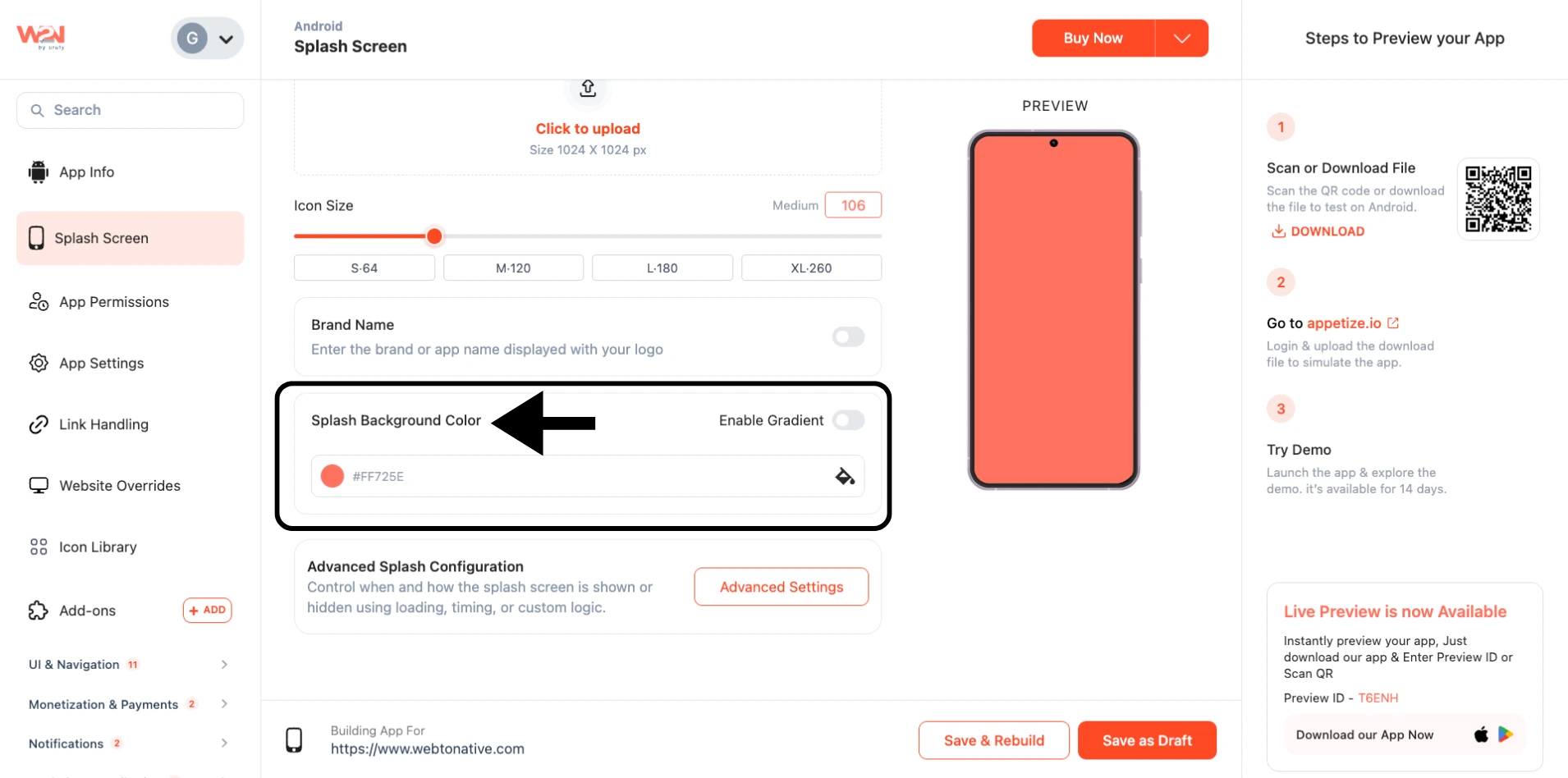
Splash Background Color
The Splash Background Color appears while your app is loading, helping create a smoother and more polished startup experience. It fills the screen behind your splash logo or loading content, reducing blank flashes during launch. Choosing a color that matches your brand or website theme helps your app feel more consistent and professional.
Select Background Color
Set the color directly from the color palette
Enable Gradient
Blend two or more colors together instead of showing a single solid color
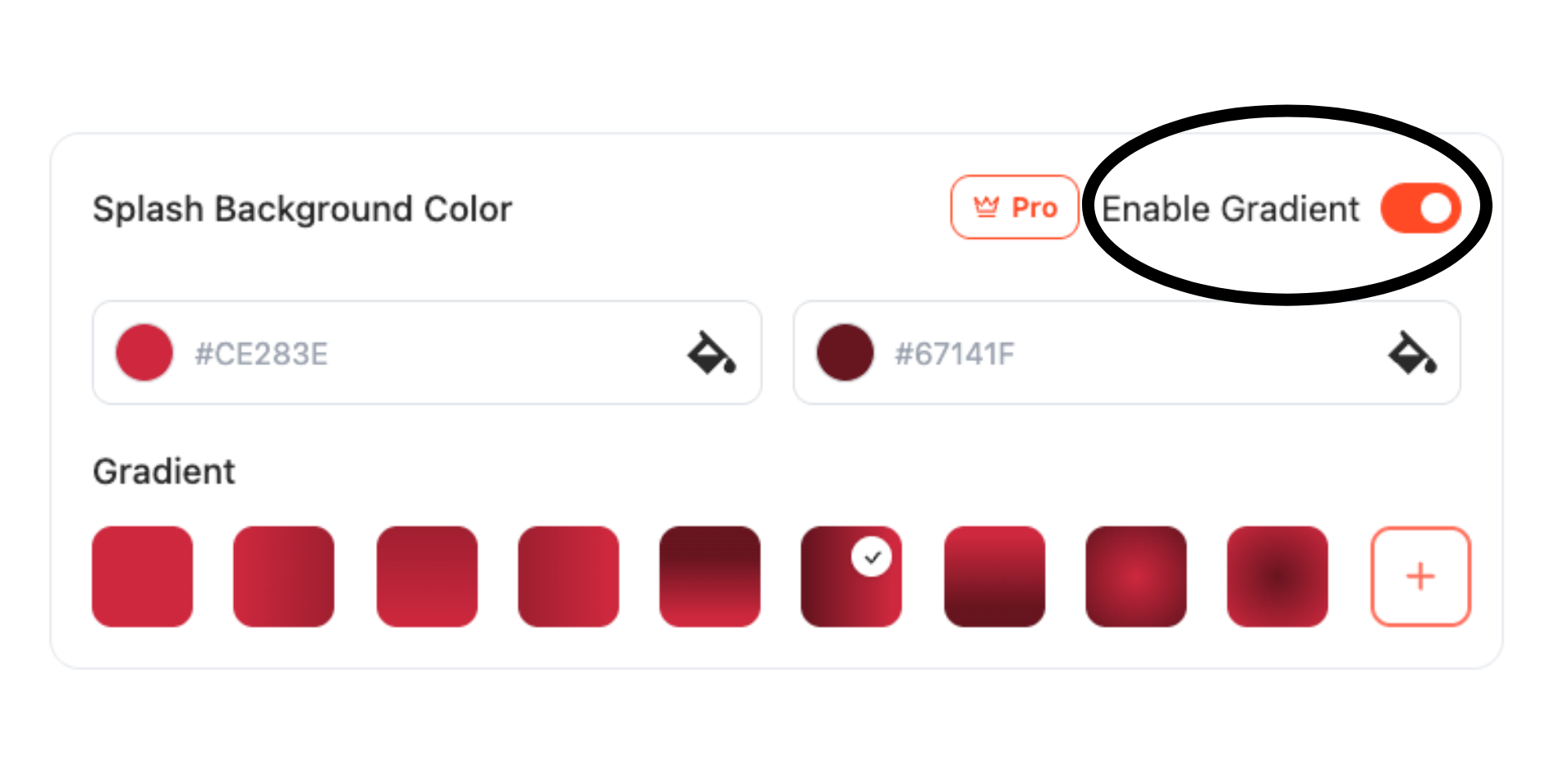
Pro plan required to Enable Gradient and access gradient backgrounds. If you're on a free plan, this toggle is locked.
Choose the Color
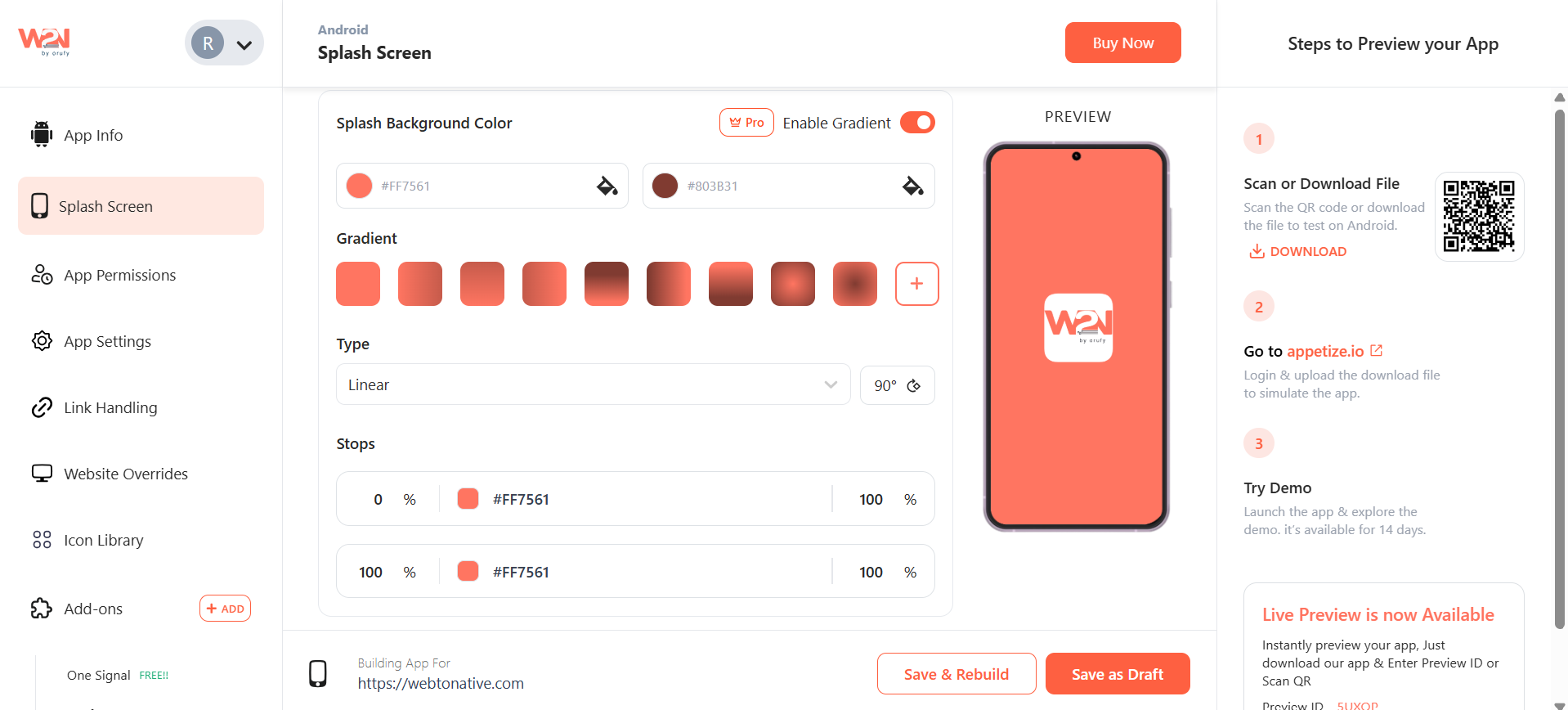
You have to select the two colors to create a perfect gradient effect or create your own gradient effect by clicking on the “+” icon.
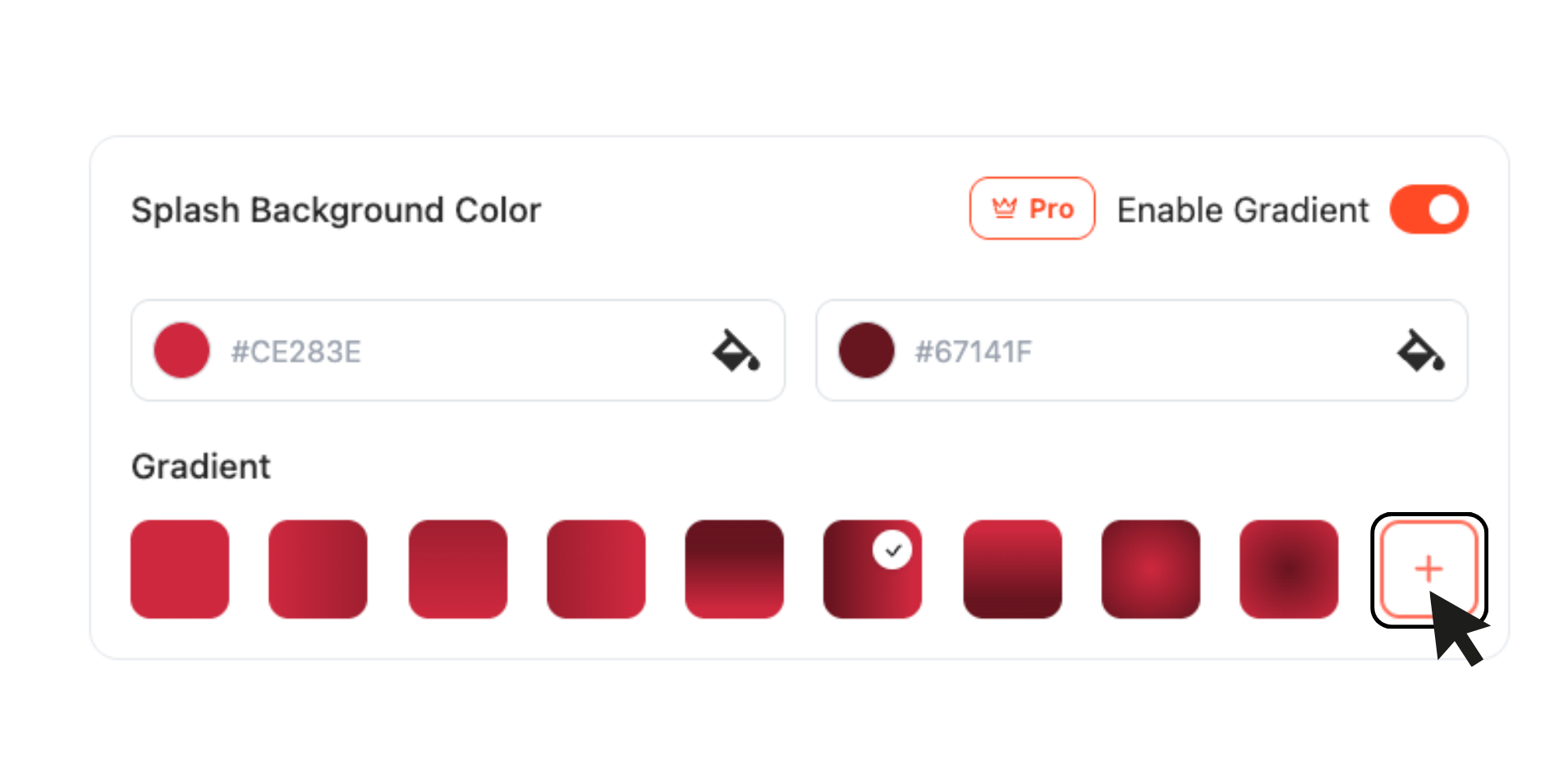
Tap on + icon
By clicking on the "+" icon, two options will appear - Type and Stops
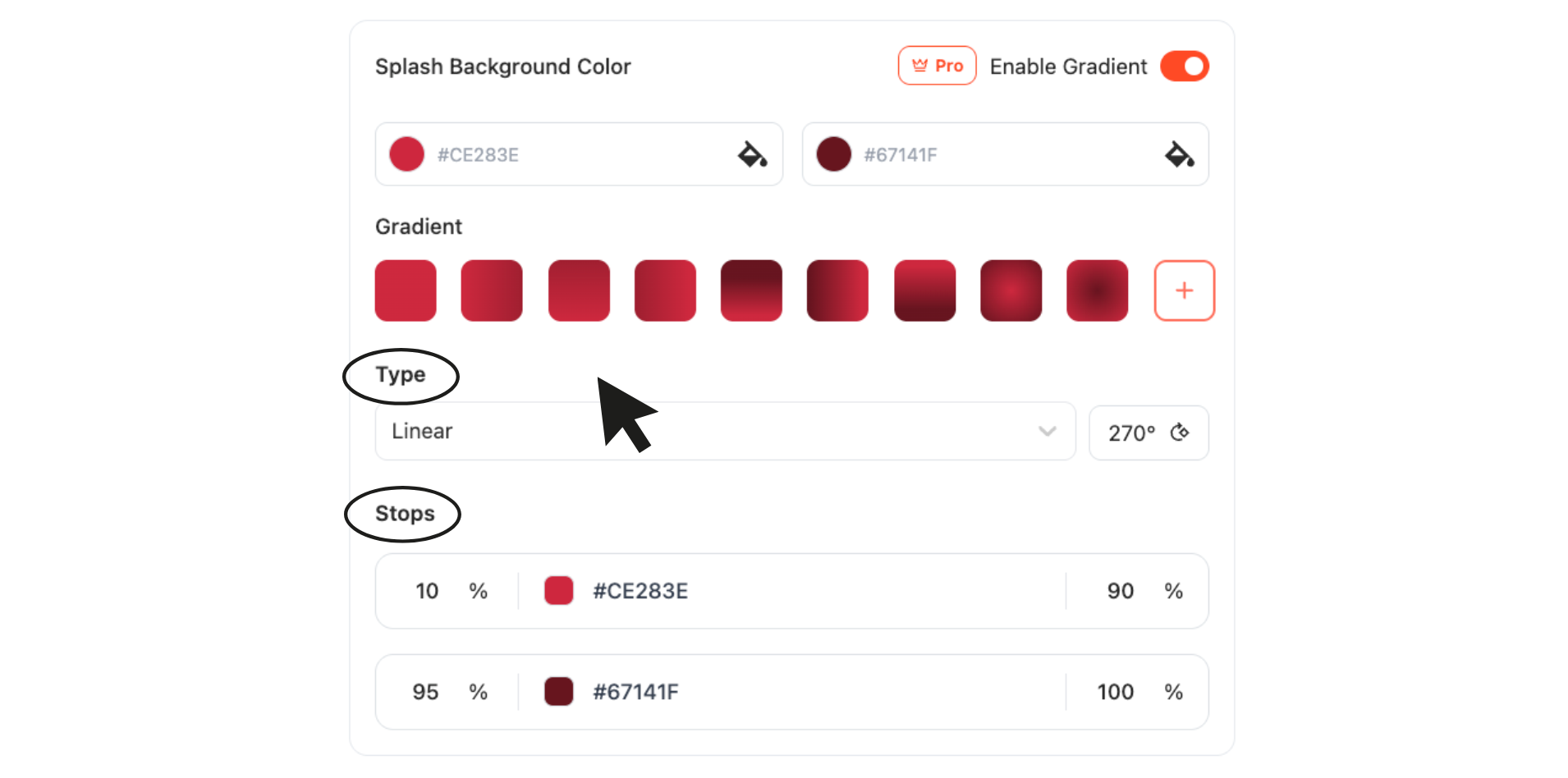
Type
-
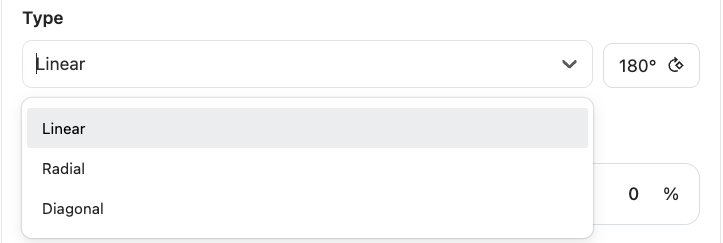
Select the type of gradient effect - Linear, Radial, and Diagonal.
-
You can also adjust the direction of the gradient effect by clicking on the “Degree” option. It includes 90, 180, 270, and 360.
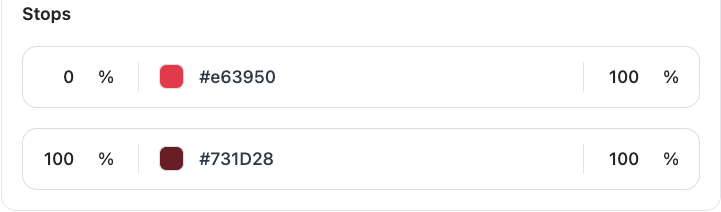
Stops
- You can control how the two colors will be distributed in the gradient. You can control them using the % of the colors and how much effect they will have on the screen.
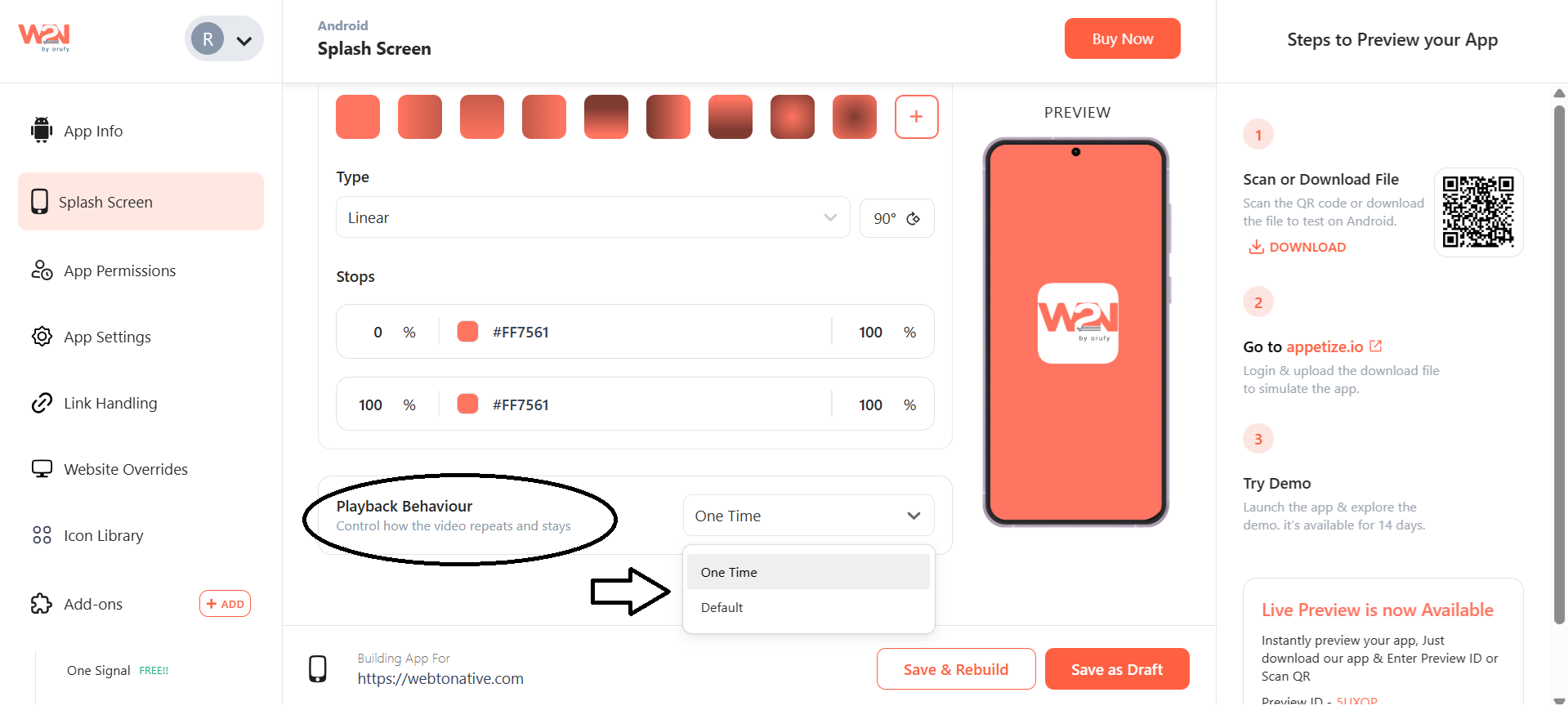
Playback Behaviour
- Use Playback Behavior to control how long the splash screen stays and how often it repeats.

There are two options available - One Time and Default
1. One Time
Choosing this option allows the splash screen to appear only one time.
2. Default
If you have chosen this option, an advanced configuration settings block will disclose further customizations.