



A SHA key (SHA-1 or SHA-256) is a cryptographic fingerprint generated from your Android app's signing certificate. Google uses this fingerprint to verify that the app requesting Google Login is actually your app — not a fake copy impersonating it. It links your specific signing certificate and package name to your OAuth 2.0 credentials.
The SHA-1 certificate fingerprint is required when setting up Google Login for Android in Google Cloud Console.
If you add a SHA key from Google Play Console, you must verify your Google Login setup using only the Play Console SHA key — not the one from WebToNative. Using a WebToNative-sourced SHA key when your project is configured with a Play Console key will cause authentication failures.
How to get your SHA-1 key from Google Play Console
Sign in to Google Play Console
Go to play.google.com/console and sign in with your developer account.
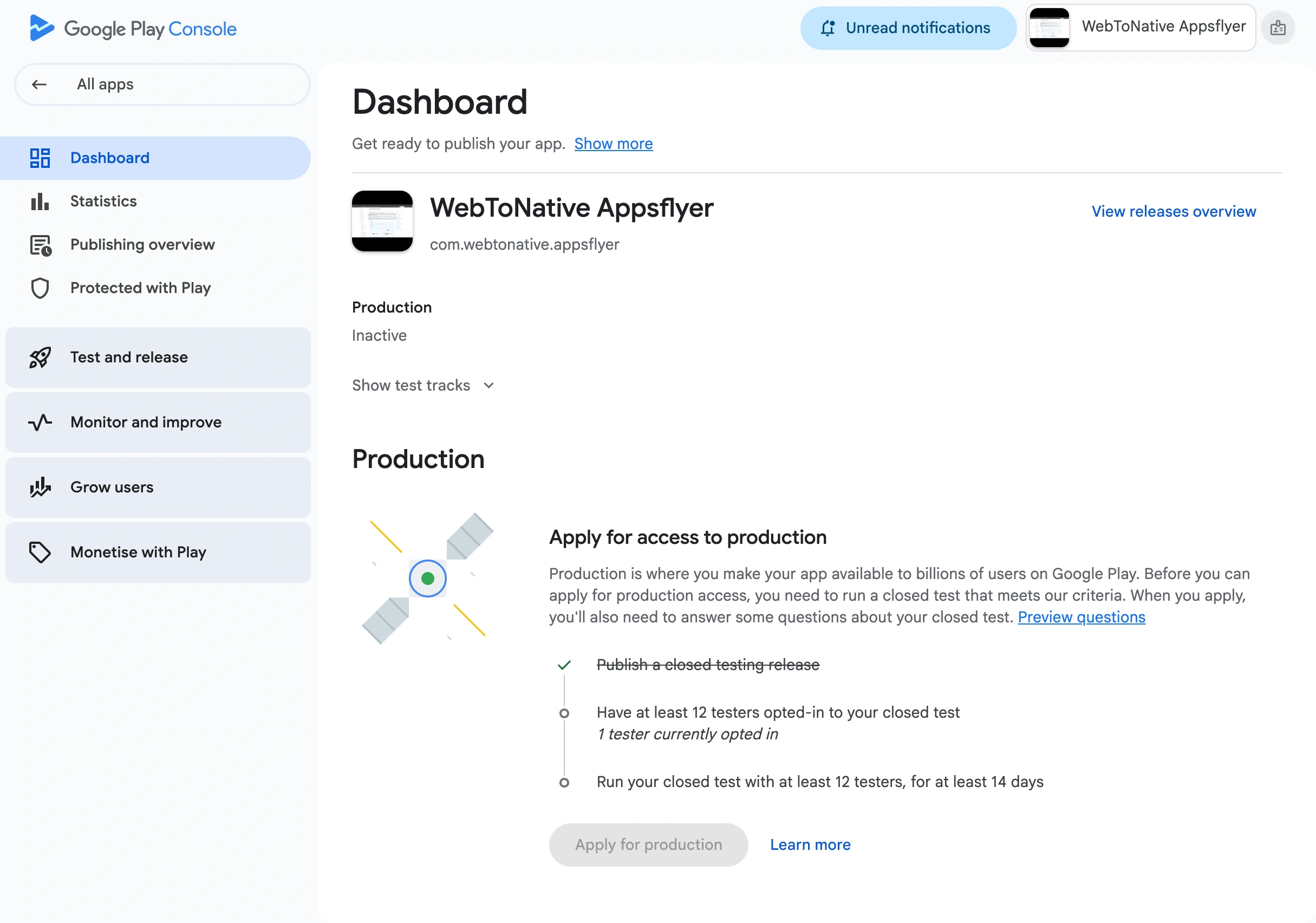
Create your app (if not already created)
Click Create App and fill in the required details.
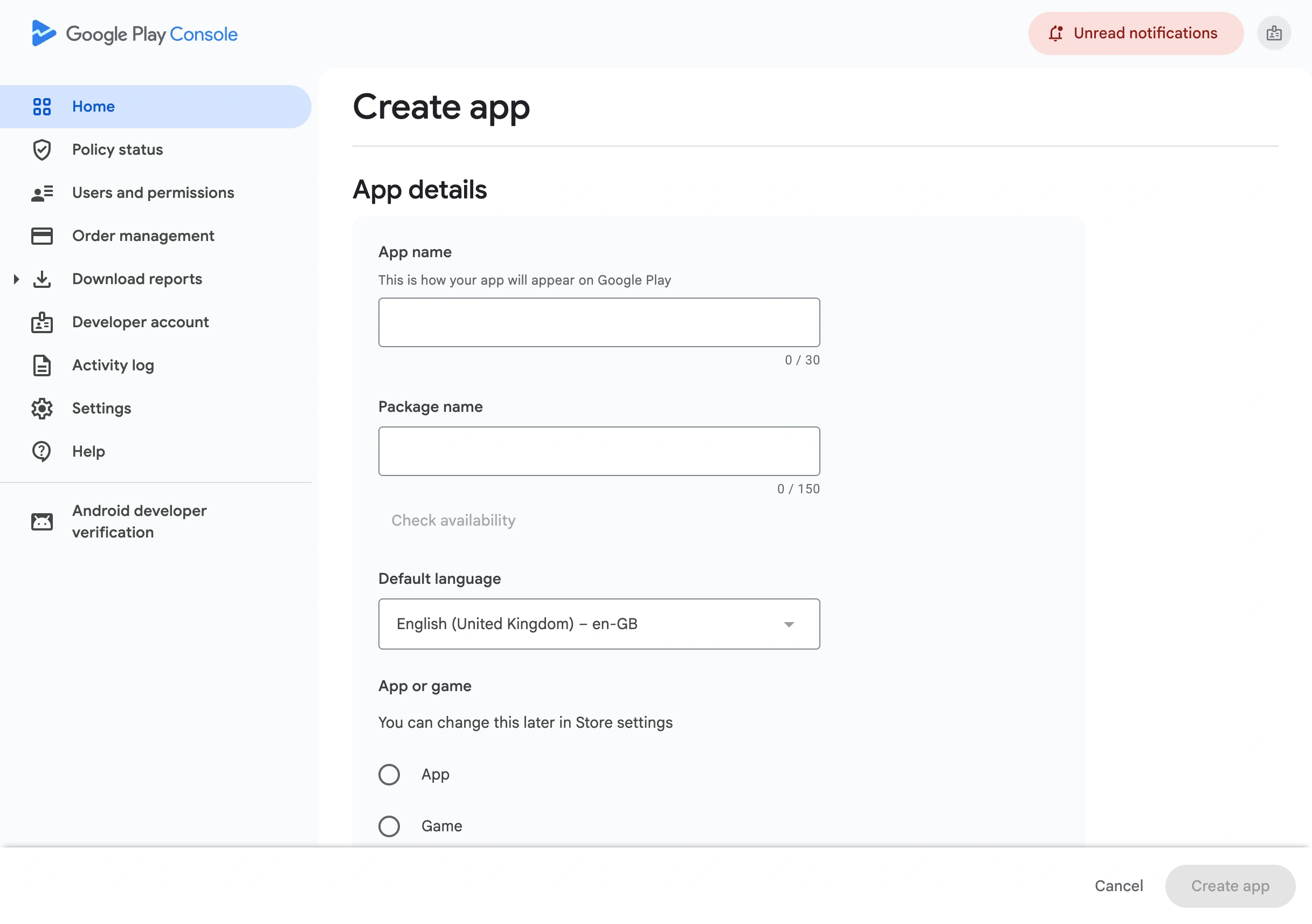
Enter the app details
Fill in the required fields: App Name, Package Name, Default Language, App or Game, Free or Paid, and accept the Declarations. Click Create App.
Go to the app Dashboard
After creating the app, you land on the app dashboard. If you already have an app, select it from the app list.
Find Protected With Play
In the left sidebar, look for the Protected with Play section.
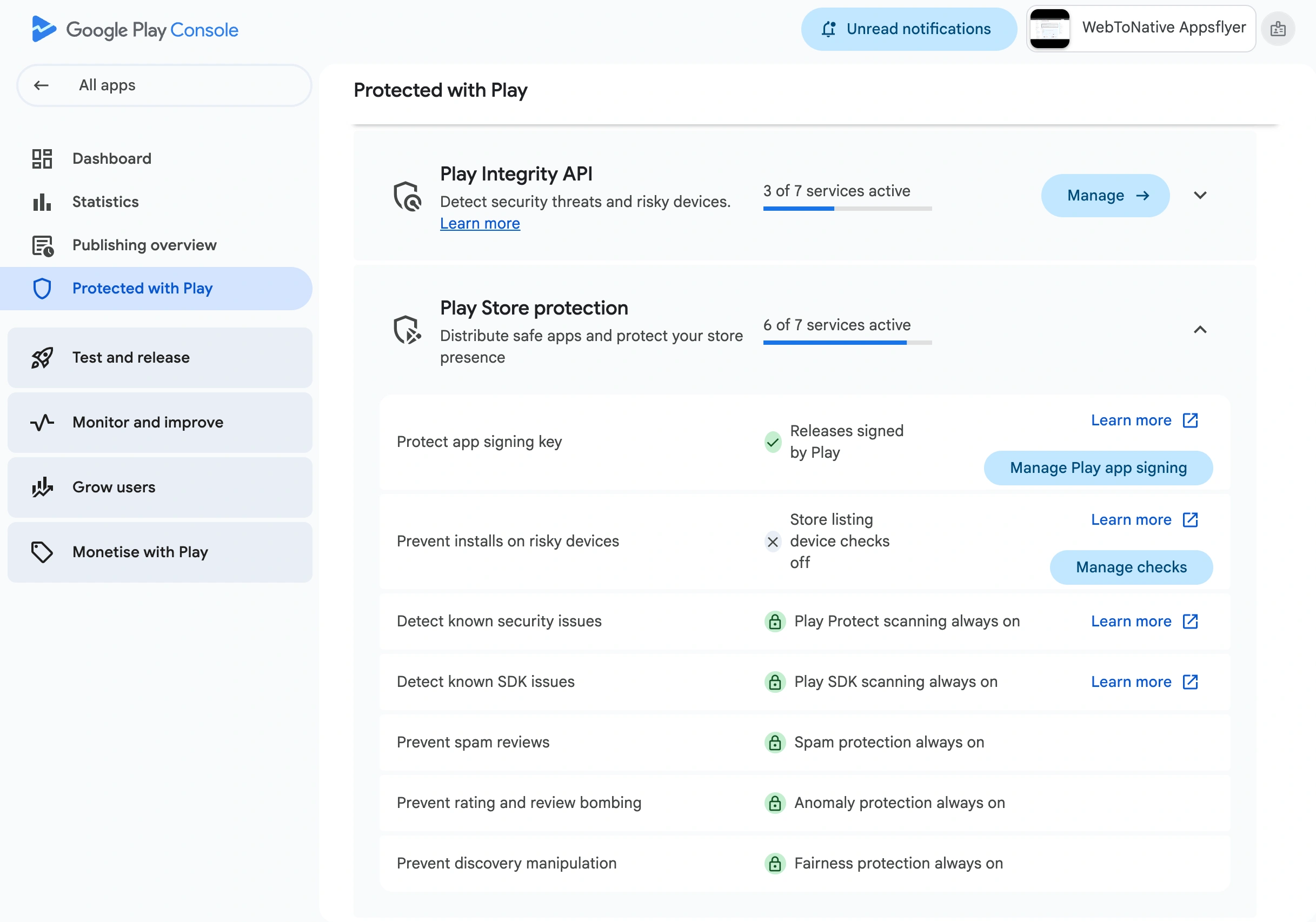
Open Play Store Protection
Expand the Play Store Protection menu.
Click Manage Play App Signing
Select Manage Play App Signing from the expanded options.
Copy the SHA-1 key
Under App signing key certificate, find the SHA-1 certificate fingerprint. Copy it — this is the value you'll paste when configuring your Google OAuth Client ID for Android.
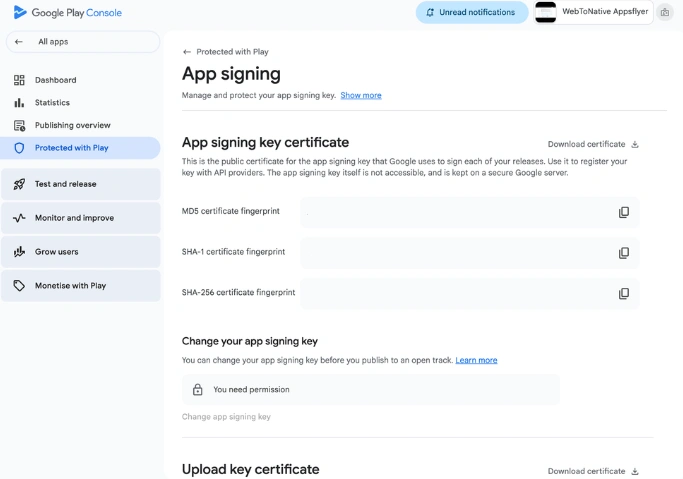
The fingerprint looks like: AB:CD:EF:12:34:56:78:90:AB:CD:EF:12:34:56:78:90:AB:CD:EF:12
Once you have the SHA-1 key, go to Create Google OAuth Client ID → to use it when setting up your Android OAuth credential in Google Cloud Console. https://www.webtonative.com/support/socialloginintegrations/creategoogleoauthclientid (opens in a new tab)
Frequently Asked Question
What if my app isn't published yet — can I still get the SHA key?
Yes — you can get the SHA-1 key from Google Play Console as soon as you create the app entry, even before publishing. You just need to create an app and go through the App Signing section. The key is available regardless of publish status.
Do I use the SHA key from WebToNative or Google Play Console?
If you are using Google Play App Signing (the default for new apps), use the SHA-1 key from Google Play Console → App Signing. WebToNative also provides a key, but if your Google Cloud OAuth client was configured with the Play Console key, you must use that one consistently.
The native Google account UI isn't appearing on Android — what should I check?
Check the SHA-1 key you entered in Google Cloud Console. Is it from Google Play Console or from WebToNative? If you used the Play Store SHA-1, the native Google account picker will only appear when the app is installed directly from the Play Store — not from a development build or a manual APK install. To test it, publish the app to Play Store (even as an internal test track), download it from there, and try Google Login again.