
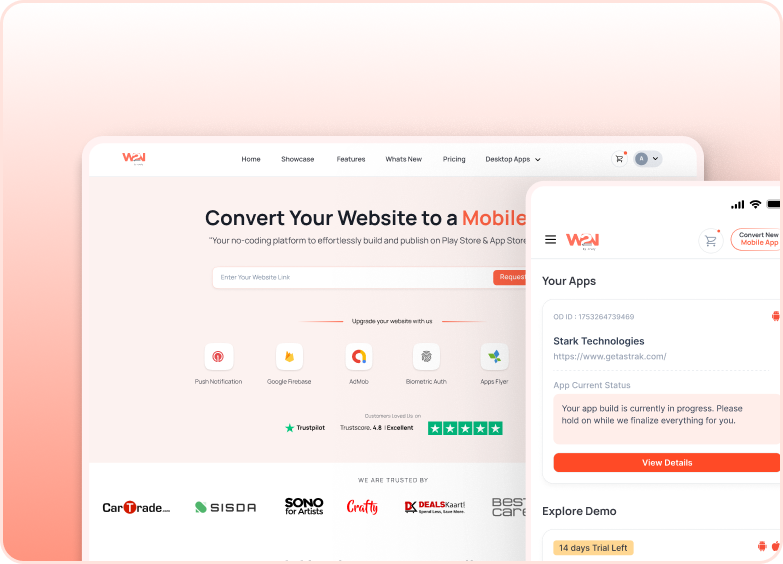


Webtonative Push
Webtonative Push is Webtonative's own push notification service for Android and iOS apps. It lets you reach your app users with short messages on their phone, even when the app is closed, and manage everything from your Webtonative dashboard instead of a separate push provider.
A push notification appears on the user's lock screen or notification tray. When the user taps it, your app opens on the page you chose. This makes push one of the most direct ways to bring users back to your app.
When Do You Need Webtonative Push?
Reach Users Instantly
Tell users about something that matters right now, such as a confirmed order, a reply or a booking change.
Promote Offers
Announce a sale, a new product or an event to all users, or only to users who are likely to care.
Share Timely Reminders
Remind users about an appointment, a payment due date or an item left in their cart.
Bring Users Back
Re-engage users who have not opened your app in a while with a reason to come back.
How Webtonative Push Works
Each platform delivers notifications through its own official service. Webtonative connects your app to that service, so your notifications reach devices the same way as notifications from any other app.
Android: notifications are delivered through Firebase Cloud Messaging (FCM), Google's push service. Webtonative can create a Firebase project for you with your Google account, or use a project you already have. Android push works on your demo app before purchase.
iOS: notifications are delivered through Apple Push Notification service (APNs). Webtonative uses an APNs key from your Apple Developer account. iOS push becomes available after you purchase your app.
Key Terms
-
Subscriber: a device that has your app installed and has allowed notifications. Only subscribers can receive push notifications.
-
External User ID: your own ID for a logged-in user, linked to their device from your website. It lets you send to one person on all of their devices.
-
Tag: a label saved on a device, such as plan = premium or city = Pune, used to reach a group of users.
-
Audience: who receives a notification: everyone, or specific users chosen by tag, email, external user ID, app version or subscription date.
-
Launch URL: the page that opens in your app when the user taps the notification.
How Does Webtonative Push Benefit You?
No Third-Party Account
Push is built into Webtonative. You do not need a OneSignal account or the Firebase console to send notifications.
Guests and Logged-In Users
Every user who allows notifications can be reached, whether they are logged in or browsing as a guest.
One Place for Android and iOS
Send the same notification to both platforms from one dashboard, or choose one platform only.
Know What Happened
See how many notifications were sent, delivered, failed and opened, for each platform.
Who Receives Your Notifications?
A user becomes reachable as soon as they allow notifications in your app. Logging in is not required. When a logged-in user's device is linked to their external user ID or email, you can also send to that person directly. Tags saved from your website let you reach groups of users.
To link users and save tags from your website, see the Webtonative Notifications functions (opens in a new tab). For request formats and examples, see the Webtonative API documentation (opens in a new tab).
Webtonative Push, OneSignal or Firebase?
Webtonative supports three ways to send push notifications. You choose one on the Push Notification page of your app.
-
Webtonative Push: set up, send, schedule and track notifications from your Webtonative dashboard, with no third-party account.
-
OneSignal: connect your OneSignal account and send from OneSignal's dashboard.
-
Firebase: connect your Firebase project and send from the Firebase console or your own server.
Learn More
-
Webtonative Push Configuration (opens in a new tab): connect Android and iOS to Webtonative Push.
-
Webtonative Push Dashboard (opens in a new tab): create, test, send, schedule and track notifications.
Things to Know
-
On Android 13 and above, and on iOS, users must allow notifications before they receive any.
-
iOS push needs a purchased app and an Apple Developer account.
Frequently Asked Questions
1. What is the difference between a push notification and an in-app message?
A push notification reaches the user's phone even when your app is closed. An in-app message is shown only while the user is using the app.
2. Do I need a OneSignal or Firebase account?
No OneSignal account is needed. For Android, Webtonative can create a Firebase project for you through your Google account, so you do not have to set up Firebase yourself.
3. Is Webtonative Push included in my plan?
Yes. Webtonative Push is included in every subscription plan. iOS push becomes available after you purchase your app.
4. Can I reach users who are not logged in?
Yes. Any user who allows notifications can be reached. Logging in only adds an external user ID or email you can target.
5. Will users get notifications if my app is closed?
Yes. Notifications are delivered by Google and Apple, so they arrive even when your app is closed, as long as the user allowed notifications.
6. Can one user receive notifications on more than one device?
Yes. A notification sent to a user's external user ID or email reaches every device linked to that user.
7. Do I need to update my app on the stores?
Yes. Push is part of the native build, so publish the rebuilt app for your store users to receive notifications.